Graphics Card Price in Bangladesh
Graphics Card
12
/187
Filter
Filter
Description
When building or upgrading your PC, one of the most critical components to consider is the graphics card (GPU). Whether you're a gamer seeking high FPS, a professional video editor, or someone diving into AI development, choosing the right GPU can drastically impact your system’s performance. A GPU is not just responsible for rendering images—it accelerates everything from gaming visuals to complex 3D rendering and machine learning.
However, selecting the perfect GPU involves more than just picking the most powerful card available; it’s about finding the ideal match for your specific needs. To get the most out of your GPU, it’s essential to also consider how it works in harmony with other components like your processor, motherboard, cooler, and power supply unit (PSU). Understanding these relationships is key to building a balanced system that will deliver peak performance. Let’s dive into the world of GPUs and explore how you can select the best one for your work.
Key Features and Benefits of a Graphics Card
The Graphics Card (GPU) is the dedicated processor that acts as the visual engine for any performance-focused PC, directly governing frame rates, rendering speeds, and maximum display resolution. Selecting the correct GPU in the Bangladesh market requires carefully matching its technical features to your workload, whether it be competitive gaming or professional content creation.
Memory Type and Capacity (VRAM)
VRAM (Video Random Access Memory) is the ultra-fast memory dedicated to storing graphical assets, such as high-resolution textures and complex geometry data.
VRAM Type:
The newest high-end NVIDIA cards use GDDR7 memory, which provides significantly increased bandwidth for data-intensive tasks. AMD cards generally utilize high-speed GDDR6 memory.
Display Connectivity: VGA, DVI, HDMI, and DisplayPort
The physical outputs on the graphics card determine its maximum resolution and refresh rate support.
- HDMI and DisplayPort (DP): These are the modern standards. Current GPUs feature outputs like HDMI 2.1 and DisplayPort 2.1b. These ports are essential for supporting high-refresh-rate monitors and resolutions up to 7680x4320 (8K).
- VGA and DVI: These older analog and digital ports are omitted from all modern mid-to-high-end graphics cards. They are only found on older or entry-level models (like the GT 730).
Benefits and Multi-Display Capability
A modern GPU is a powerful asset for both productivity and gaming:
- Multi-Display Capability: All modern mid-range and high-end cards offer support for connecting multiple screens, typically up to Quad Display (four monitors), via their DP and HDMI outputs. This is vital for multitaskers, streamers, and developers.
- Gaming Features: NVIDIA's DLSS and AMD's FSR 3 utilize AI and upscaling techniques to boost frame rates significantly, making high-resolution gaming more accessible on mid-range hardware.
- Professional Work: GPU's high CUDA Cores (NVIDIA) or Stream Processors (AMD) are critical for accelerating video editing, 3D rendering, and machine learning, drastically reducing project completion times.
- Compatibility: Remember to check the card's physical dimensions and the recommended power supply unit (PSU) requirement (e.g., the RX 7700 XT recommends a 750W PSU with two 8-pin connectors) to ensure it fits and runs reliably in your PC casing.
Popular Graphics Card Brand in Bangladesh
ASUS is renowned for its premium ROG Strix series, offering exceptional cooling and advanced features, making it ideal for high-end enthusiasts. Their innovative Wing-blade Fan designs and DirectCU III technology ensure outstanding thermal performance. MSI is another prominent player, known for its GAMING X TRIO and VENTUS series, featuring robust cooling systems like the TRI FROZR design with TORX Fan 5.0 technology. GIGABYTE, with its AORUS and WINDFORCE systems, is popular for efficient heat transfer and competitive pricing. ZOTAC is well-known for its compact designs and high-performance models like the AMP Extreme INFINITY, making it a favorite for ITX builds. PNY targets professionals and workstations, offering reliability and stability, especially within NVIDIA’s professional line. Other notable brands in Bangladesh include Sapphire, recognized for its premium AMD-based solutions, and PowerColor, which is famed for its high-performance cooling in the Radeon segment.
For budget-conscious gamers and those seeking affordability without sacrificing performance, AFOX and Arktek stand out with their cost-effective solutions. Biostar provides reliable GPUs that cater to general users and casual gamers, while Palit is known for delivering great value with reliable cooling in mid-range models. XFX is an established AMD partner, offering efficient thermal solutions, and Colorful is growing in popularity due to its unique iGame line with eye-catching aesthetics. Meanwhile, Galax is famous among overclockers for its premium aesthetics and component quality. Asrock offers competitive Radeon models, while Leadtek continues its legacy of stable designs from low-end to high-end GeForce cards. Acer, primarily a global PC manufacturer, offers GPUs optimized for its integrated gaming systems, notably in the Predator and Nitro laptop series.
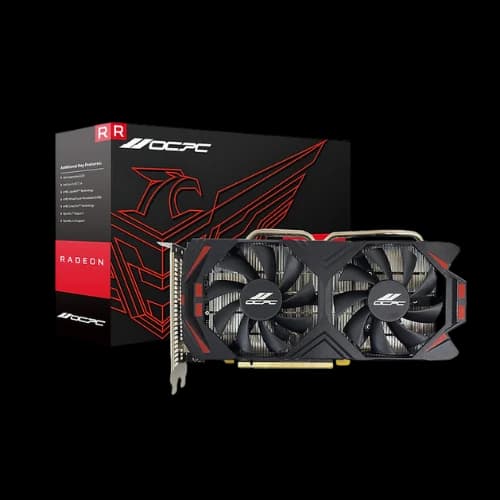
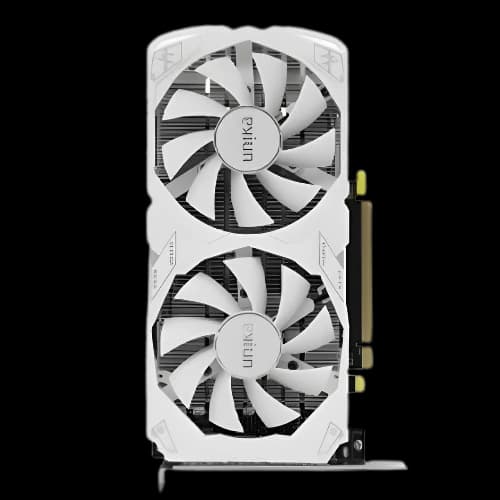
For those who prioritize budget-friendly performance and stability, Intel and Nvidia dominate with their powerful chipsets, while EVGA, despite exiting the GPU market, still has a strong reputation for its engineering and thermal solutions. MAXSUN provides competitive pricing with strong cooling in both Intel Arc and NVIDIA chipsets, while Gunnir offers diverse Intel Arc models appealing to both gamers and content creators. Sparkle focuses on energy-efficient, compact designs like the Intel Arc A310 ECO, which is suited for small-form-factor builds. PELADN, a value-oriented brand, competes well in the budget gaming segment with a wide range of AMD and NVIDIA cards. Finally, OCPC provides a variety of configurations from low to high-end models, catering to different user needs. Yeston stands out with its themed aesthetics, like the Sakura Atlantis series, and offers strong performance for gamers who want unique visual styles. Unika and Ninja are rising brands that appeal to entry-level users looking for affordability and good value, while ONIX and INNO3D are recognized for offering reliable NVIDIA performance at competitive prices. JieShuo and Manli also focus on cost-effective solutions, providing solid performance with a focus on affordability for general users
How to Choose the Best Graphics Card for Your Needs
The Graphics Card (GPU) is the dedicated engine that determines your PC's capability, making the selection process critical for maximizing performance, whether you are a competitive gamer, a video editor, or a 3D professional. Matching the correct GPU series and VRAM to your workflow is the key to a successful, cost-effective build in the Bangladeshi market.
Graphics Card for Gamers
Gamers demand high Frames Per Second (FPS) and utilize advanced features like Ray Tracing and AI Upscaling (DLSS) for an immersive experience.
Mid-Range 1440p Gaming:
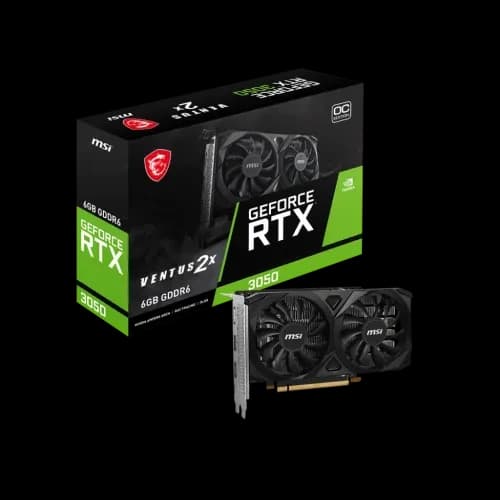
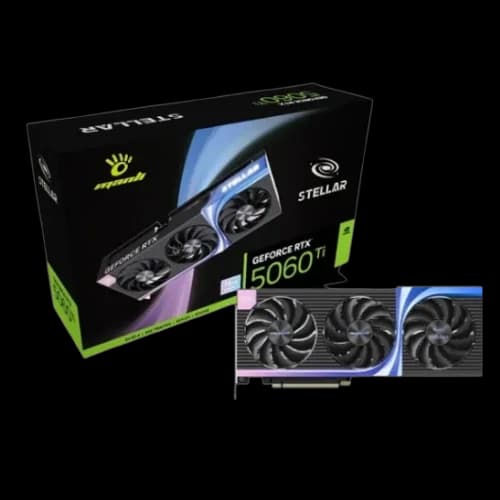
The NVIDIA GeForce RTX 5070 series, with its 12GB GDDR7 VRAM, is ideal for smooth 1440p gaming and affordable performance. Models like the MSI GeForce RTX 5070 12G VENTUS 2X OC start around ৳86,900. The RTX 5060 Ti is a highly popular entry point for 1440p, with 8GB GDDR7 models starting from around ৳68,900.
High-End 4K Gaming:
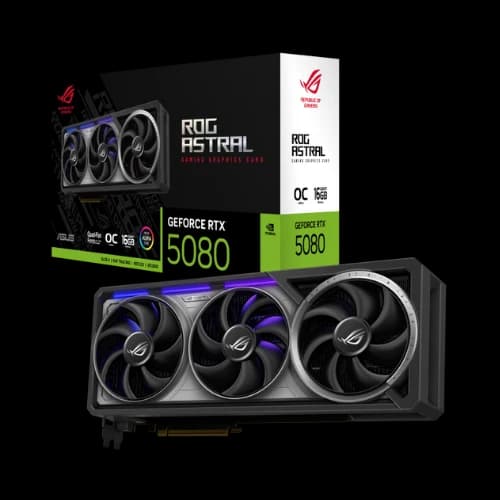
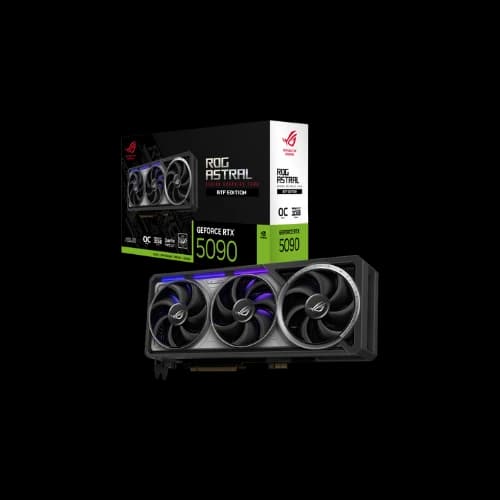
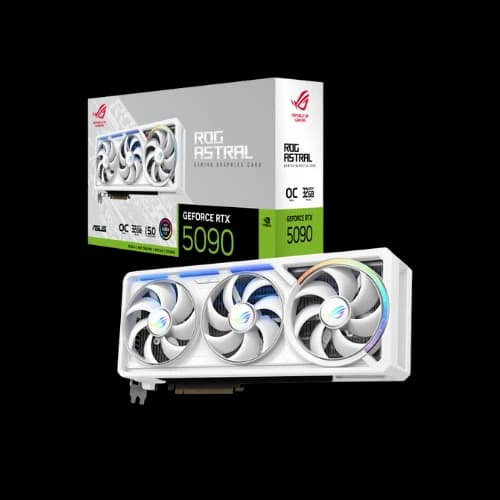
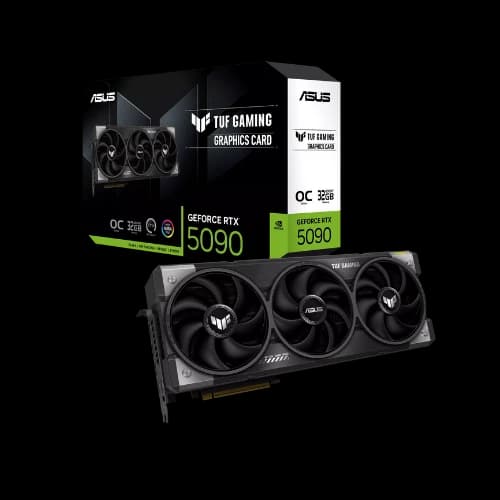
Enthusiast gamers target the RTX 5080 and RTX 5090 series, which feature 16GB to 32GB GDDR7 memory. These cards provide the power for 4K and even 8K gaming at high refresh rates.
Graphics Card for Video Editing and 3D Rendering
For creative professionals, the requirements shift from pure frame rates to processing power (CUDA/Stream Cores) and VRAM capacity, which directly impact render times and handling complex projects. NVIDIA cards are highly regarded for creative work due to their greater data transfer rates.
Video Editing:
Professional video editors require a card with a high core count and ample VRAM to manage complex timelines and effects. The NVIDIA GeForce RTX 5090 leverages the latest 9th-generation NVENC encoder to help users edit video far faster than its predecessors. Mid-range creators find the RTX 5070 series to be a capable tool for their workflows.
What Is VRAM in a Graphics Card?
Video Random Access Memory (VRAM) is a high-performance variant of RAM engineered specifically for graphics processing units (GPUs). Its primary function is to store the image, texture, shading, and frame data required to render visuals on a computer’s display. Unlike standard system RAM, which the CPU uses for general tasks, VRAM is dedicated exclusively to handling visual and graphical workloads.
How Much VRAM do you need for your work?
When considering how much VRAM (video RAM) you need for your work, it largely depends on the type of tasks and the resolution you're dealing with.
For general productivity and office work, such as browsing or video playback at 1080p, you only need around 2 to 4 GB of VRAM. This is because basic desktop graphics and web activities require minimal video memory. For casual gaming or light creative work, such as moderate textures at 1080p, 6 GB is typically sufficient to handle most modern games or light tasks in Photoshop without performance issues.
In the case of professional video editing, where you work with 4K footage and timeline effects, the VRAM requirements increase to 8 to 12 GB. This is due to the need to handle large memory chunks during the playback and rendering of 4K frames and high-bitrate codecs. For 3D modeling and animation, especially with medium to large scenes in programs like Blender, Maya, or Cinema 4D, you will need between 12 and 16 GB of VRAM. This is because complex geometries and texture maps quickly scale memory demands as the scene size grows.
How Does A Graphics Card Work?
A Graphics Card, also known as a video card or display adapter, is a specialized expansion card that generates the visual output feed for a monitor or display device. Its primary purpose is to act as a translator, taking binary data from the Central Processing Unit (CPU) and converting it into the image you see on the screen.
The graphics card is essentially a computer within a computer, containing its own dedicated components:
- Graphics Processing Unit (GPU): The main processor responsible for performing complex mathematical and geometric calculations necessary for graphics rendering. Unlike a CPU, which excels at doing a variety of tasks sequentially, a GPU has hundreds or thousands of simpler, specialized cores optimized to perform many calculations in parallel (simultaneously), making it ideal for visual tasks.
- Video Memory (VRAM): Dedicated, high-speed RAM (often GDDR type) located directly on the graphics card. VRAM's function is to store all the data the GPU needs for rapid access, such as textures, shadows, frame buffers (completed images ready to display), and other graphical information. Because it is separate from system RAM, a graphics card can offload work from the CPU and improve overall system performance.
- Cooling System: Due to the intensive parallel calculations, the GPU generates significant heat. Graphics cards incorporate dedicated cooling components like heat sinks, fans, or liquid cooling to ensure stability and maximum performance.
- Output Interfaces: These are the physical ports (HDMI, DisplayPort, DVI, etc.) that send the processed visual signal to your monitor.
The Graphics Rendering Process
The process of displaying a 3D image involves the GPU going through several high-speed steps:
- Instruction from CPU: The CPU and software (like a game or rendering program) send data about the image's structure (geometry, lines, movement) to the graphics card via the motherboard slot (typically PCI Express).
- Wire Frame & Calculation: The GPU first creates a foundational wire frame of the 3D objects. It then performs millions of parallel calculations to determine the precise location, color, texture, and lighting for every single pixel on the screen (pixels are the tiny dots that make up the image).
- Rasterization and Storage: The GPU rasterizes the image, filling in the remaining pixels. It stores the necessary textures and shadow data in its VRAM for fast access during this process.
- Frame Buffer: The completed image is temporarily stored in a dedicated section of the VRAM called the frame buffer.
- Output: The completed image data is sent from the frame buffer through the output ports (HDMI/DisplayPort) to the monitor, which then displays the final picture
Advantages of Using High-End Graphics Cards
Gaming Performance
Highest Possible Resolutions and Frame Rates:
A powerful dedicated card enables a PC to run the latest AAA games at demanding settings like 4K or 1440p Ultra, while maintaining high frame rates. This is simply not possible with integrated graphics. The dedicated card uses its own memory and resources for graphical calculations, freeing up the Central Processing Unit (CPU) and system RAM.
Next-Generation Visuals (Ray Tracing)
High-end GPUs come equipped with dedicated cores (like NVIDIA's RT Cores) designed to accelerate Ray Tracing technology. Ray Tracing creates extremely realistic lighting, shadows, and reflections by simulating the physical behavior of light, taking the game's graphical fidelity to the next level.
AI-Enhanced Performance (Upscaling and Frame Generation)
Modern flagship cards leverage Tensor Cores or similar AI hardware to run technologies like NVIDIA DLSS or AMD FSR. These features use Artificial Intelligence to render a game at a lower resolution and then upscale it to high-resolution output (like 4K), simultaneously generating new frames (Frame Generation). This significantly multiplies the frame rate with minimal loss in image quality, ensuring a smooth experience even in the most graphically intense scenarios.
Professional Productivity
Accelerated Video Editing and Rendering
Video editing and encoding are extremely resource-intensive processes. GPUs incorporate specialized hardware encoders (like NVIDIA NVENC or AMD Enhanced Media Engine) and decoders that can process and compress video data up to 5-20 times faster than relying solely on the CPU. This results in quicker export times and smoother playback of high-resolution (4K to 8K) timelines without using proxies.
3D Graphics Rendering and Design
For tasks like 3D modeling, animation, and visual effects (VFX), GPUs are indispensable. Software like Blender, Adobe Substance 3D, and V-Ray utilize the GPU's many cores (CUDA acceleration in the case of NVIDIA) and dedicated Ray Tracing hardware to rapidly generate photorealistic images and accelerate viewport performance.
Best Graphics Card Buying Guide
Main Point: Basic Home & Office Use
For web browsing, streaming video, and office applications (like Microsoft Office), you do not need a separate, expensive graphics card. The integrated graphics (iGPU) built into modern processors from Intel and AMD are perfectly sufficient for these tasks.
1080p (Full HD) Gaming
This is the most popular resolution for mainstream and eSports gaming. The goal is a smooth 60 frames per second (FPS) or more. For longevity and to handle modern games, look for cards with at least 8GB of VRAM. This tier includes entry-level to mid-range cards.
4K (UHD) Gaming & VR
This is the high-end enthusiast tier, demanding maximum performance. To run games smoothly at 4K, you should only consider high-end cards with 16GB of VRAM or more. This includes top-tier cards where prices climb significantly.
Professional Content Creation (Video, 3D)
For 4K/8K video editing, 3D rendering, and graphic design, performance is key. NVIDIA cards are often preferred due to their stable drivers and widespread software support via CUDA cores. Prioritize cards with high VRAM (12GB, 16GB, or 24GB) and strong encoding hardware (NVENC) for fast video exports.
AI, Machine Learning, & Data Science
This is a highly specialized workload, distinct from gaming or standard content creation.
- NVIDIA CUDA is Essential: The NVIDIA CUDA platform is the industry standard for AI. All major frameworks (TensorFlow, PyTorch) are built on it. For this reason, NVIDIA GPUs are the only practical choice for serious AI/ML work.
- VRAM is the Top Priority: Your entire AI model and data batch must fit into the GPU's VRAM. VRAM capacity is more important than raw clock speed. Look for cards with the absolute most VRAM you can afford (e.g., 16GB, 24GB, or professional workstation cards with 48GB+).
- Tensor Cores: Modern NVIDIA RTX cards include Tensor Cores, which are specialized hardware units that provide a massive speedup for the specific mathematical operations used in AI and deep learning.
Why Choose the PCB Store for Your GPU?
Choosing the PCB Store for your GPU or PC parts ensures you receive high-quality products with excellent customer support. With expert staff available to advise on component compatibility and help build systems within your budget, the store also provides extensive after-sales service throughout the product's lifespan.
Additionally, its service center is aligned with brand service centers, ensuring accessibility and expert support. The wide range of products from various brands allows for easy comparisons, while competitive pricing and in-store checks further enhance the shopping experience. Lastly, the customer-friendly return policy ensures peace of mind for every purchase.