CPU Liquid Cooler Price in Bangladesh
CPU Liquid Cooler
12
/159
Filter
Filter
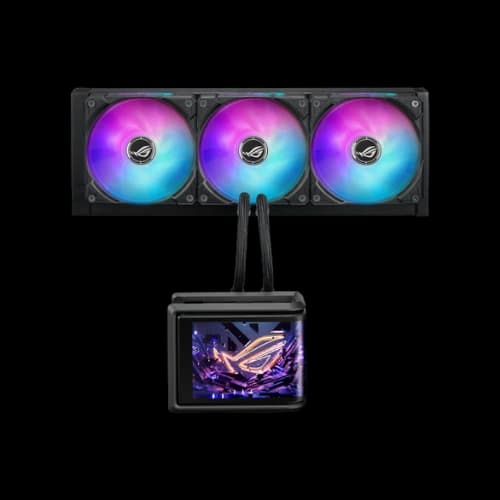
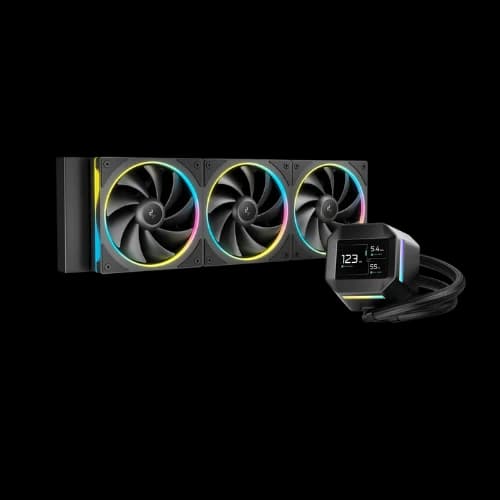
ASUS ROG Ryuo IV SLC 360 ARGB 360mm AIO Liquid CPU Cooler With Display (Black)
CPU Liquid Cooler
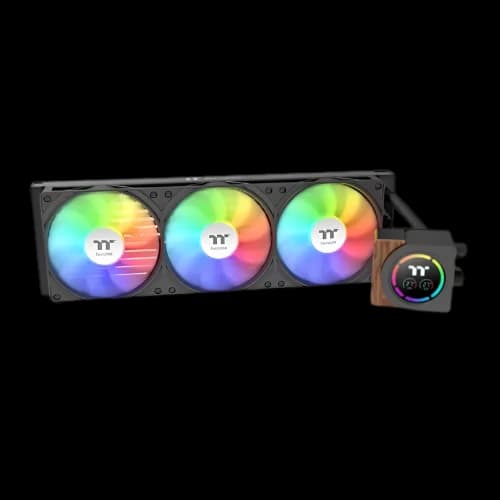

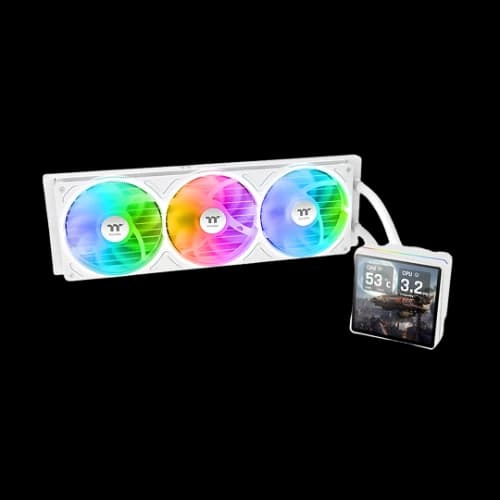
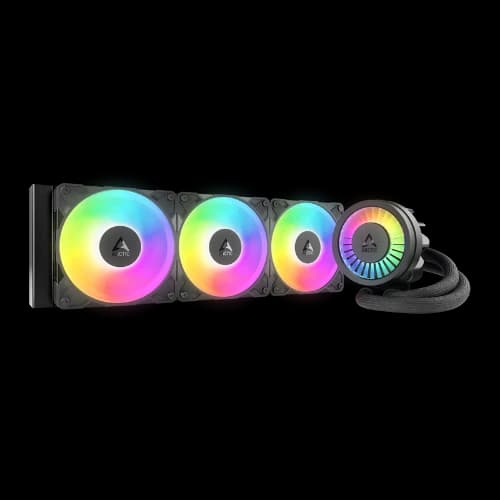
Description
CPU liquid coolers are designed to keep processor temperatures stable when systems are under load. They transfer heat from the CPU into a radiator using liquid coolant, where fans release that heat into the air. Compared with air coolers, liquid coolers often manage sustained workloads more consistently, but they include extra parts like a pump and tubing, so proper case support and reliability are important. When choosing a CPU cooler, it’s also common to consider related components such as casings, cooling fans, thermal paste, processors, and motherboards. There are two main types of liquid cooling available: all-in-one (AIO) and custom loop.
All-in-One (AIO) Liquid Coolers
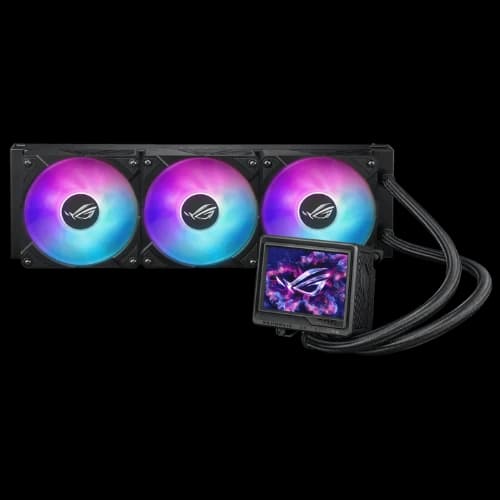
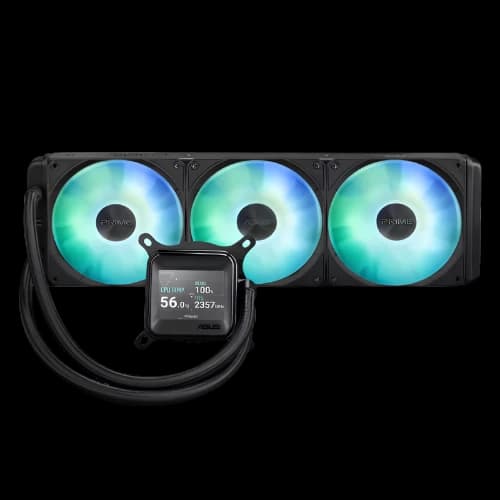
An AIO is a sealed, factory-built cooling system that comes prefilled and ready to install. Because it’s sealed, you don’t assemble the loop or add coolant. The usual parts are a pump block on the CPU, tubes, a radiator, fans, and coolant.
The pump block sits on the CPU and uses a copper cold plate to pull heat from the CPU. The pump pushes warm coolant to the radiator, where fans move air through the fins to release heat, and then the cooled liquid returns to the CPU block.
Radiator sizes and cooling capacity
Common AIO radiator sizes include 120mm, 240mm, 280mm, 360mm, and sometimes 420mm. Larger radiators usually mean lower temperatures or quieter operation because they provide more area to release heat, but real results still depend on case airflow, room temperature, and how hot the CPU runs.
Installation considerations
Make sure your case supports the radiator size and mounting location (top or front). Also check radiator thickness and clearance around RAM, motherboard heatsinks, and GPU length. For reliability and noise, avoid placing the pump as the highest point in the loop, because air can collect in the pump. Fan direction also matters: intake can cool the radiator better but may warm the case inside, while exhaust removes heat more directly but may use warmer internal air.
Pros of AIO coolers
AIOs are simpler than custom loops while still offering liquid-cooling benefits. Mid to large AIOs handle heavy loads well and keep temperatures steady. They also keep the CPU area less crowded than large tower air coolers and often look cleaner, especially in showcase builds.
Cons of AIO coolers
Pumps can create noise and wear out over time. Most AIOs are not meant to be refilled or repaired. Larger radiators need careful case planning, and while leaks are rare with reputable models, liquid systems still have more possible failure points than air coolers.
Best use cases for AIOs
AIOs fit gaming PCs with hotter CPUs, creator systems running long workloads, and anyone who wants strong cooling with a clean look and easier setup than a custom loop.
Custom Loop Liquid Coolers in Bangladesh
A custom loop is built from separate parts that you choose and assemble yourself. It can cool the CPU and often the GPU as well. A typical loop includes a CPU water block, one or more radiators, a pump, a reservoir, tubing and fittings, and coolant (plus an optional GPU block).
Custom loops can deliver excellent cooling and very low noise if you use enough radiator area and good airflow. But performance depends heavily on design choices like radiator size, fan selection, flow rate, and case airflow planning.
Materials, compatibility, and maintenance
Mixing certain metals can cause galvanic corrosion, so many loops use copper or nickel-plated copper parts for better compatibility. Custom loops also require regular upkeep over time, such as checking for leaks, cleaning, and draining/refilling coolant. It’s manageable for experienced users but more involved than using an AIO.
Pros of custom loops
They offer maximum flexibility in parts, layout, and visuals. With enough radiator capacity, they can be quieter while cooling harder. They can also cool multiple components in one loop and allow premium “showcase” aesthetics with custom tubing and coolant styles.
Cons of custom loops
They cost more, take time to plan and build, and require periodic maintenance. If assembled poorly, the leak risk increases due to fittings and seals.
Best use cases for custom loops
Custom loops suit enthusiasts aiming for peak performance and low noise, workstations with long heavy loads, showcase PCs, and users who want to cool both CPU and GPU efficiently.
Liquid Cooler by Size: Find the Best AIO for Your PC Build
- A 120mm AIO is mainly for tight spaces, not maximum cooling. Because the radiator is small, it reaches heat saturation faster under heavy loads and often needs higher fan speeds, which can increase noise. Rear exhaust mounting can also reduce efficiency if the radiator pulls warmer air from inside the case.
- A 140mm AIO is a step up for cases that can’t fit dual-fan radiators. It has more surface area than 120mm and can run quieter because 140mm fans move more air at lower RPM, giving better temperature stability in short bursts.
- A 240mm AIO is the mainstream sweet spot. It offers a big jump in cooling headroom over single-fan radiators and usually stays quieter under load because two fans don’t need extreme RPM to keep temperatures under control.
- A 280mm AIO focuses on strong performance with better noise behaviour. It has more surface area than a 240mm radiator and uses 140mm fans, which often deliver similar or better cooling with a smoother, quieter sound profile.
- A 360mm AIO is built for high-end CPUs and sustained heavy workloads. The larger radiator surface area improves temperature stability and allows lower fan speeds while maintaining strong cooling, which helps the CPU hold boost clocks longer.
- A 420mm AIO is for large cases and maximum headroom. With three 140mm fans and a massive radiator, it can deliver excellent cooling with very low fan RPM, often achieving the best noise-to-performance balance if the case supports it.
Key Features of a Liquid CPU Cooler
Liquid coolers provide strong, sustained cooling, especially at 240mm and above, helping CPUs stay stable during long gaming sessions and heavy workloads. They can smooth out quick temperature spikes from modern boost behaviour and often run quieter at the same performance level when using larger radiators. Better cooling also reduces the chance of thermal throttling, which helps maintain consistent performance in demanding tasks.
They also improve physical space around the CPU compared to big air towers, which can help with RAM clearance and make building easier. Many users choose liquid coolers for clean aesthetics and flexible radiator mounting options. The trade-off is that pumps and tubing add complexity, and larger radiators require careful case compatibility checks.
Popular Liquid CPU Cooler Brands in Bangladesh
MSI AIOs are popular for gaming builds thanks to ARGB styling and easy Intel/AMD compatibility, while Antec focuses more on simple, good-value cooling with fewer premium extras. Gamdias usually targets budget-to-midrange users who want an AIO at a lower price, whereas Arctic is more performance-first, often delivering strong cooling-per-cost with a cleaner, less flashy design.
Corsair is a common premium choice for users who want a polished ecosystem and refined lighting/control, and DeepCool is widely picked because it covers many price tiers and radiator sizes with generally strong value. Asus (ROG/TUF) is best for themed builds and premium styling, while 1STPLAYER and upHere are more budget-friendly options where model choice and warranty support matter more.
NZXT stands out for minimalist aesthetics and a tidy build look, and Thermalright is well-known for performance-per-cost, though local availability can vary. Thermaltake and Cooler Master both offer broad AIO lineups—Thermaltake often leans more into RGB showcase designs, while Cooler Master is more of a dependable all-rounder. Cougar, Gigabyte, Xigmatek, Huntkey, are also available in the market, mostly covering mid-range to entry-level needs, so it’s smart to compare the exact radiator size, warranty, and noise performance of the specific model you’re buying.
Complete Liquid CPU Coolers Buying Guide
Liquid CPU coolers come in two types. AIO (All-in-One) coolers are sealed and prefilled with a pump-block, tubes, radiator, and fans—easy to install and the practical choice for most users. Custom loops are built from separate parts (block, pump, reservoir, radiators, fittings, coolant) and can cool both CPU and GPU, but they cost more and need regular maintenance.
Radiator size largely decides cooling and noise. 120/140mm suits compact cases and moderate CPUs, but can get noisy under heavy load. 240mm is the best overall balance for most builds. 280mm is a strong pick for quieter performance if your case supports it. 360/420mm is best for hot CPUs and long, heavy workloads, but needs more space.
Before buying, confirm case support for radiator size and mounting position (top/front/rear), plus clearance for RAM (top mount) and GPU (front mount). For fewer noise issues, avoid setups where the pump is the highest point; top mount is usually safe, and front mount works best when the tube side is lower than the radiator top. Also consider fan quality (static pressure matters) and warranty, since pumps can wear over time.
Why Choose PCB Store For Your Liquid Coolers?
PCB Store provides genuine products with official warranty support, authorised-brand sourcing, and after-sales service. You also get expert compatibility advice, in-store checking, a wide product range to compare, competitive pricing, service support, and a customer-friendly return policy.