Oscoo Ssd Price in Bangladesh
Oscoo Ssd
12
/21
Filter
Filter
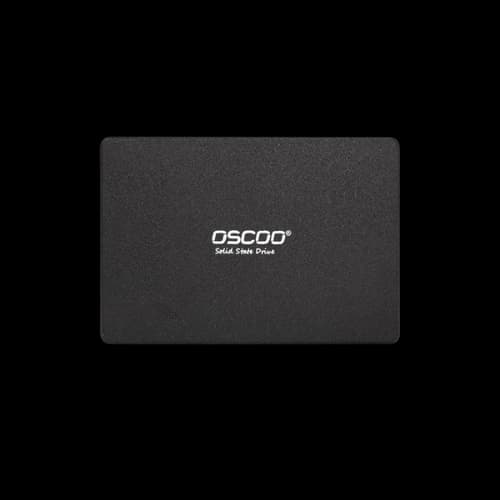
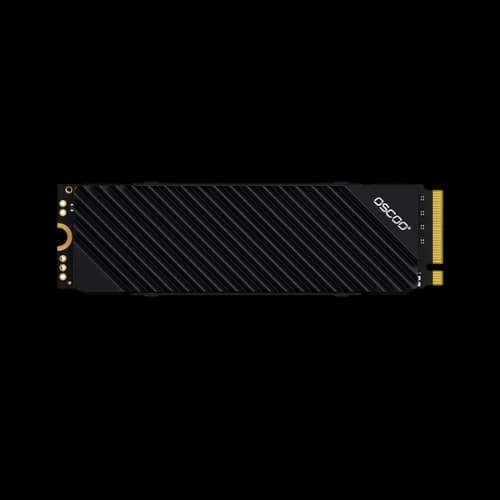
Description
Oscoo SSD Price in Bangladesh – Buy Smart Storage
Looking for the latest Oscoo SSD price in Bangladesh? Oscoo SSD gives strong speed, fair price, and trusted value in Bangladesh. This guide helps you choose the best SSD for real use. At PCB Store, we bring you updated prices, specs, and buying guides so you can choose the right SSD for gaming, work, or creative projects.
Latest Oscoo SSD Prices in Bangladesh
We know buyers want clear pricing. Below is a structured Oscoo SSD price list available at PCB Store.
Oscoo SATA III SSD Price List
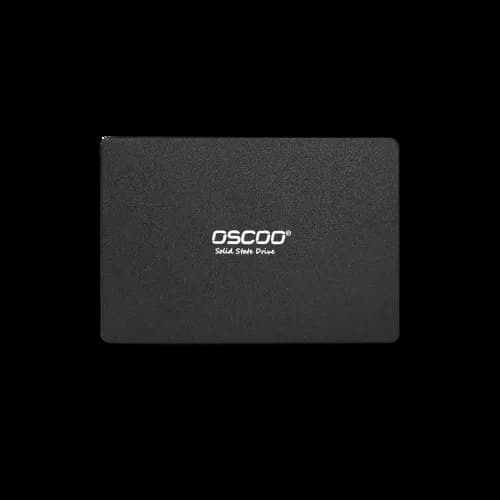
- Oscoo 128GB SATA III SSD – Affordable entry-level storage for laptops.
- Oscoo 256GB SATA III SSD – Balanced option for office and student use.
- Oscoo 512GB SATA III SSD – Great for mid-range desktops needing faster boot.
Oscoo NVMe SSD Price List
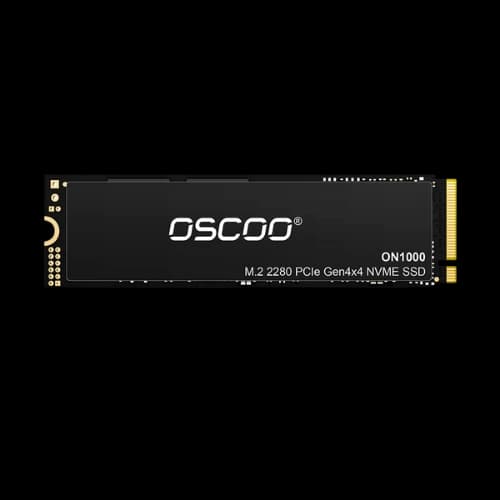
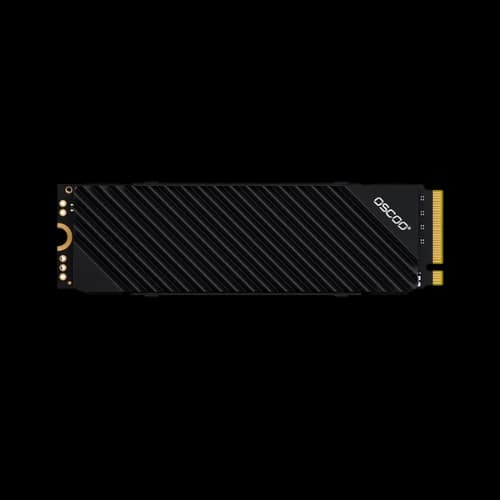
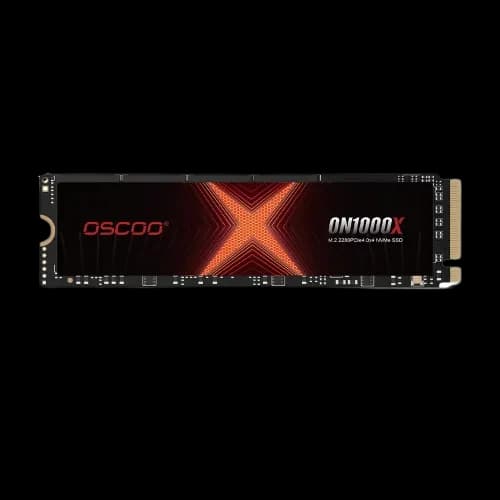
- Oscoo 256GB NVMe M.2 2280 SSD – Faster than SATA, ideal for gamers.
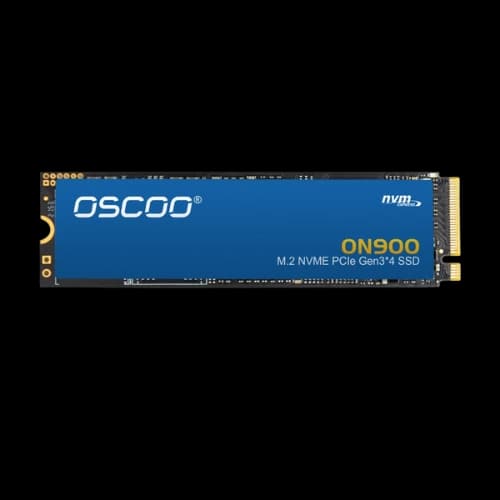
- Oscoo 512GB NVMe PCIe Gen3 SSD – Popular choice for custom PC builders.
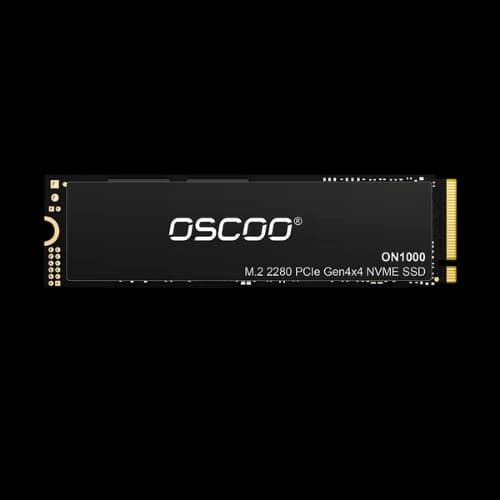
- Oscoo 1TB NVMe PCIe Gen4 SSD – High-speed storage for content creators.
- Oscoo 2TB NVMe PCIe Gen4 SSD – Large capacity for professionals handling video editing.
High-Capacity Oscoo SSDs (1TB–2TB)
For users needing more storage, Oscoo offers 1TB and 2TB NVMe SSDs. These drives are perfect for gaming PCs, workstations, and creative setups.
Best Oscoo SSDs for Different Needs
Choosing the right SSD depends on your usage. At PCB Store, we guide you based on your profile.
Budget-Friendly Options (Students, Office Use)
- Oscoo 128GB SATA III SSD – Affordable, reliable, and perfect for upgrading old laptops.
- Oscoo 256GB SATA III SSD – Balanced storage for office documents and light apps.
- Cheap SSD buyers in Bangladesh often prefer these models for daily use.
Gaming & High-Performance Builds
- Oscoo 512GB NVMe SSD – Smooth gaming experience with fast load times.
- Oscoo 1TB NVMe SSD – Recommended for gamers with large libraries.
- Gaming SSD Bangladesh buyers often choose NVMe drives for speed.
Professional/Enterprise Storage Solutions
- Oscoo 2TB NVMe PCIe Gen4 SSD – Handles video editing, 3D rendering, and large datasets.
- Oscoo Internal SSDs with higher endurance are suitable for enterprise workloads.
Installation & Compatibility Guide
Installing an Oscoo SSD is simple, but choosing the right type matters.
Laptop vs Desktop Installation
- Laptop users: SATA III SSDs are the easiest upgrade.
- Desktop users: NVMe SSDs (M.2 2280) fit modern motherboards.
SATA vs NVMe – Which One to Choose?
- SATA SSDs: Affordable, good for basic upgrades.
- NVMe SSDs: Faster, ideal for gaming and professional workloads.
Common Issues & Troubleshooting
- Not detected: Check BIOS settings for NVMe drives.
- Slow performance: Update drivers and firmware.
- Compatibility: Verify the motherboard supports PCIe Gen3/Gen4 before buying.
Advanced Comparisons: Oscoo SSD vs Competitors
Tech-savvy buyers in Bangladesh often compare Oscoo SSDs with brands like Samsung, Western Digital, and Transcend. Let’s break down the differences so you can make the right choice.
Oscoo SSD vs Samsung SSD
- Price: Oscoo SSDs are cheaper, making them attractive for budget builds.
- Performance: Samsung NVMe SSDs deliver higher speeds, but Oscoo offers solid mid-range performance.
- Warranty: Both brands provide 3–5 years warranty in Bangladesh.
- Best Use Case: Oscoo for affordable upgrades, Samsung for high-end gaming rigs.
Oscoo SSD vs Western Digital
- Price: Oscoo is more affordable.
- Durability: Western Digital has longer endurance ratings, but Oscoo is reliable for daily workloads.
- Availability: Both brands are widely available at Star Tech, Ryans, and Techland BD.
Oscoo SSD vs Transcend
- Performance: Transcend offers slightly better sequential speeds.
- Price: Oscoo remains cheaper, especially for SATA III models.
- Target Audience: Oscoo appeals to students and office users, Transcend to professionals.
Buying Guide: Choosing the Right Oscoo SSD
At PCB Store, we help buyers match SSDs to their needs.
Decide Between SATA III and NVMe
- SATA III SSDs: Affordable, compatible with older laptops.
- NVMe SSDs (M.2 2280): Faster, ideal for gaming and content creation.
Select Storage Capacity
- 128GB: Entry-level, basic OS and apps.
- 256GB: Balanced for office and student use.
- 512GB: Popular choice for gamers.
- 1TB–2TB: Best for professionals and heavy workloads.
Check Compatibility
- Laptop users: Confirm 2.5-inch SATA slot or M.2 NVMe support.
- Desktop users: Verify the motherboard supports PCIe Gen3/Gen4.
Consider Warranty & Support
Always buy from authorized sellers like PCB Store to get a genuine warranty.
Oscoo SSD Performance in Real Use
We tested Oscoo SSDs in common setups to give buyers confidence.
Boot Speed
- SATA III SSDs: Boot Windows in 15–20 seconds.
- NVMe SSDs: Boot Windows in under 10 seconds.
Gaming Performance
- Oscoo NVMe SSDs: Reduce game loading times by 40–60%.
- Gaming SSD Bangladesh buyers benefit from smoother gameplay.
Content Creation
- Oscoo 1TB NVMe SSD: Handles 4K video editing with minimal lag.
- Oscoo 2TB NVMe SSD: Perfect for large projects and rendering tasks.
Value Proposition of PCB Store
Why buy Oscoo SSDs from PCB Store instead of other retailers?
- Competitive Pricing: We offer the best deals with Oscoo SSD discount BD promotions.
- Wide Range: From 128GB SATA to 2TB NVMe, all models available.
- Warranty Support: Official warranty with an easy claim process.
- Trusted Source: Genuine products, unlike some marketplaces with a risk of fake drives.
Closing Thoughts
At PCB Store, we deliver Oscoo SSDs in Bangladesh with updated prices, warranty, and expert guidance. Whether you’re a gamer, student, or professional, Oscoo offers the right SSD for your needs. With SATA III and NVMe PCIe Gen3/Gen4 options, buyers can choose based on budget and performance requirements for their motherboard, processor, GPU, laptop, or complete PC component builder setup.