Asus Casing Fan Price in Bangladesh
Asus Casing Fan
6
/6
Filter
Filter
Description
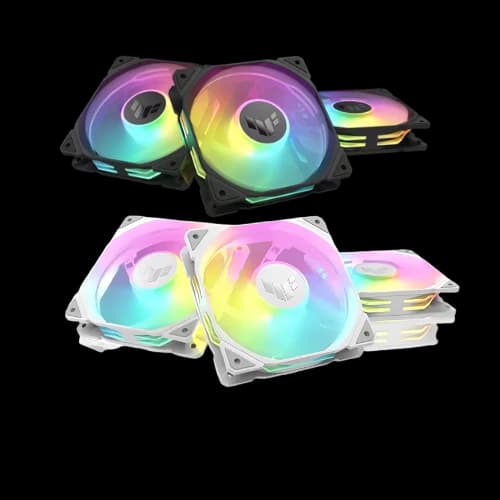
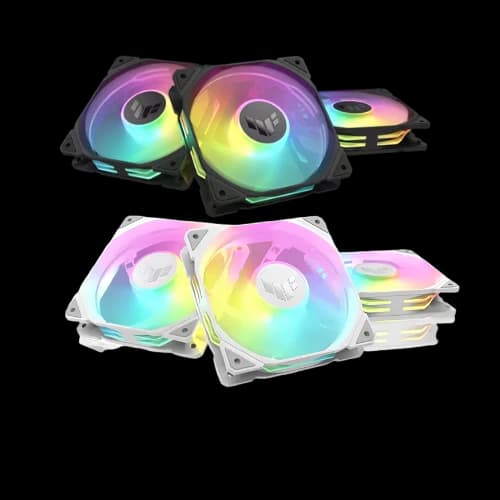
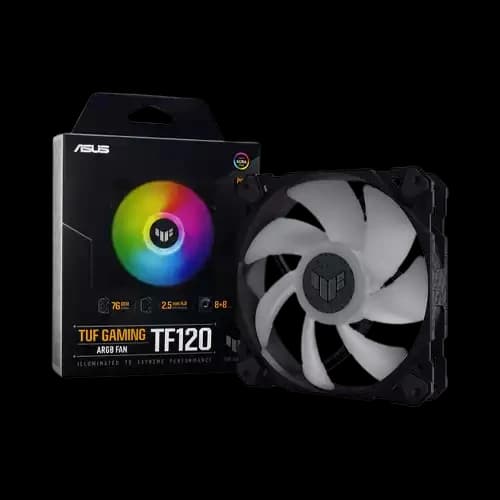
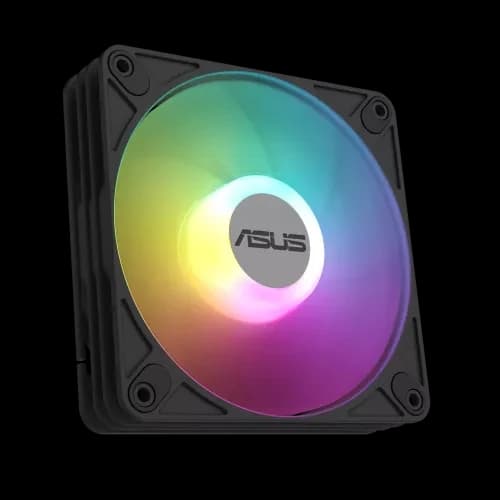
Are you searching for the best Computer Components deals, like Asus casing fan price in Bangladesh, before building your next PC? You are in the right place. At PCB Store, we stock the full range of Asus TUF Gaming and ROG fans — from single-pack ARGB units to triple-fan kits. This page gives you specs, price guidance, and advice to pick the fan for your build.
Why Asus Casing Fans Are Trusted by Gamers and Builders
Asus casing fans are more than just accessories. They are essential computer Parts that keep your system stable under heavy loads.
- High airflow case fan design keeps temperatures low during gaming.
- ARGB lighting with Aura Sync adds style to your build.
- Durable bearings reduce noise and extend lifespan.
- PWM control allows flexible speed adjustment.
We recommend Asus fans for:
- PC gamers who demand stable FPS.
- Content creators working with video rendering.
- Performance users running multi-task workloads.
- Tech enthusiasts building custom rigs.
Asus Fan Placement and Installation Tips
Getting the fans is only half the job. Placement determines whether your system actually stays cool.
Intake vs Exhaust — The Right Setup for Your Case
Air must flow in one clear direction through your case. The goal is always to move cool air in and hot air out — in a straight path.
The standard recommended layout:
- Front: 2x intake fans (pull cool air in)
- Rear: 1x exhaust fan (push hot air out)
- Top: 1–2x exhaust fans (hot air rises naturally — exhaust here works well)
This creates positive airflow pressure inside the case. Slightly more air comes in than goes out. This reduces dust buildup through unfiltered gaps — a real advantage in Bangladesh's environment.
Never mix fan directions randomly. A fan pushing air in directly opposite another pushing air out creates turbulence. That reduces cooling efficiency on all your Computer Components, including CPU, GPU, and storage.
Connecting ARGB Fans Without an Aura Sync Motherboard
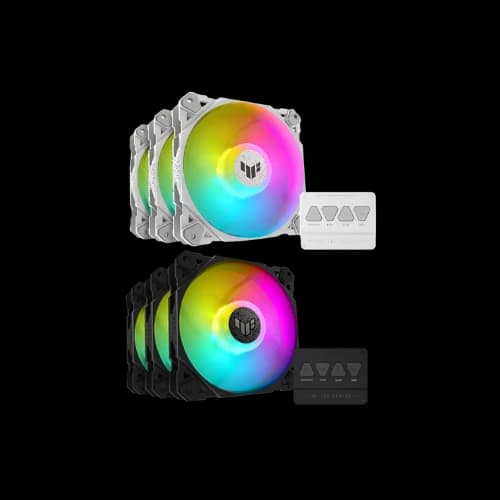
Many buyers in Bangladesh have mid-range motherboards without a 5V ARGB header. This is not a problem with the Asus TF120 3-pack or TR120 triple pack.
Both bundles include a standalone ARGB hub controller. This controller:
- Connects up to four fans via its own power source
- Has four onboard buttons to cycle through lighting effects
- Does not need a motherboard ARGB header to function
- Supports Aura Sync when a compatible motherboard is available
Steps to set up without Aura Sync:
- Connect all fans to the bundled ARGB hub
- Plug the hub into a SATA power connector from your PSU
- Use the onboard buttons to select your preferred lighting mode
- Connect fan power cables to PWM headers on your motherboard or a splitter
This makes the Asus TUF fan bundles a practical choice even for budget pc build systems with entry-level motherboards.
How to Choose the Right Asus Fan for Your Build
Picking the wrong fan is a common mistake. Many buyers focus only on looks. But airflow, static pressure, bearing type, and size all affect real-world performance. Here is what actually matters.
Fan Size — 120mm vs 140mm
Most Asus casing fans available in Bangladesh are 120mm. This is the standard size for most Computer Casing builds. Nearly every mid-tower and full-tower case supports 120mm fans on the front, rear, and top.
140mm fans move more air at lower RPM. They are quieter but need larger mounting points. Not all cases support 140mm fans in every position.
Quick size guide:
- 120mm: Best for most builds — universal fit, strong airflow, lower cost
- 140mm: Better for large cases — quieter operation, higher volume airflow
- Mixed setups: Some builders use a 140mm front intake and a 120mm rear exhaust
For most buyers in Bangladesh, running a standard mid-tower, 120mm Asus TUF fans are the right choice.
ARGB vs RGB — Key Difference
This is one of the most common questions we get at PCB Store.
RGB fans have all LEDs set to one color at a time. Every LED changes together. You cannot control them individually.
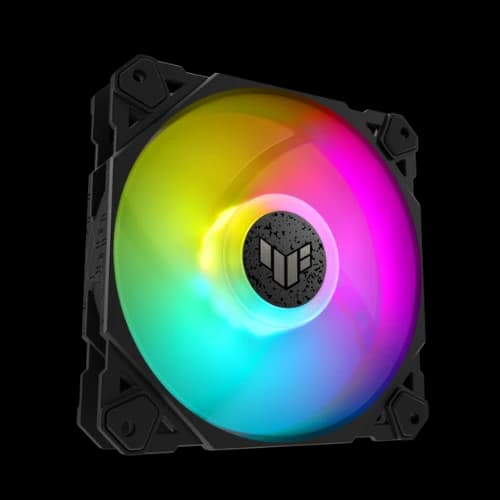
ARGB (addressable RGB) fans let you control each LED separately. You can create wave effects, color splits, and complex animations. The Asus TF120 and TR120 both use ARGB — this is why their lighting looks richer than standard RGB fans.
Key points:
- ARGB gives more lighting effects and better visual depth
- ARGB requires a 5V 3-pin ARGB header on your motherboard — or the bundled hub
- RGB uses a 12V 4-pin header — older standard, fewer effects
- Aura Sync only works fully with ARGB components
If your motherboard has an ARGB header, always choose ARGB. It is the smarter long-term investment for any PCB Special Build.
Airflow vs Static Pressure — What Actually Matters
These two specs confuse many buyers. They are not the same thing.
Airflow (CFM) measures how much air a fan moves in open space. Higher CFM means better general case ventilation.
Static pressure (mm H₂O) measures how hard a fan pushes air through resistance — like a radiator, heatsink, or dense mesh panel.
Use this simple rule:
- Open case positions (side or top vents): prioritize high airflow CFM
- Radiators or heatsinks: prioritize high static pressure
- Mesh front panels: you need both — the TR120 is designed exactly for this
The Asus TF120 delivers 76 CFM with 2.5 mm H₂O static pressure. The TR120 improves this to 76.3 CFM and 2.75 mm H₂O. Both are excellent airflow case fan options for Bangladesh builds.
Bearing Types — FDB vs Sleeve vs Hydraulic
Bearing type directly affects noise, lifespan, and performance over time.
Fluid Dynamic Bearing (FDB) — used in the TF120. Oil-based bearing with very low friction. Near-silent operation. Rated for up to 250,000 hours. Best choice for long-term builds.
Hydraulic bearing — used in the TR120. Similar to FDB in many ways. Good lifespan and quiet operation. Strong performance in all mounting orientations.
Sleeve bearing — found in budget fans. Cheaper to make. Louder over time. Degrades faster — especially in warm or dusty environments like Bangladesh.
For any Pc Components setup or gaming rig, avoid sleeve bearing fans. The FDB or hydraulic bearing in Asus products justifies the price difference over budget alternatives.
Why Buy Asus Casing Fans from PCB Store?
At PCB Store, every Asus casing fan we sell is 100% original. All units come with an official brand warranty. We do not sell grey-market or refurbished stock.
Here is what you get when you order from us:
- Original products with official Asus warranty
- Multiple payment options
- Fast delivery across Bangladesh
- Expert support from our team before and after purchase
We stock the complete Asus TUF Gaming fan lineup. Whether you need a single TF120 for a pc build or a full TR120 triple pack for a PCB Special Build.