Asus Cpu Cooler Price in Bangladesh
Asus Cpu Cooler
12
/13
Filter
Filter
Description
Asus CPU Cooler Price in Bangladesh – Ultimate Guide for 2026
Looking for the best ASUS CPU cooler price in Bangladesh? We help you find the perfect CPU cooler and other essential PC components for gaming, overclocking, and silent builds. Our guide shows every model, price, and feature to make your PC build smarter.
Discover ASUS CPU Coolers for Every PC Build
Whether you’re building a high-end gaming rig or a content creation workstation, ASUS offers reliable AIO liquid coolers with advanced features. Our collection includes ROG, TUF Gaming, and Prime series, each optimized for different needs. These coolers are designed for high-TDP CPUs, maintaining low noise levels while keeping your processor cool.
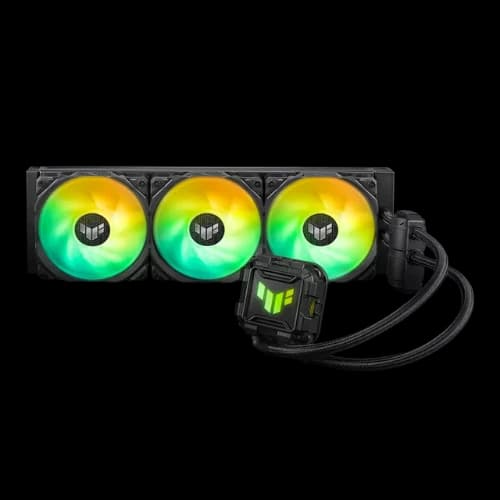
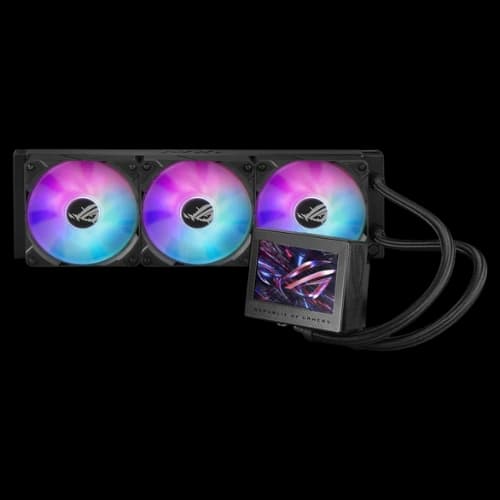
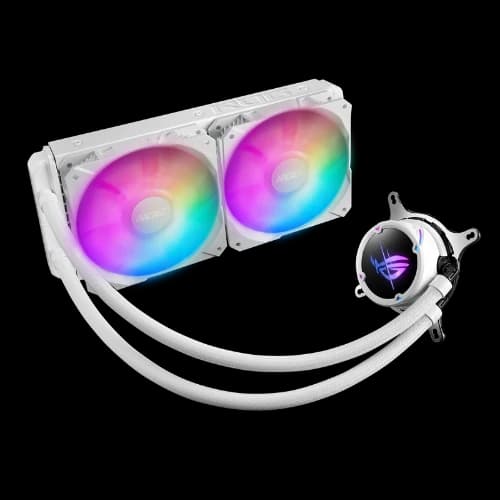
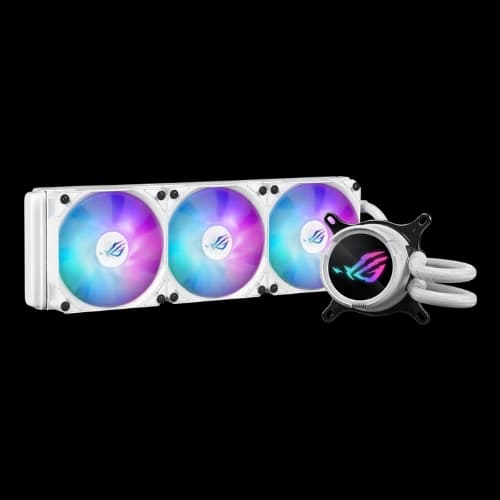
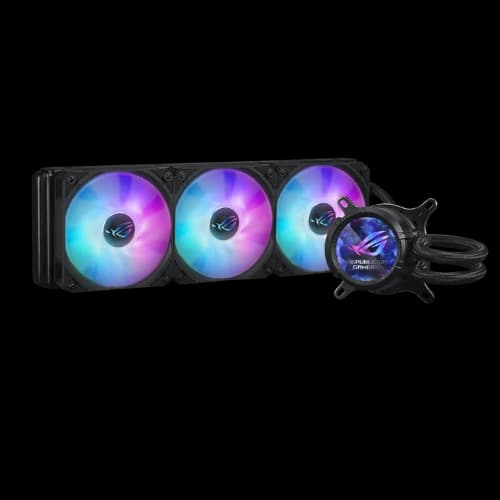
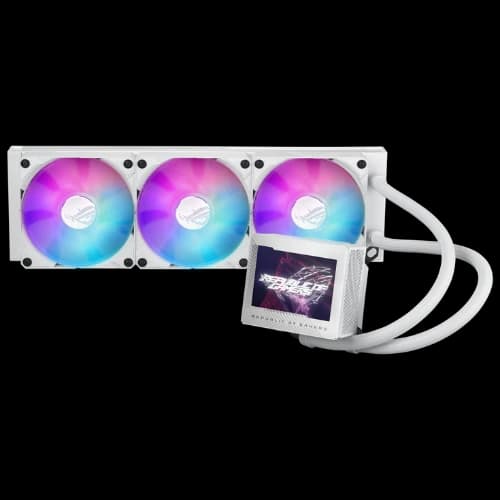
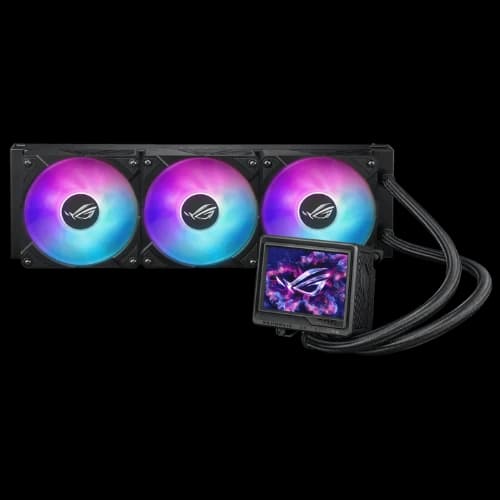
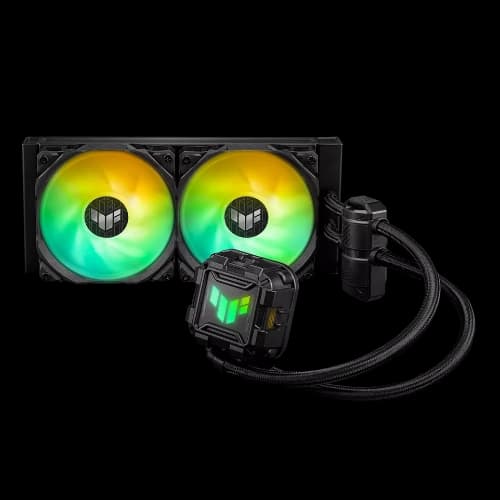
We stock popular models like ROG Ryujin III 360, ROG Ryuo IV 360, TUF Gaming LC II 240, and Prime LC 360, all ready for immediate delivery in Bangladesh. Each model is compatible with Intel LGA1851, LGA1700, LGA1200, LGA115x, and AMD AM4/AM5 sockets.
Best ASUS Cooler Series in Bangladesh
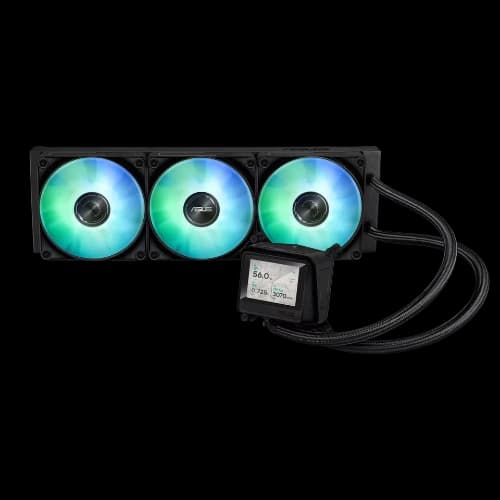
ROG Series: Ultimate Gaming Performance
- Models: ROG Ryujin III 360, ROG Ryuo IV 360
- 360mm radiator for maximum heat dissipation
- LCD display (Ryujin and Ryuo) for system stats and graphics
- High-speed fans with adjustable RPM
- ARGB lighting fully synced via AURA Sync
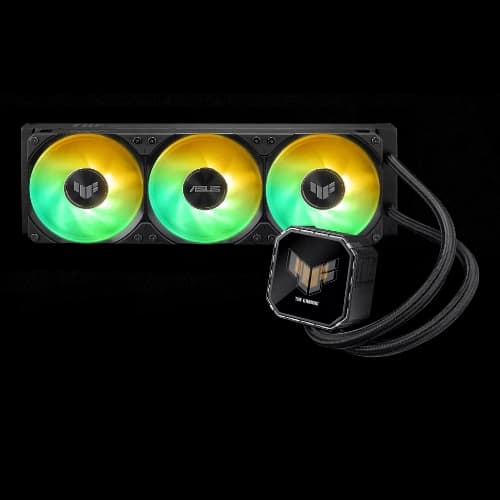
TUF Gaming Series: Balanced Performance
- Model: TUF Gaming LC II 240
- 240mm radiator for efficient cooling
- Low-noise 120mm fans
- AURA Sync RGB lighting
- Ideal for mid-tier gaming PCs
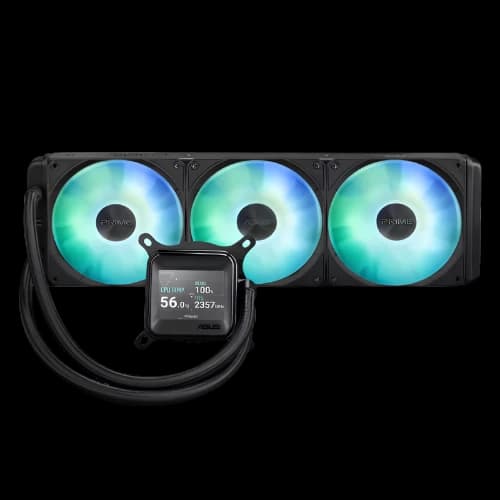
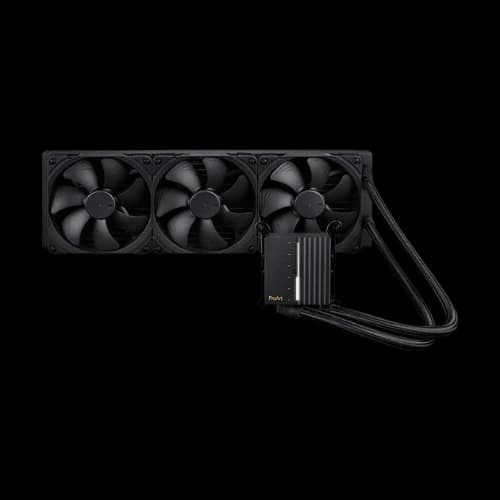
Prime Series: Professional Workloads
- Model: Prime LC 360
- Large 360mm radiator
- Quiet 120mm fans for silent operation
- Advanced pump design
- Broad socket compatibility for Intel and AMD CPUs
Understanding Radiator Sizes and Fan Performance
Radiator size is crucial when choosing an ASUS cooler:
- 240mm AIO: Compact, budget-friendly, perfect for mid-tier CPUs
- 360mm AIO: Ideal for high-performance gaming and overclocking
- 420mm AIO: Extreme cooling for enthusiast builds
Fans affect noise levels and airflow (CFM). ASUS uses high-performance 120mm fans with adjustable RPM. Pump reliability ensures the cooler works under heavy load.
Installation Tips for ASUS CPU Coolers in Bangladesh
Installing your ASUS CPU cooler correctly is critical to maximize thermal performance and longevity. At PCB Store, we guide you step-by-step for a smooth setup.
Prepare Your Case and Motherboard
- Ensure your case supports radiator clearance. 240mm, 360mm, and 420mm radiators need different mounting spaces.
- Verify socket compatibility: Intel LGA1700, LGA1200, LGA115x, LGA1851 or AMD AM4/AM5.
- Gather tools: screwdriver, thermal paste (some coolers come pre-applied), and cable ties for tidy installation.
Mounting the Radiator
- Align the radiator with your case’s top or front panel.
- Use screws provided with the cooler.
- Ensure tube routing avoids kinks to maintain coolant flow.
- Attach the fans in push or pull orientation for optimal airflow.
Installing the Pump and CPU Block
- Place the pump directly on the CPU, ensuring full contact with the IHS (Integrated Heat Spreader).
- Secure the mounting brackets firmly, but do not over-tighten.
- Connect the pump to the CPU_FAN header for proper monitoring.
- Attach ARGB or LCD cables for AURA Sync or display functionality.
Fan Speed and Noise Optimization
- Adjust fan curves via motherboard software or ASUS AI Suite.
- High-speed fans increase airflow but slightly raise noise levels (dBA).
- For silent builds, reduce fan speed during idle or light workloads while maintaining thermal performance.
RGB and AURA Sync Setup
- Sync ARGB lighting with motherboard software.
- Choose pre-built effects or customize per fan or pump.
- For ROG Ryujin series, configure the LCD screen to display CPU temp or graphics for monitoring.
Following these steps ensures your ASUS liquid cooler BD works efficiently while maintaining low noise.
Thermal Performance and Overclocking
ROG Ryujin III 360 & Ryuo IV 360: extreme overclocking, high-TDP CPUs
TUF LC II 240: mid-tier builds, quiet operation
Prime LC 360: professional workloads, sustained CPU load
Key factors:
- Radiator size for heat dissipation
- Fan speed & airflow (CFM)
- Pump reliability for consistent cooling
Why ASUS Coolers Are a Top Choice
ASUS CPU coolers combine thermal performance, aesthetic design, and reliability. Here’s why savvy builders in Bangladesh choose ASUS:
- High-performance cooling: From mid-tier CPUs to overclocked cores, ASUS coolers maintain optimal temperatures.
- ARGB & AURA Sync: Fully customizable RGB lighting for ROG and TUF Gaming series.
- Quiet operation: Fans with optimized CFM airflow and noise levels as low as 20–30 dBA.
- Durable pumps: Reliable pump design ensures long-lasting performance.
- Warranty & after-sales service: Full coverage across Bangladesh with PCB Store support.
These features make ASUS coolers ideal for gaming PCs, overclocked setups, and silent builds. You can also sync the cooler’s RGB controller with compatible motherboards for a unified lighting setup.
Buy ASUS CPU Coolers at PCB Store Bangladesh
At PCB Store, we provide:
- Accurate ASUS cooler price in BD
- Availability of ROG, TUF, and Prime models
- Warranty and after-sales support across Bangladesh
- Easy online ordering with local delivery
You can compare ROG vs Ryuo vs TUF LC price directly, helping you choose a cooler that matches your budget and performance needs. Our pricing reflects the latest market trends and ensures you get genuine ASUS products.
Investing in a quality cooler today prevents overheating and improves your CPU lifespan, making ASUS coolers a smart choice for Bangladeshi PC builders.