Asus Casing Price in Bangladesh
Asus Casing
12
/22
Filter
Filter
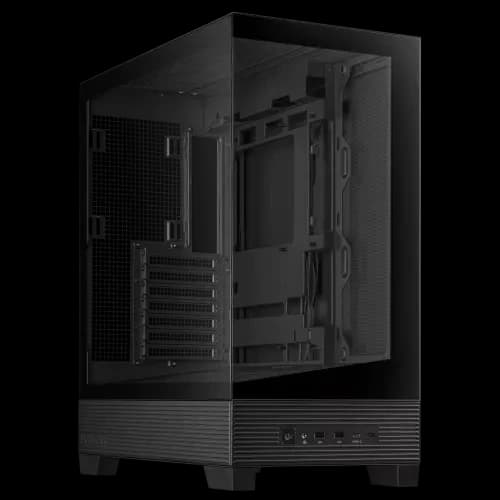
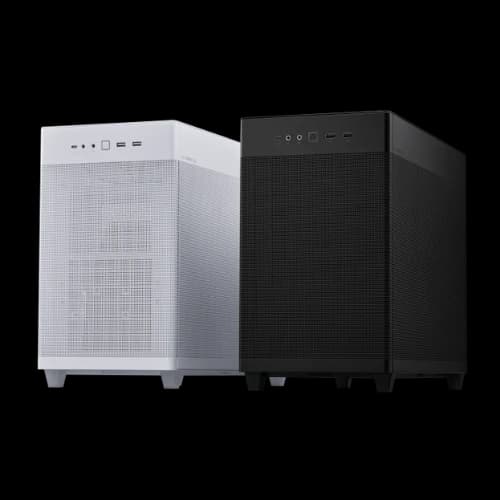
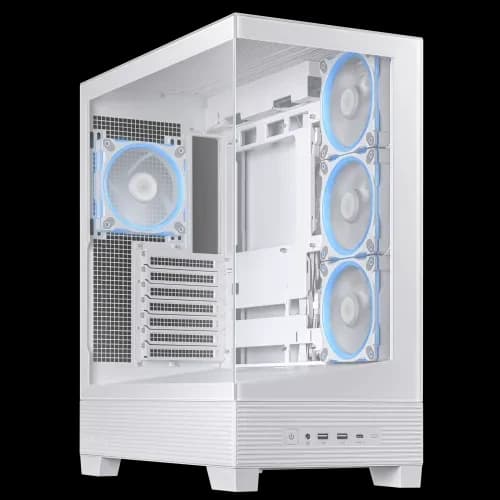
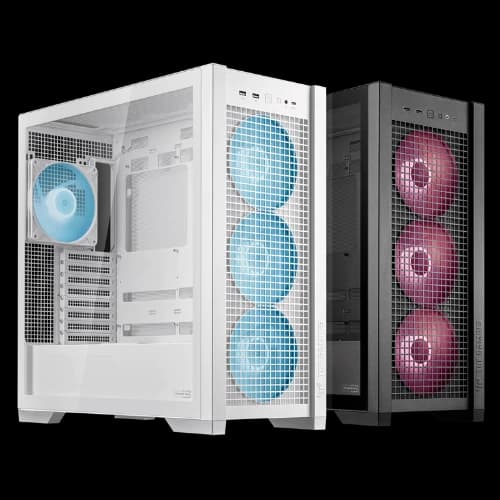
Description
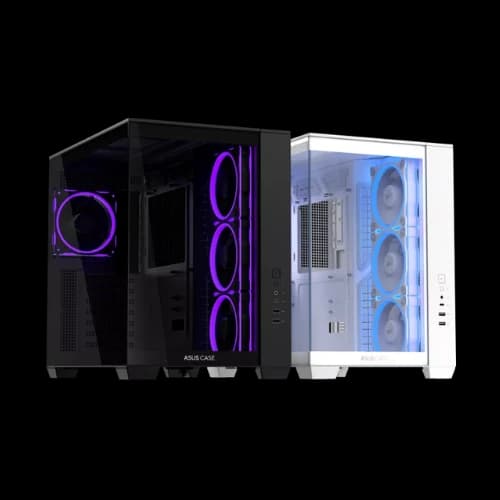
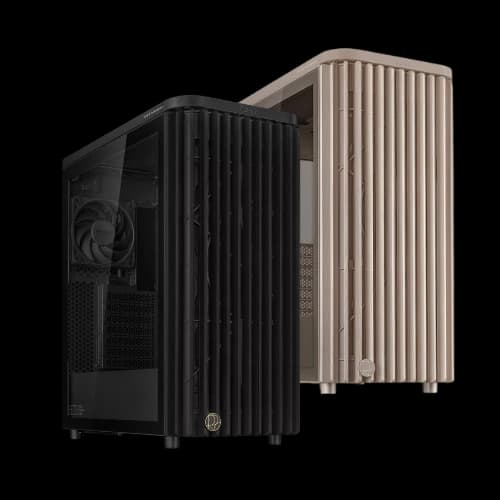
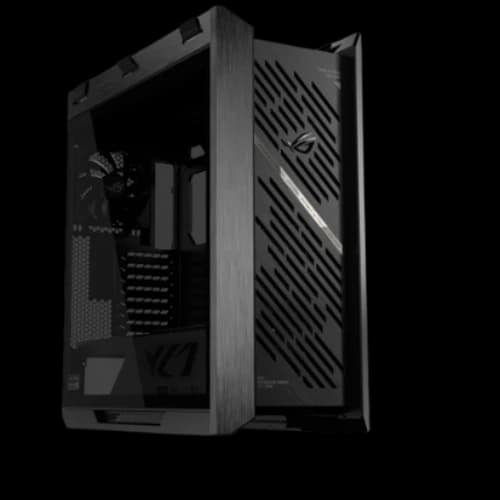
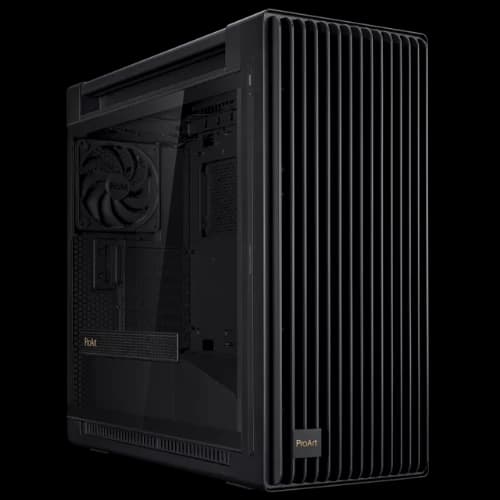
Are you searching for the best ASUS casing price in Bangladesh for your next PC build and other essential PC building components? ASUS dominates the Bangladeshi PC market with premium desktop gaming casing options across every budget. At PCB Store, we stock the full lineup — ROG, TUF Gaming, Prime, and ProArt. Whether you are a gamer, content creator, or custom PC builder, finding the right case matters. This page gives you updated prices, detailed specs, and expert guidance to help you choose confidently.
Why Builders Trust ASUS Casing Brand?
ASUS is not just a brand. It is a complete PC building ecosystem.
From the motherboard for gaming to the case that holds it all, ASUS designs products that work together. Their Aura Sync RGB system connects fans, lighting, and components in one unified look.
Bangladeshi PC builders love ASUS casings for three key reasons:
- Strong build quality with steel and tempered glass
- Aura Sync RGB support across the full ecosystem
- Wide compatibility — ATX, Micro-ATX, Mini-ITX, and E-ATX
ASUS cases also support large AIO coolers and high-end GPUs. They are built for serious performance users who refuse to compromise
ASUS Casing Series Available in Bangladesh
We carry every major ASUS case series at PCB Store. Each series targets a different type of builder.
ASUS ROG Series
ROG stands for Republic of Gamers. These are ASUS's flagship cases.
The ROG Strix Helios GX601 and ROG Hyperion GR701 lead this lineup. Both support E-ATX motherboards. Both come with full liquid cooling support and Aura Sync ARGB fans pre-installed.
Key features of ROG casings:
- Support for 360mm and 420mm radiators
- Fully tempered glass side and front panels
- Multiple RGB fan slots with Aura Sync
- USB 3.1 Gen 2 Type-C front I/O
These casings are built for gamers who want maximum performance and a showcase build.
ASUS TUF Gaming Series
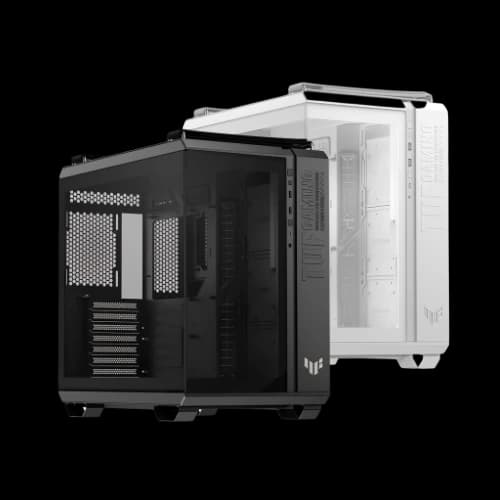
TUF Gaming casings are designed around airflow and tough build quality.
Models like the TUF GT302, GT501, and GT502 feature specialized fan mount layouts. They push cool air directly over your components. The TUF series uses ARGB lighting but keeps the design more controlled and aggressive.
TUF casing highlights:
- Optimized fan placement for maximum airflow
- Support for 360mm top and front radiators
- Tool-free drive installation
- Military-inspired design with steel chassis
If you want a gaming casing that performs hard without flashy excess, TUF is your answer.
ASUS Prime Series
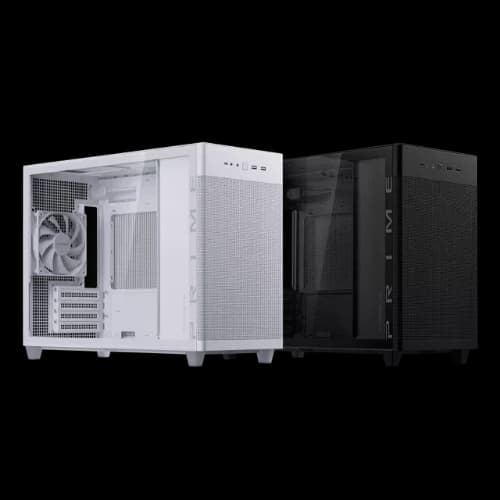
Prime casings are compact and practical. The Prime AP201 Mesh and AP201 Tempered Glass are the most popular Micro-ATX cases in Bangladesh right now.
These cases focus on airflow and clean aesthetics. They are perfect for:
- Budget and mid-range gaming builds
- Small desk setups and home office PCs
- Builders who prefer minimal RGB
The mesh front panel on the AP201 allows unrestricted airflow. Combined with a solid tempered glass side panel, it gives your build a clean, modern look at an accessible price.
ASUS ProArt Series
The ProArt PA602 is designed for content creators and workstation users. It skips aggressive RGB in favor of a clean, professional appearance.
This full-tower case supports:
- E-ATX and ATX motherboards
- Dual 360mm radiator configurations
- Multiple GPU and storage expansion slots
If you are building a video editing or 3D rendering PC, the ProArt PA602 gives you the space and thermal headroom you need.
ASUS A-Series
The ASUS A21 and A31 are newer additions built for value-focused builders.
The A31 supports BTF hidden-connector motherboards. This allows a completely cable-free front view. The 8-degree angled base improves bottom airflow and gives the case a forward-leaning look.
These are strong picks for anyone building their first gaming PC on a smart budget.
Key Features of ASUS Casing
ASUS casings are not just boxes. They are engineered for performance.
Every model in the ASUS lineup is built around three core principles — airflow, compatibility, and aesthetics. Understanding these features helps you pick the right case for your build.
Tempered Glass Panels
Most ASUS casings come with tempered glass side panels. Some premium models have glass on both the front and side.
This gives you a full view of your components. Your RGB fans, GPU, and custom lighting are always on display. Tempered glass is also safer and more scratch-resistant than acrylic.
At PCB Store, every ASUS casing with glass panels is tested for quality before shipping.
Aura Sync RGB Lighting
Aura Sync is ASUS's RGB control platform. It connects your casing fans, motherboard, RAM, GPU, and peripherals under one software.
Benefits of Aura Sync in ASUS cases:
- Sync lighting across all compatible components
- Control colors and effects from one app
- Works with ASUS motherboards for gaming and ROG accessories
- Supports both ARGB and standard RGB headers
This is a major advantage for builders who want a fully unified PC components setup.
Advanced Cooling Support
ASUS casings support both air CPU cooler setups and full AIO liquid cooling configurations.
Most mid-tower and full-tower models support:
- Front 360mm radiator mounting
- Top 360mm radiator mounting
- Rear 120mm exhaust fan slot
- Multiple 120mm and 140mm fan positions
The TUF and ROG series also include pre-installed fans in higher-end models. This reduces your total build cost for cooling right out of the box.
Cable Management
Cable clutter kills airflow. ASUS engineers this problem out of their cases.
Most ASUS casings include:
- 34mm or more of cable routing space behind the motherboard tray
- Pre-routed cable channels with rubber grommets
- Velcro straps and tie-down points built into the chassis
- BTF compatibility on A31 for fully hidden connector builds
A clean build is not just about looks. Better cable routing means better airflow and lower temperatures.
Dust Filters
Dust is one of the biggest threats to PC performance in Bangladesh's climate.
ASUS casings include removable dust filters on:
- Bottom PSU intake
- Front mesh panels
- Top ventilation areas
These filters are easy to remove and clean. This keeps your components running cool and extends the life of your entire PC build.
How to Choose the Right ASUS Casing
This is the most important part of the buying decision. Let us break it down simply.
Know Your Motherboard Form Factor
Your casing must match your motherboard size. Check your board's form factor first.
- ATX boards need ATX or larger cases
- Micro-ATX boards fit in ATX or Micro-ATX cases
- Mini-ITX boards need Mini-ITX or compatible cases
Plan Your Cooling Setup
Are you using an air cooler or an AIO liquid cooler?
For air coolers, check the maximum CPU cooler height clearance. Most ASUS mid-towers allow up to 165mm–170mm tower coolers.
For AIO coolers, check radiator mounting positions. Confirm the case supports your radiator size — 240mm, 280mm, or 360mm.
Check Your GPU Length
High-end GPUs can be 300mm–380mm long. Always check the maximum GPU clearance in your chosen casing.
ASUS TUF and ROG cases typically support GPUs up to 380mm or longer. The ASUS A31 supports up to 380mm GPU length.
Why PCB Store is the Best Place for Asus Casings?
At PCB Store, we combine product variety with expert guidance. We don’t just sell casings—we help you build.
- Wide Selection: From entry-level to premium Asus casings.
- Expert Advice: Our team helps match casing with the motherboard for gaming and cooling systems.
- Future-Proof Options: Casings that grow with your upgrades.