Computer Accessories Price in Bangladesh
Computer Accessories
12
/1293
Filter
Filter
Description
Computer accessories play a crucial role in improving performance, comfort, and overall user experience. Whether you're setting up a new desktop, upgrading your laptop workspace, building a gaming system, or enhancing your streaming setup, the right accessories can significantly increase productivity and efficiency.
From input devices and storage solutions to connectivity tools and cooling components, understanding different types of computer accessories helps you make smarter purchasing decisions and build a setup that perfectly matches your needs.
Types of Computer Accessories
Computer accessories enhance performance, comfort, connectivity, and overall usability. Whether you're building a gaming PC, upgrading your office workstation, or improving laptop portability, selecting the right accessories ensures better efficiency and long-term reliability.
Below is a complete breakdown of computer accessories and how to choose them properly.
Input Devices
Input devices allow you to control and interact with your computer.
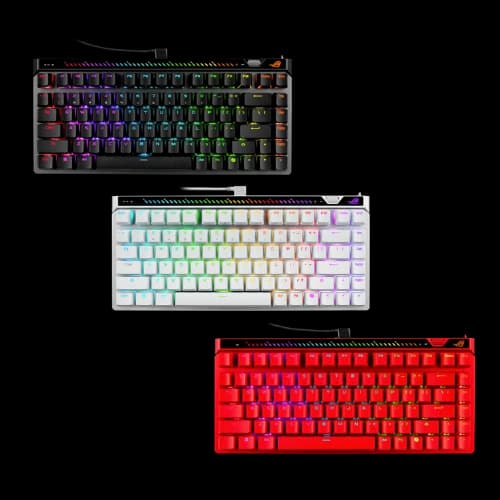
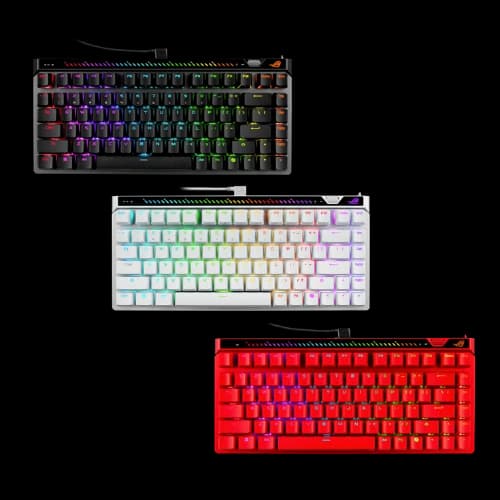
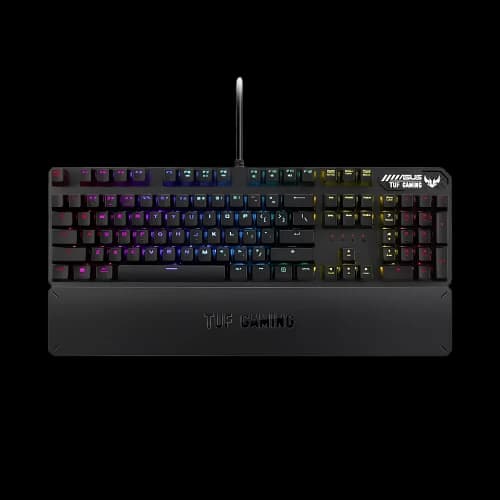
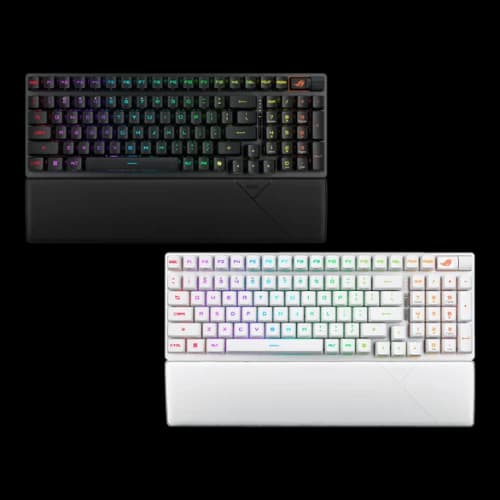
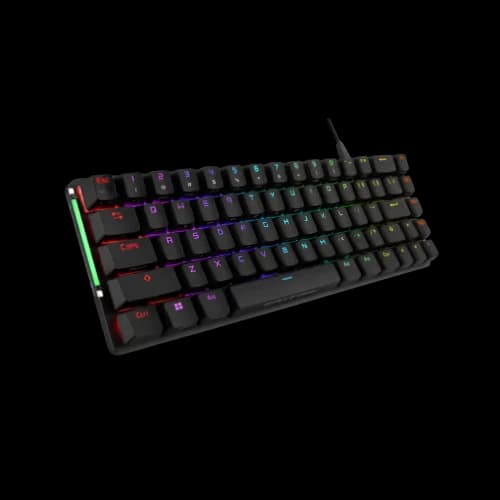
A Keyboard can range from standard membrane models to mechanical versions that offer better durability and tactile feedback. For users looking for convenience and value, a Keyboard Mouse Combo provides a ready-to-use solution for home or office setups.
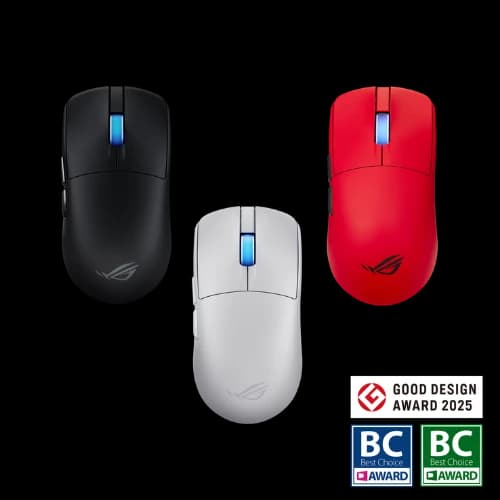
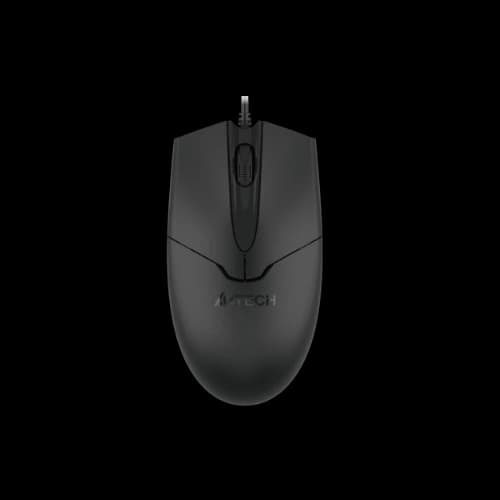
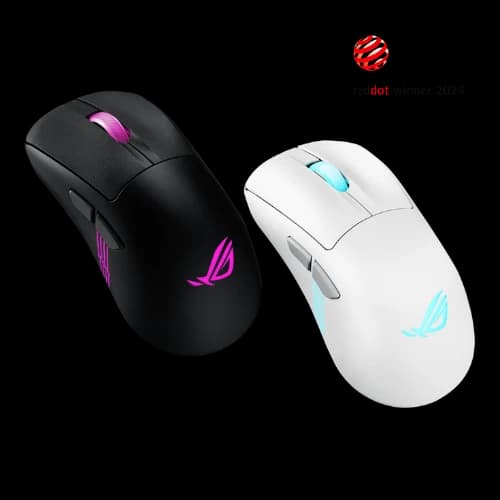
A Mouse may be wired or wireless, with features such as adjustable DPI and programmable buttons. To improve tracking precision and desk protection, pairing it with a quality Mouse Pad is recommended. Competitive gamers using wired setups may also prefer a Mouse Bungee to reduce cable drag for smoother movement.
A high-resolution Webcam is essential for online meetings, classes, and streaming. Key specifications include 1080p or 4K resolution, autofocus, frame rate (30–60 fps), and low-light performance.
For transferring files from cameras and smartphones, a Card Reader provides quick and reliable access to memory storage devices.
Storage Solutions
Storage accessories help store, transport, and back up important data.
External HDDs offer high capacity at a lower price, making them ideal for backups and large media libraries. External SSDs provide significantly faster speeds and better durability for professional workflows.
If you want to convert an internal drive into a portable solution, an HDD Enclosure or SSD Enclosure allows you to connect internal drives via USB easily.
For portable storage, a Pen Drive is one of the most convenient solutions for quick file transfers between computers. Choosing USB 3.x models ensures faster data speeds compared to older standards.
For cameras, smartphones, and other portable devices, a Memory Card provides compact and reliable storage. Different formats, such as microSD and SD cards, vary in speed class and capacity, so selecting the right type is important depending on your usage.
Audio Accessories
Audio accessories improve listening quality and communication clarity.
A comfortable Headphone is important for long working or gaming sessions. Wireless options provide mobility, while wired models ensure stable performance. To protect your headset and keep your desk organized, a Headphone Stand is a practical addition.
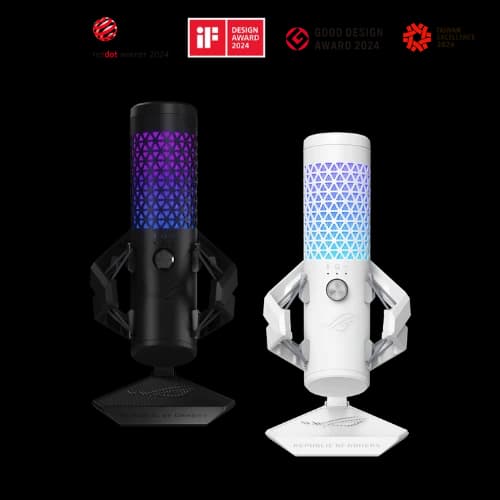
For clearer voice capture, a dedicated Microphone significantly improves audio quality compared to built-in laptop microphones. Pairing it with a sturdy Microphone Stand ensures stable positioning and reduces vibration noise.
Speakers are available for users who prefer open audio instead of headsets, with considerations including output clarity and connectivity options.
Display Accessories
Display accessories enhance visual comfort and productivity.
Monitors vary by panel type:
- IPS for accurate colors and wide viewing angles
- VA for stronger contrast
- Higher refresh rates (144 Hz+) for smoother gaming
Resolution and screen size should match your GPU capability and desk distance.
Monitor stands and arms improve ergonomics and free desk space. Screen protectors help reduce scratches and glare, especially for laptops and touch-enabled displays.
Gaming & Streaming Accessories
Gaming accessories focus on speed, precision, and comfort during extended sessions.
Mechanical keyboards and high-accuracy gaming mice provide better responsiveness. Headsets emphasize comfort, surround processing, and microphone clarity.
For custom PC builds with RGB lighting, an Argb Controller allows synchronized lighting control across compatible components.
Content creators and streamers may require a Capture Card to record or stream high-quality video from gaming consoles or cameras directly to their PC.
Connectivity Accessories
Connectivity accessories ensure stable and efficient device communication.
Modern routers support Wi-Fi 6 for improved speed and coverage, while wired Ethernet connections provide maximum stability for gaming and office environments.
A reliable Power Strip with surge protection safeguards your PC and monitor from voltage fluctuations.
For expanding laptop connectivity, a USB Hub adds extra USB ports. More advanced Hubs & Docks solutions expand HDMI/DisplayPort output, Ethernet, charging support, and additional USB ports through a single connection.
When connecting different port types, Converter and Splitters help bridge compatibility gaps between HDMI, DisplayPort, and USB-C standards.
Desktop users can install an internal Expansion Card to add additional USB ports, networking features, or other specialized functions.
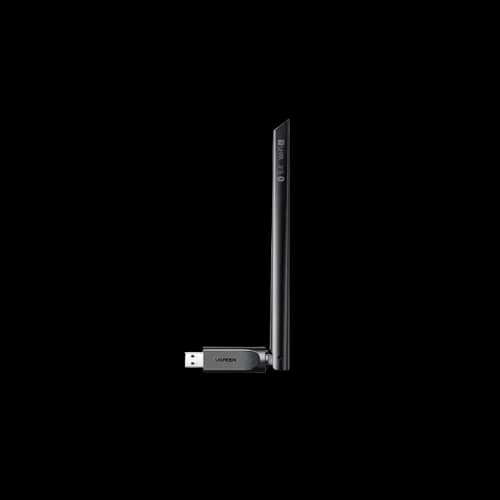
If your system lacks built-in wireless connectivity, a Bluetooth Adapter enables pairing with wireless headphones, keyboards, and other devices.
Laptop Accessories
Laptop accessories focus on portability, protection, and workspace efficiency.
A laptop stand improves posture and airflow. Cooling pads help reduce heat buildup during heavy usage such as gaming or editing.
Protective laptop bags should include proper padding and water resistance for safe transport. Chargers and adapters must match the required wattage and connector type to ensure stable and safe operation.
Docking stations allow laptops to function like desktop systems by connecting monitors, keyboards, Ethernet, and peripherals with a single cable.
PC Cooling & Maintenance Accessories
Proper cooling is essential for maintaining performance and hardware longevity.
Applying high-quality Thermal Pastes improves heat transfer between CPUs/GPUs and heatsinks. In certain components, such as SSDs and VRMs, a properly sized Thermal Pad helps enhance cooling efficiency and system stability.
These accessories are particularly important for gaming PCs, workstations, and performance-oriented systems.
Desk Comfort & Cable Management Solutions
An organized workspace improves safety, airflow, and productivity.
Cable management solutions include Velcro straps, zip ties, cable sleeves, adhesive clips, raceways, and under-desk trays to keep wires cleanly arranged.
For better ergonomic support during long typing or gaming sessions, adding a comfortable Wrist Rest helps reduce strain and improve hand positioning.
Computer Accessories Buying Guide
Before purchasing accessories, consider:
- Device type (desktop or laptop)
- Main usage (office, gaming, editing, streaming, travel)
- Available ports (USB-A, USB-C, HDMI, DisplayPort, Ethernet)
- Desk space and ergonomics
- Long-term durability and warranty
Avoid focusing only on appearance (such as excessive RGB lighting) without considering build quality and compatibility.
Why Choose Your Computer Accessories from PCB Store?
PCB Store is a trusted destination for purchasing genuine computer accessories in Bangladesh, offering customers reliability, authenticity, and complete peace of mind.
Every product comes with official warranty support under the guidelines of the Bangladesh Computer Samity (BCS), ensuring you receive genuine and authorized items.
As an authorized seller of leading brands, PCB Store guarantees that all products are brand new—not refurbished or counterfeit—so you can shop with confidence.
Beyond just selling products, PCB Store provides extensive after-sales service and warranty assistance throughout the product’s lifecycle.
Their knowledgeable staff helps customers choose compatible components based on real needs and budget, rather than simply recommending the most expensive option.
With a wide product range available at competitive pricing, customers can easily compare brands and build a complete setup efficiently. Additionally, a customer-friendly return policy offers flexibility and reassurance, making PCB Store a reliable and convenient choice for all your computer accessory needs.