PC Components Price in Bangladesh
PC Components
12
/1923
Filter
Filter
Description
Building or upgrading a PC can feel overwhelming with so many components to choose from, but understanding the role of each part makes the process much easier. From the processor and graphics card that define performance, to storage, cooling, and power delivery that ensure stability and speed, every component plays a key role in how your PC works.
Whether you’re building a system for study, gaming, content creation, or professional workloads, choosing the right combination of parts helps you get the best performance, reliability, and value for your budget.
Processor
A Processor is the brain of the PC. It controls overall speed, multitasking, and how smoothly games and apps run. Picking the right processor depends on whether you’re building for study, gaming, or heavy workloads like editing and rendering.
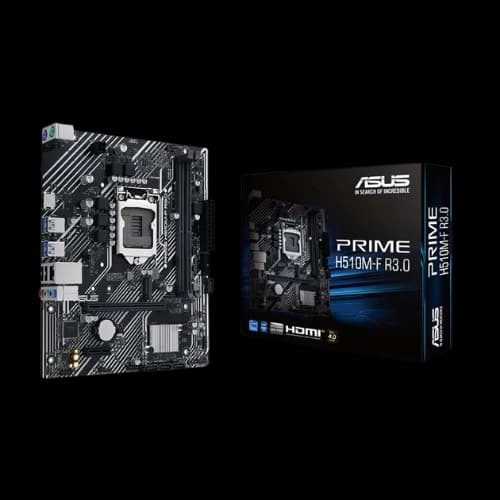
Motherboard
The Motherboard connects every component. It decides what processor generation you can use, how many storage drives you can install, and what features you’ll get (like extra M.2 slots, Wi-Fi, or more USB ports).
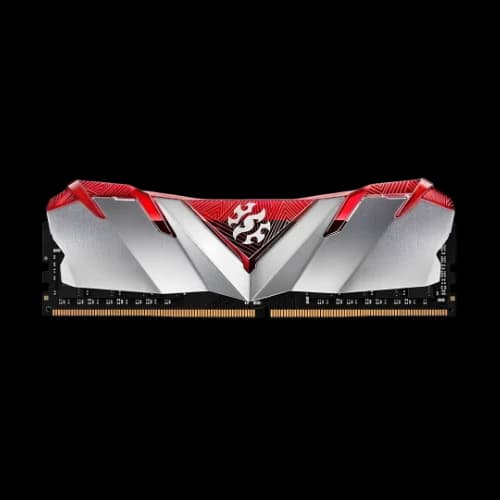
Desktop RAM
Desktop RAM helps your PC handle multitasking—like keeping multiple tabs open, running apps together, and improving game smoothness. More RAM capacity and the right speed can noticeably improve daily performance.
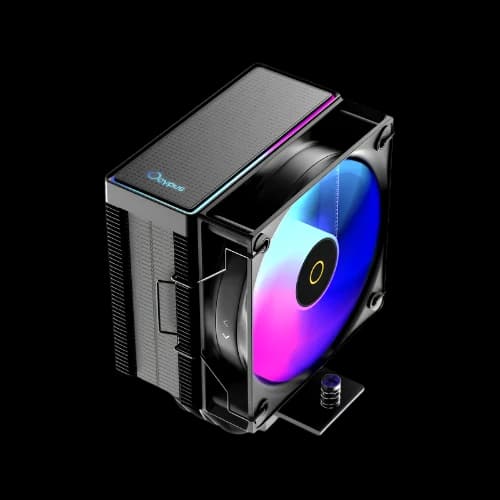
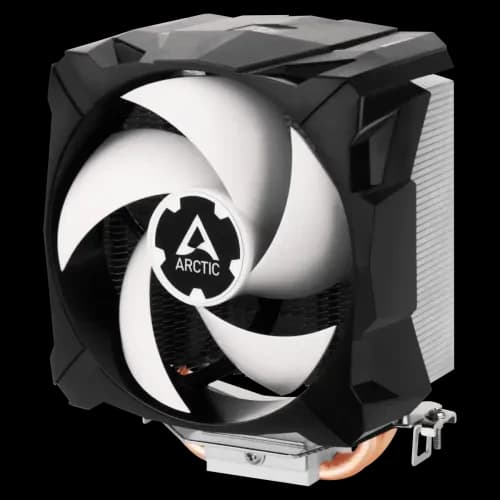
CPU Cooler
A CPU Cooler keeps the processor temperature under control, especially during gaming and heavy work. Better cooling helps your PC stay stable and can reduce noise by keeping fan speeds lower.
CPU Liquid Cooler
A CPU Liquid Cooler is often chosen for high-performance builds or for a cleaner look. It can handle strong processors well and may help maintain lower temperatures under long workloads.
RAM Cooler
A RAM Cooler helps reduce memory temperatures, mainly useful for high-performance or heavily overclocked builds. For most normal PCs, it’s optional, but it can help stability in extreme setups.
SSD
An SSD makes everything feel faster—Windows boot time, app loading, and game loading screens. It’s one of the biggest upgrades for overall speed and responsiveness.
Portable SSD
A Portable SSD is a fast external storage option for moving files, backing up projects, or carrying games and media. It’s great when you want speed and portability in one device.
Hard Disk Drive
A Hard Disk Drive is best for large storage like movies, photos, recordings, and backups. Many people use an SSD for speed, plus a hard disk drive for mass storage.
Portable HDD
A Portable HDD is useful for backups and carrying lots of files at a low cost per GB. It’s slower than a portable SSD but still great for storing large archives.
Graphics Card
A Graphics Card is the most important part for gaming and visual work. It affects FPS, resolution, and performance in tasks like video editing, 3D work, and design software.
Vertical Graphics Card Holder
A Vertical Graphics Card Holder mounts your GPU upright for a cleaner look and better showcase builds. Compatibility depends on your case space and airflow planning.
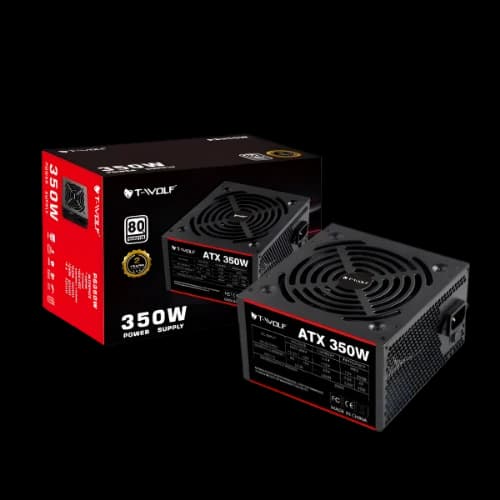
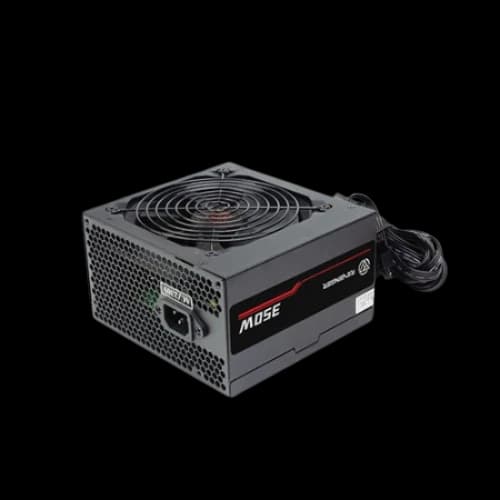
Power Supply
A Power Supply runs your whole PC and protects components from unstable electricity. A high-quality power supply improves reliability and is especially important for gaming GPUs and powerful processors.
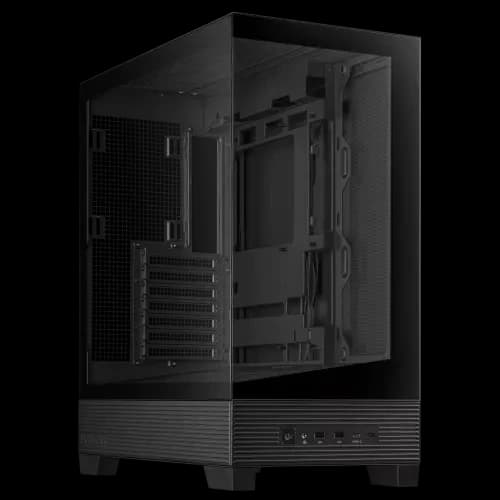
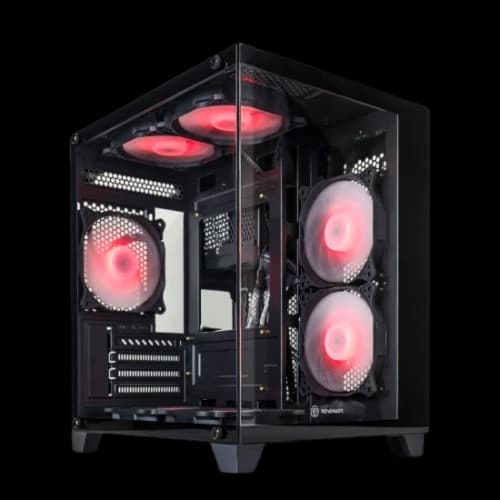
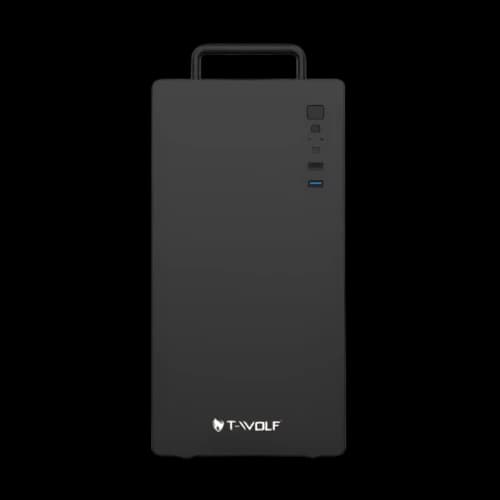
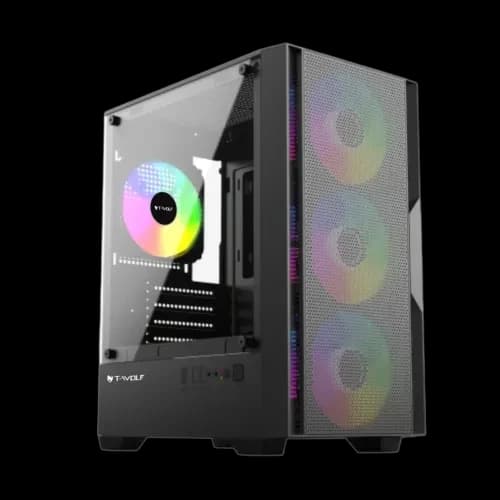
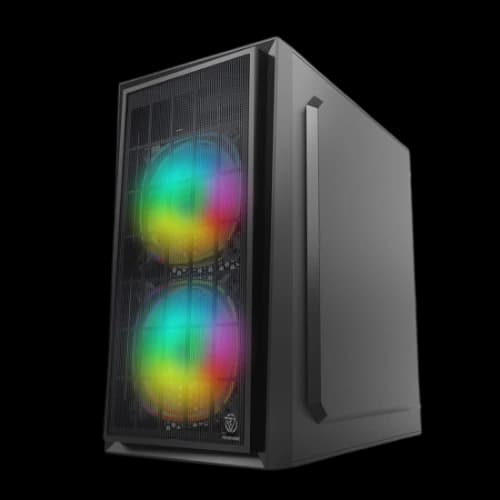
Casing
A Casing affects airflow, cooling, and how easy it is to build and manage cables. Choosing the right casing also ensures your motherboard size, GPU length, and cooler height fit properly.
Casing Fan
A Casing Fan improves airflow inside the case by bringing cool air in and pushing hot air out. A good fan setup can lower temperatures for the processor, graphics card, and storage.
SSD Cooler
An SSD Cooler helps NVMe drives maintain stable speeds during long file transfers and gaming sessions. It’s most useful for high-performance SSDs that run hot.
Optical Drive
An Optical Drive is optional today, but still useful if you use CDs/DVDs for software, movies, or old backups. Some users prefer an external optical drive for convenience.
Custom Cooling Kit
A Custom Cooling Kit is for enthusiasts who want maximum cooling and a premium look. It’s usually used in high-end PCs and requires more planning and maintenance than regular coolers.
PC Components Buying Guide
Prioritise Compatibility (CPU & Motherboard):
This is the most crucial step. Your chosen Central Processing Unit (CPU) dictates your motherboard options. They must share the same socket type (e.g., LGA 1700 for Intel 12th-14th Gen, AM5 for AMD Ryzen 7000/9000 series) and the motherboard's chip-set must support the specific CPU model.
Always double-check the motherboard manufacturer's website for a CPU compatibility list before buying.
Storage:
For a fast and responsive PC, always include a Solid State Drive (SSD). Install your operating system (like Windows) and frequently used programs on the SSD for significantly faster boot times and application loading compared to a traditional Hard Disk Drive (HDD).
NVMe SSDs are faster than SATA SSDs and often connect directly to the motherboard via an M.2 slot. They offer the best performance, especially PCIe Gen4 models. A 1TB NVMe SSD is generally considered the best balance of price and performance for most users currently.
HDDs are still great for storing large amounts of data cheaply (like movies, photos, or game libraries). A combination of an SSD for the OS/apps and an HDD for bulk storage is a cost-effective strategy.
Power Supply (PSU):
The PSU powers everything in your PC. A low-quality, unbranded PSU is risky and can damage your expensive components if it fails.
Choose a reputable brand like Cooler Master, Corsair, Antec, MSI, Gigabyte, or Thermaltake.
Look for an 80+ Bronze certification at a minimum for decent efficiency. Gold or Platinum ratings are better but more expensive.
Ensure the PSU has enough wattage for all your components, especially the graphics card. Calculate the required wattage or use an online PSU calculator.
Balance Your Build for Your Needs:
For Gaming: Allocate a significant portion of your budget to the Graphics Card (GPU), followed by the CPU.
For Content Creation/Workstation Tasks: Prioritize a CPU with more cores (such as Core i7/i9 or Ryzen 7/9) and ample RAM (32GB or more is often recommended).
For general use and office work, a balanced setup with an Intel Core i3/i5 or AMD Ryzen 3/5 processor, 8GB-16GB RAM, and an SSD is usually sufficient.
Check Physical Clearances:
- Ensure the PC case you choose is large enough to fit your motherboard (ATX, Micro-ATX, Mini-ITX).
- Verify the case's maximum supported GPU length and CPU cooler height against the dimensions of the components you plan to buy. Some large air coolers or long graphics cards won't fit in smaller cases.
RAM Compatibility:
Check your motherboard's specifications for the type of RAM (DDR4 or DDR5) and the maximum supported speed (MHz). Using RAM faster than the motherboard officially supports might not yield benefits unless you plan to overclock.
For DDR5, check the motherboard's Qualified Vendor List (QVL) for tested RAM kits to ensure optimal compatibility and stability, especially when using XMP/EXPO profiles.
Why Choose PCB Store for Computer Components
- Customisation Expertise: PCB Store offers robust customization options, allowing you to build a PC by choosing specific components like CPU, RAM, storage, and GPU to match your exact needs
- Reputation Among Enthusiasts: The store is noted as being popular among gamers and professionals in Bangladesh, suggesting a strong reputation within these communities.
- After-Sales Service: They are highlighted as providing "top-notch" and "extensive" after-sales service.
- Official Warranty: Purchases from PCB Store come with official warranties, ensuring support and reliability for the components.
- Authenticity Guarantee: PCB Store is listed as an example of an authorised dealer and reputable store where customers can buy original desktop PCs and components.
- Potential Exclusivity: They might offer specific or exclusive products like NVIDIA Blackwell GPU, Ryzen EPIC, and Ryzen Threadripper PRO processors.