Casing Fan Price in Bangladesh
Casing Fan
12
/123
Filter
Filter
Description
Hot CPU, loud fans, or a case that feels warm even when nothing heavy is running usually comes down to one thing: airflow. The right casing setup isn’t only about adding more fans, it’s about choosing the right case type (plastic, metal, or mesh), understanding what fan specs actually mean (airflow, noise, PWM, durability, RGB), and picking brands that match your budget and build goals in Bangladesh.
Different Types of Casing Fans
Plastic Casing
A plastic casing is a computer case where a significant portion of the external body panels is made from plastic. In modern desktop cases, fully plastic frames are uncommon for mid/high-end builds, but plastic is frequently used for front bezels, decorative shrouds, handles, or lightweight side elements.
Plastic is inexpensive to manufacture, lightweight, and easy to shape into complex designs (vents, patterns, RGB diffuser areas). It can also be electrically non-conductive, which reduces the risk of accidental short circuits from the panel itself, though internal metal parts and motherboard standoffs still matter.
Plastic panels generally offer lower structural rigidity than steel or aluminum. They can flex, creak, and wear out faster if frequently removed. Heat tolerance is usually fine in normal environments, but plastic can deform if exposed to high heat sources or poor ventilation. It also tends to show scratches more easily than powder-coated metal.
Best use: Entry-level office builds, student PCs, or budget gaming builds where weight and cost matter more than a premium feel. For higher-performance systems, plastic-only construction is less ideal because better airflow designs typically come with stronger frames and more fan/radiator support.
Metal Casing
A metal casing usually means the main chassis and panels are made from metal, most commonly steel, sometimes aluminum. Metal cases are popular because they provide strength, stability, and long-term durability.
Metal improves structural strength and vibration control. It holds heavy components (large GPUs, tower air coolers) more securely, and it typically feels more premium. Metal panels and frames also help with grounding, which can reduce static-related issues, though proper grounding depends on the power supply and electrical setup, not only on the case.
Metal cases are heavier than plastic-based designs. Lower-cost metal cases may use thinner steel, which can still flex and rattle. Aluminum cases reduce weight and can look premium, but they are usually more expensive and can dent more easily than steel.
Best use: General-purpose builds, gaming PCs, and professional workstations. Metal cases are a safer long-term choice if you plan to upgrade parts over time.
Steel or Aluminum Mesh Casing
A mesh casing refers to cases that use perforated metal mesh panels, typically on the front, top, or side, to improve airflow. Steel mesh and aluminum mesh describe the material used for the perforated panel. This is not the entire chassis material; rather, it is the airflow-focused panel design.
Mesh cases are among the best for cooling performance. They allow intake fans to draw cool air with less resistance, which helps keep CPU and GPU temperatures lower. Lower temperatures can prevent thermal throttling (automatic speed reduction when components get too hot), improving sustained performance in gaming or heavy workloads.
Because mesh panels allow more open airflow, they also allow more dust entry if filters are weak or not present. They may also be louder, because sound escapes more easily compared to solid panels. A well-designed mesh case with proper dust filters helps reduce these downsides.
Best use: Gaming PCs, content-creation systems, and any build with high-heat components (strong GPU/CPU). Mesh designs are often recommended for Bangladesh’s warm or humid seasons, where ambient temperature can already be high.
Top Casing Fan Brand in Bangladesh
VendyBD is a premium Bangladeshi brand built by the PC Builder Bangladesh team, aiming to deliver durable, high-value PC fans that can compete globally under a “Made in Bangladesh” identity. Antec is a dependable mid-range choice known for balanced airflow, standard PWM/ARGB connectors, and consistent quality, though it usually costs more than local alternatives. Xtreme, Value Top, PC Power, and upHere are widely used in budget builds, mainly chosen for affordability, and RGB looks rather than refined acoustics or long warranties.
For builders who care about aesthetics and cable management, Lian Li and NZXT stand out with clean designs and ecosystem-based control, though both sit firmly in the premium price range. Corsair, Thermaltake, and Asus also target the higher end, focusing on build quality, stable performance, and well-defined specs—making them ideal for users who want reliability and polished software support.
Mid-range performance seekers often lean toward Cooler Master, DeepCool, Gamdias, Xigmatek, and maxgreen, which offer a practical balance of airflow, noise, RGB features, and price. These brands are common in gaming builds where value matters but outright budget compromises are avoided. Arctic and Thermalright are popular among users who prioritize cooling efficiency and low noise over RGB, especially for radiators and restricted airflow cases.
Other commonly available options like AIGO, MONTECH, PCcooler, Revenger, HXHF, AITC, Acer, and Jungle fill various budget and design niches in the local market, usually focusing on bundled ARGB kits and standard 120mm compatibility. Overall, the Bangladeshi market offers everything from ultra-budget airflow solutions to premium, showcase-level fan ecosystems—making brand choice largely dependent on budget, noise tolerance, and how much you care about RGB polish versus raw cooling performance.
Key Features of Casing Fan for your Build
Airflow
Airflow describes how much air a fan can move through the case. It is often represented by CFM (Cubic Feet per Minute). Higher airflow generally means faster heat removal, especially for gaming PCs where the GPU produces significant heat.
However, airflow numbers are usually measured in open space. In real cases, airflow can drop if the front panel is restrictive or if the dust filter is dense. For that reason, airflow should be considered together with static pressure and case design.
Noise Level
Noise level is how loud the fan sounds during operation. Manufacturers commonly list noise in dBA (decibels). In practice, noise is not only about the dBA rating; the fan’s blade design, bearing quality, and how smoothly the fan runs at different speeds also matter.
A fan can be quiet at low speed but become noticeable at high RPM. Fans with better bearings and more stable motor control tend to sound smoother and less irritating, even when moving a lot of air.
PWM Compatibility
PWM stands for Pulse Width Modulation. A PWM fan uses a 4-pin connector and can be controlled very precisely by the motherboard. This allows the system to run fans slowly and quietly at idle and increase speed only when temperatures rise.
Non-PWM fans usually use a 3-pin connector and are controlled by changing voltage (DC control). DC control can still work well, but PWM offers finer tuning and is often preferred for quieter and more efficient fan curves.
Durability
Durability refers to how long a fan can operate reliably and how well it resists wear. This is influenced by the bearing type (sleeve, hydraulic, fluid dynamic bearing, etc.), motor quality, and overall build materials.
Longer-lasting fans maintain stable speed, produce less vibration over time, and reduce the need for replacement. This matters more in hot environments, dust-prone setups, and PCs that run many hours daily.
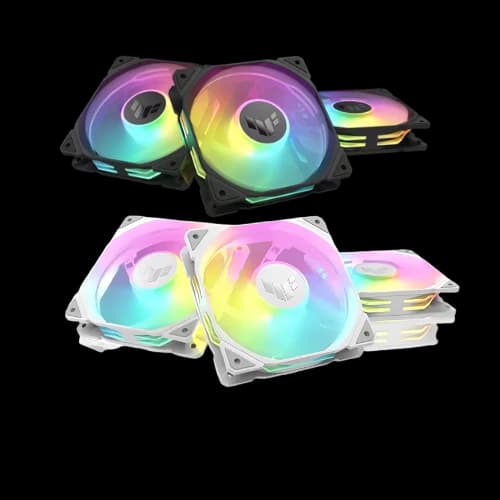
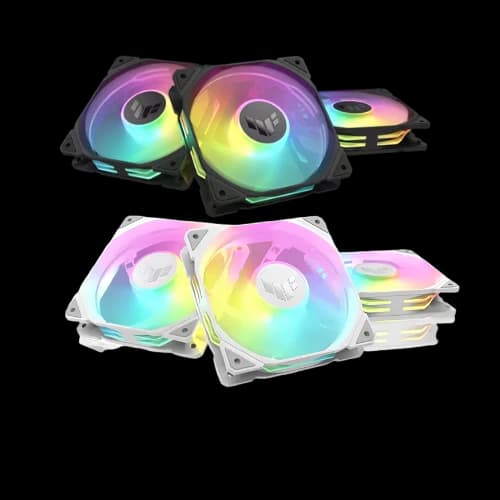
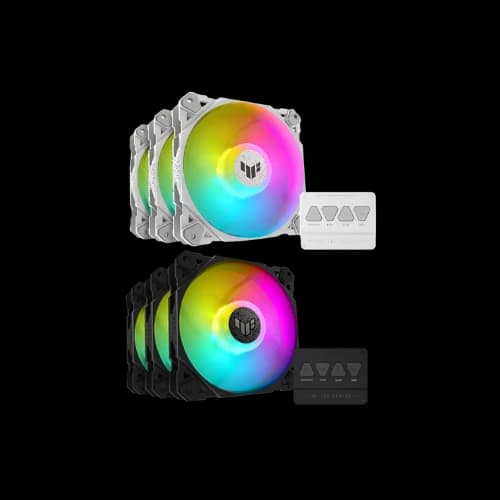
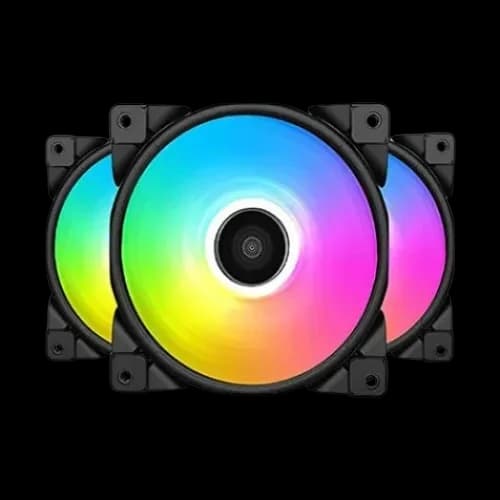
RGB Lighting
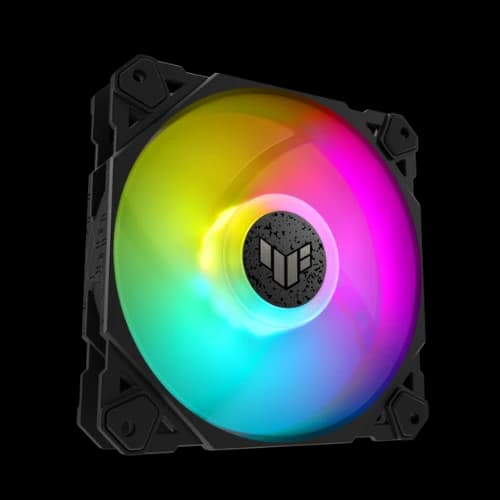
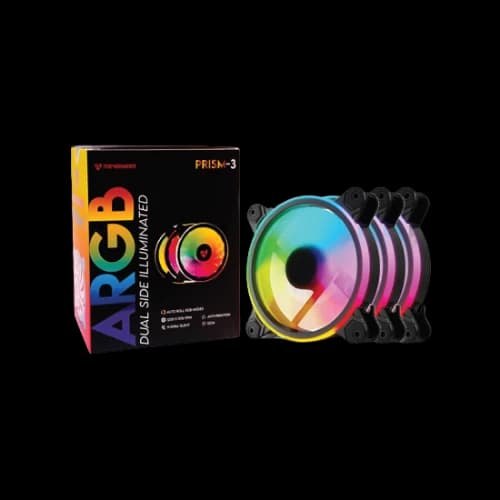
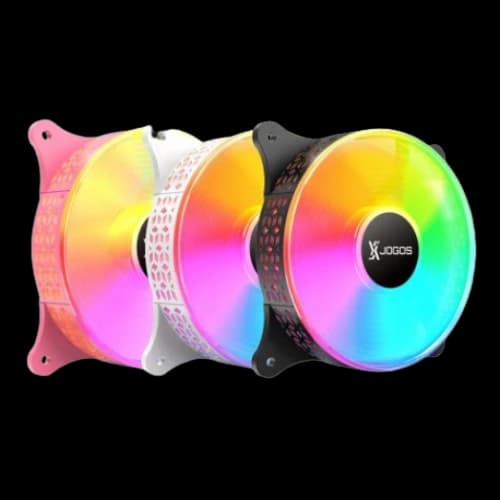
RGB lighting is a visual feature that allows fans to display colors and lighting effects. Two common formats are:
RGB (12V, 4-pin): Typically changes all LEDs together.
ARGB (5V, 3-pin): “Addressable RGB,” meaning each LED can be controlled separately for advanced effects.
RGB does not improve cooling. It is mainly for aesthetics and system presentation. If you choose RGB, it is important to ensure compatibility with your motherboard headers or to use a controller/hub.
Key Benefits of Using Casing Fans in a Desktop PC Build
Prevents Overheating
Overheating occurs when internal components operate above safe temperature ranges due to poor airflow, high ambient temperature, or dust buildup. Case fans prevent heat from being trapped inside the casing by continuously refreshing internal air.
This is especially important for GPUs, because many graphics cards release heat inside the case. Without proper exhaust, that heat can raise CPU and motherboard temperatures as well.
Improved Performance
Modern CPUs and GPUs automatically adjust their speed based on temperature. When they get too hot, they reduce clock speeds to protect themselves, which is known as thermal throttling.
Good case airflow helps keep temperatures lower, allowing components to sustain higher boost clocks for longer. This improves stability in gaming, rendering, compiling, and other demanding tasks.
Accommodates Different Needs
Case fans can be selected and configured based on your build type:
For gaming: prioritize strong airflow and effective exhaust paths.
For office/study: prioritize low noise and steady airflow.
For content creation: prioritize stable cooling under long workloads.
For liquid cooling: prioritize fans with better static pressure for radiators.
This flexibility allows the same PC platform to be optimized for different user requirements.
Easy Installation
Most case fans are simple to install and upgrade. They mount with screws (or sometimes tool-free mounts) and connect to the motherboard fan headers or a hub. Many cases support standard fan sizes such as 120mm and 140mm, making replacements widely compatible.
If your case supports it, adding one or two fans can be one of the easiest upgrades to improve overall cooling.
Long-Term Investment
A quality set of case fans improves the long-term health of a PC. Lower heat and reduced dust buildup help protect sensitive components like VRMs (Voltage Regulator Modules on the motherboard), SSDs, and GPUs.
Good fans also reduce the need to run the system aggressively (high RPM) all the time, which can improve user comfort and reduce maintenance. Over the life of a PC, reliable fans can be more cost-effective than repeated replacements of cheap fans.
How to Pick the Best Casing Fan
A casing fan buying guide is mainly about balancing cooling performance, noise, and compatibility. Case fans (also called chassis fans) are installed on the computer casing to create airflow through the system. They do not directly increase power, but they reduce heat buildup so the CPU and GPU can maintain stable speeds, which matters for gaming, long work sessions, and long-term reliability.
Fan Speed (RPM) and Noise Levels
RPM (Revolutions Per Minute) is how fast the fan spins. A higher RPM usually means the fan can push more air, which can reduce temperatures, especially in hot climates, restricted cases, or gaming PCs with powerful GPUs. However, higher RPM also tends to increase noise.
Two fans can spin at the same RPM but move different amounts of air because blade design, motor torque, frame shape, and resistance (filters/mesh) change real performance. That is why you should interpret RPM alongside airflow and static pressure.
Airflow (CFM)
Airflow is often stated as CFM (Cubic Feet per Minute), representing how much air a fan can move in open space. Higher CFM can improve case ventilation, especially for front intake and top exhaust, but real airflow reduces when the fan faces resistance like dust filters or restrictive front panels.
Static Pressure (mmH₂O)
Static pressure describes how well a fan can push air through resistance, such as dust filters, tight vents, and radiators (liquid cooling). This is important because many modern cases have filters and narrow intakes. A high static pressure fan often performs better than a high-CFM fan in restricted airflow situations.
Noise Level (dBA)
Noise is commonly listed in dBA (decibels). Lower dBA usually means quieter, but the sound quality matters too:
- Air turbulence noise: a smooth sound
- Motor whine: a sharper, more annoying sound
- Bearing noise: clicking or grinding that can appear as the fan ages
Practical recommendations
For office/study builds: choose fans that run quietly at low-to-mid RPM and can be controlled well.
For gaming builds: choose fans that can ramp up under load without becoming harshly noisy.
For hot environments, it helps to have fans with a higher usable RPM range, controlled by a proper fan curve.
Compatibility
Compatibility is the most common reason people face problems after buying fans. Compatibility includes physical fit, connectors, and control method.
Fan size (120mm and 140mm)
Most casings support 120mm fans. Many also support 140mm fans in front and top positions. A 140mm fan can often move similar air at a lower RPM than a 120mm fan, which can reduce noise. But it only works if your casing has 140mm mounting points.
Fan thickness (usually 25mm)
Standard case fans are 25mm thick. Some performance fans are thicker (for example, 28mm or 30mm). Thicker fans can offer better airflow or pressure, but may collide with radiators, front panels, or motherboard heatsinks in tight builds.
Connector type
3-pin DC fans control speed by changing voltage. Many budget fans use this method. It can work well if your motherboard supports DC control.
4-pin PWM fans use PWM (Pulse Width Modulation) control, allowing more precise speed control. PWM is usually better for creating a quiet system because it can run fans at very low speeds at idle and ramp up smoothly.
Why Choose PCB Store for your Casing Fan?
PCB Store provides casing fans with official warranty support and assured product authenticity. As an authorised seller of brands such as Asus, MSI, and Gigabyte, we guarantee that every product is brand new and original, not refurbished, used, or counterfeit. Customers receive after-sales service throughout the warranty period, supported by knowledgeable staff who assist with component compatibility and budget-based selection rather than upselling.
We offer access to dedicated service centres aligned with brand service facilities, maintain a wide product range for easy comparison and complete system building, ensure competitive pricing, perform in-store checking on every component at the time of purchase, and follow a customer-friendly return policy.