AI & Work Station HPC Price in Bangladesh
AI & Work Station HPC
12
/16
Filter
Filter
Description
Modern professionals and businesses increasingly rely on computing systems capable of handling demanding workloads—from artificial intelligence development and 3D rendering to complex data analysis and scientific simulations.
As industries across Bangladesh scale up their digital capabilities, high-performance workstations and HPC systems have become essential tools for creative studios, engineering firms, research institutions, and technology-driven organizations.
What Makes a High-Performance Workstation?
Professional-grade systems differ significantly from standard desktop computers. They are built using enterprise-level components designed for sustained heavy workloads.
These include multi-core processors with higher thread counts, ECC memory to reduce data corruption risks, certified professional graphics cards, and robust cooling solutions that maintain stability during extended processing sessions.
- Such systems excel at tasks that would overwhelm conventional PCs.
- Video editors can work smoothly with 8K footage.
- Architects can navigate complex building models without lag.
- Data teams can run simulations or train machine learning models locally without excessive wait times
Applications Across Industries
Creative professionals depend on these systems for video production, motion graphics, animation, and visual effects. Powerful CPUs paired with professional GPUs significantly improve performance in editing, compositing, and rendering workflows.
Engineering and architecture firms rely on workstation systems for CAD design, structural analysis, and photorealistic visualization. Certified graphics cards and high memory capacity ensure smooth viewport performance and application stability during complex projects.
Research institutions and data-driven teams use HPC-class workstations for scientific simulations and artificial intelligence development.
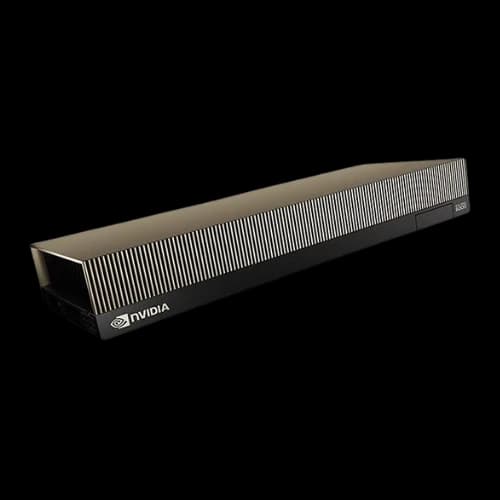
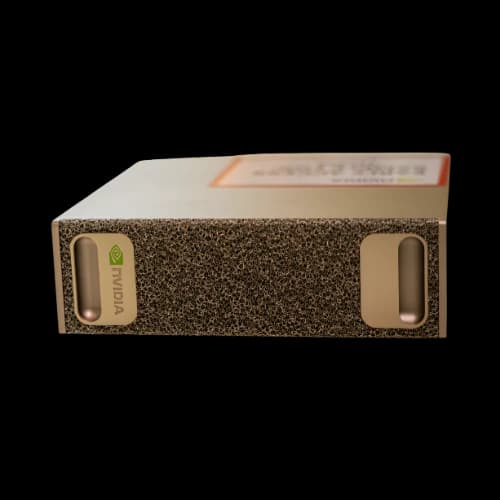
Large-scale AI initiatives may eventually scale beyond workstations toward dedicated infrastructure such as Nvidia DGX systems. Whether working with neural networks, simulations, or advanced analytics, specialized hardware dramatically reduces computation time.
Enterprise-Scale AI Infrastructure
For organizations operating at a much larger scale—such as research labs, universities, or AI-focused enterprises—dedicated systems like Nvidia DGX are designed specifically for high-density GPU computing and large-scale deep learning workloads.
Choosing the Right Configuration
Workload first: Content creators need strong GPUs and fast storage, AI developers need more RAM and GPU compute, and CAD/engineering users benefit from certified graphics cards.
Choose the right processor: Some professional apps perform better with higher core counts, while others rely more on strong single-core speed.
Do not overlook memory and storage: Many demanding workloads need over 32GB RAM, and NVMe SSDs improve speed with large files.
Use a balanced storage setup: Pair a fast SSD for active projects with high-capacity drives for long-term storage.
AI & Workstation HPC Buying Guide
Assess Your Workload Requirements
Start by identifying the applications you use most frequently. Review the software-recommended specifications and note whether performance depends more on the number of CPU cores, GPU compute power, or memory capacity.
Rendering engines, AI frameworks, and simulation tools each stress hardware differently.
Processor Considerations
For professionals running highly multi-threaded workloads such as rendering or simulation, AMD Threadripper platforms are often favored due to their ability to sustain high performance under continuous load.
Many organizations also continue to rely on Intel Xeon processors for their proven reliability, ECC memory support, and workstation-class stability.
If your requirements extend toward large memory pools, virtualization, or multi-GPU compute environments, AMD EPYC platforms provide additional scalability and expansion capabilities suitable for enterprise and research use cases.
Graphics Card Selection
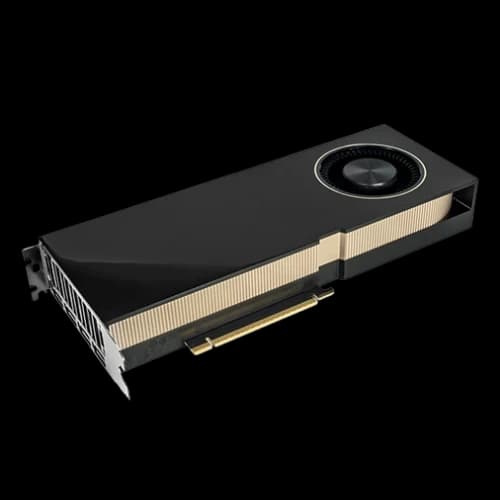
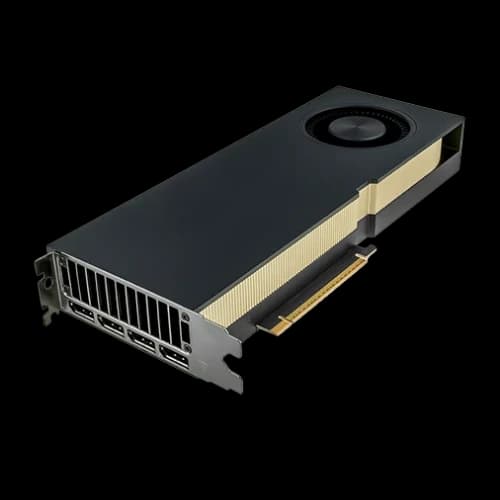
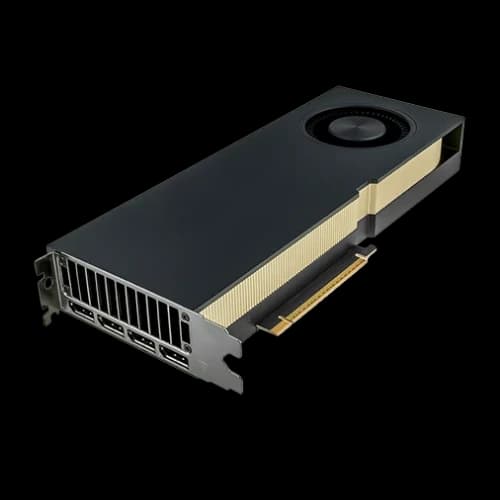
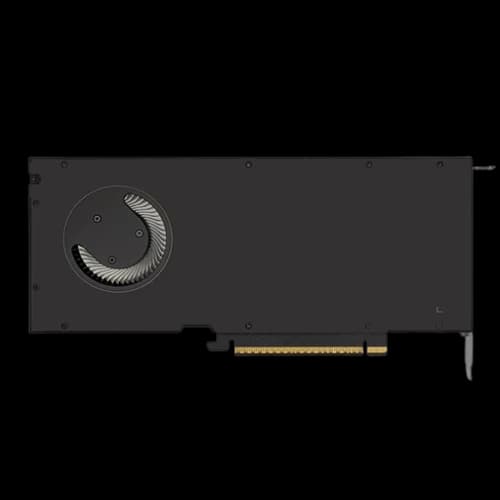
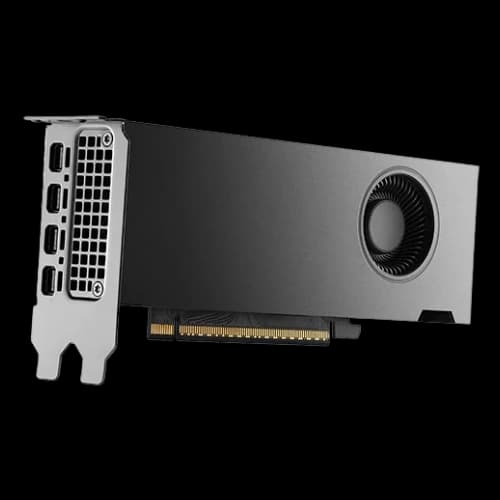
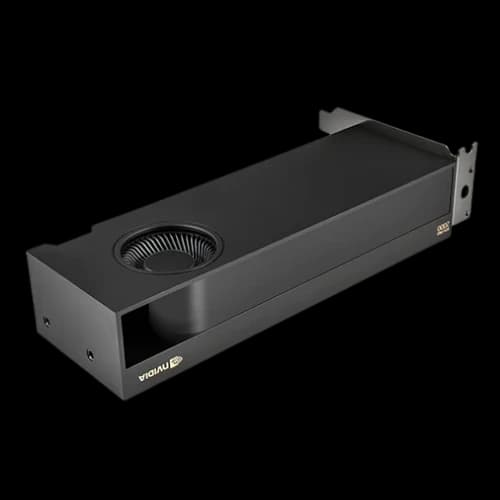
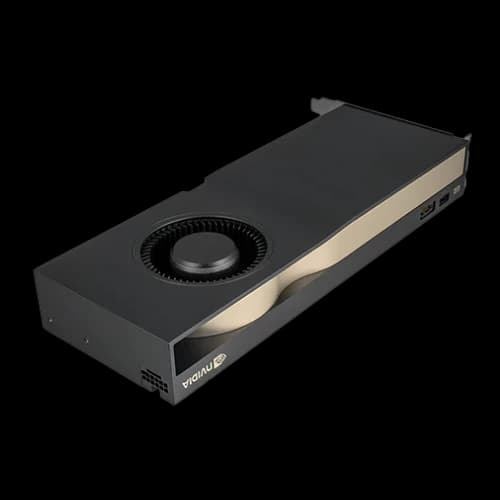
Professional GPUs differ from consumer gaming cards in driver support and reliability. For design, CAD, and 3D production workflows where stability is critical, Nvidia Quadro-class GPUs are designed to deliver consistent performance with certified professional applications.
For AI-focused workloads, GPU architecture and VRAM capacity directly influence training speed and model size.
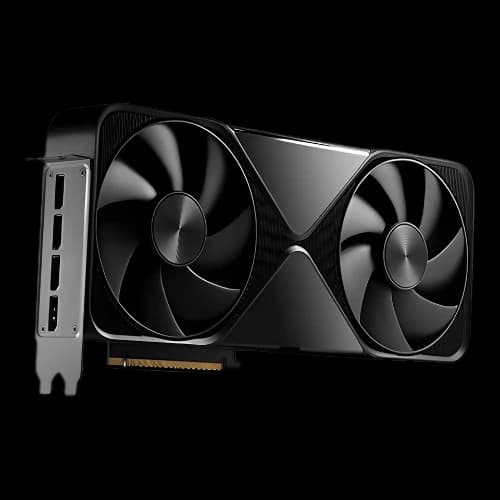
Newer-generation designs, such as Nvidia BlackWell, are built to support advanced AI compute demands and improve efficiency in modern machine learning pipelines.
Memory and Storage Strategy
Professional workloads benefit from generous RAM allocation. While 32GB is often considered a baseline, complex projects, large datasets, or multitasking environments may require 64GB or more.
ECC memory adds an extra layer of protection for mission-critical workloads.
Storage should match your workflow. NVMe SSDs are ideal for active projects and scratch disks, while larger-capacity drives handle completed work and archives.
RAID configurations can further improve performance or provide redundancy for important data.
Build Quality and Reliability
Workstation systems often operate under full load for extended periods.
High-quality power supplies, efficient cooling solutions, and well-ventilated chassis help maintain stability and extend component lifespan. Proper airflow design also reduces long-term maintenance issues.
Scalability and Future-Proofing
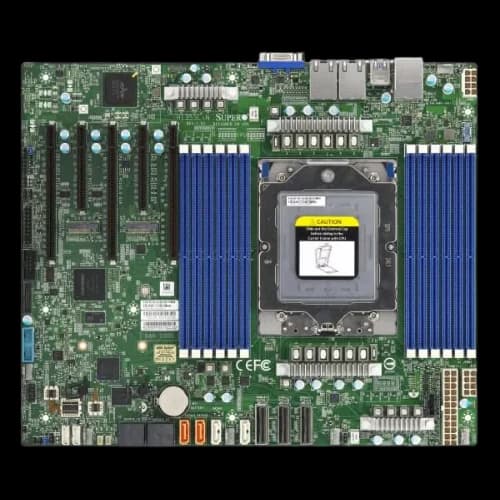
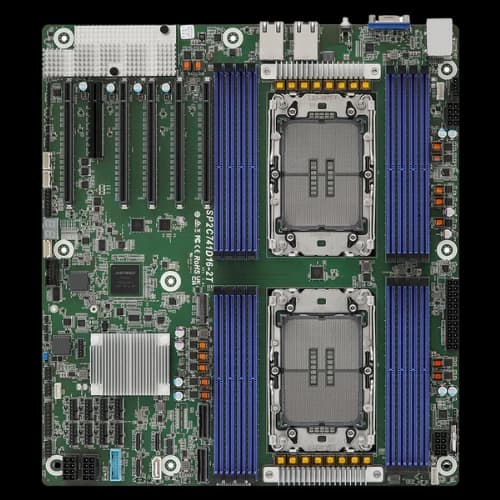
A system’s upgrade potential depends heavily on its foundation. Choosing a capable WorkStation Motherboard ensures access to sufficient PCIe lanes, additional M.2 slots, and memory expansion options as your workload grows. This flexibility protects your investment over time.
Budget Allocation
Allocate your budget based on performance bottlenecks. GPU-intensive tasks justify higher investment in graphics hardware, while CPU-bound workloads benefit from stronger processors.
A balanced approach delivers better long-term productivity than overspending in a single area.
Why Choose PCB Store for Your AI & Work Station HPC?
PCB Store offers expert consultation to create custom system configurations tailored to your specific professional needs, using only genuine components sourced from authorized distributors with full manufacturer warranties.
- Reliable After-Sales Support: Ongoing technical assistance for troubleshooting, optimization, and future upgrades.
- Business-Friendly Pricing: Competitive, transparent pricing with special solutions for bulk and long-term clients.
- Easy Access & Delivery: Physical presence in Bangladesh with in-store consultation and flexible delivery options.
- Professional Build Service: Expert assembly, testing, and cable management—systems delivered ready to use.