Desktop RAM Price in Bangladesh
Description
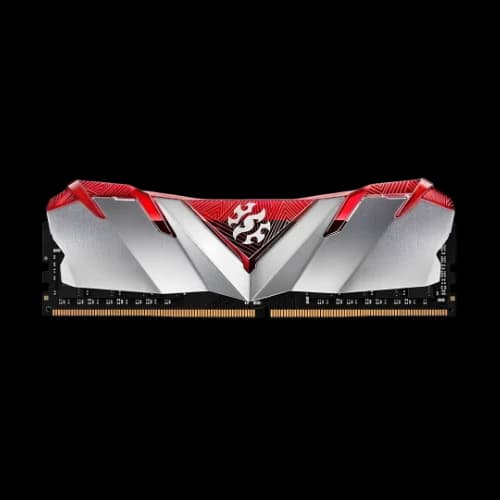
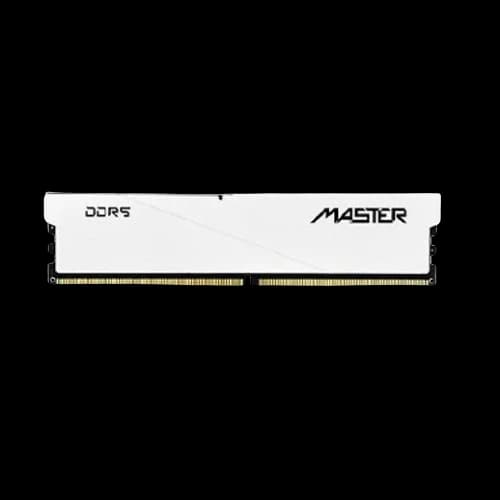
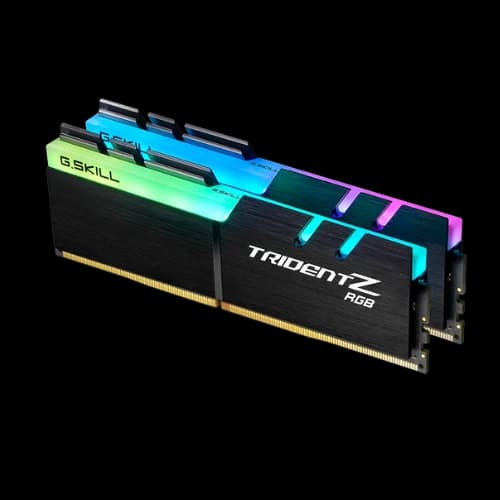
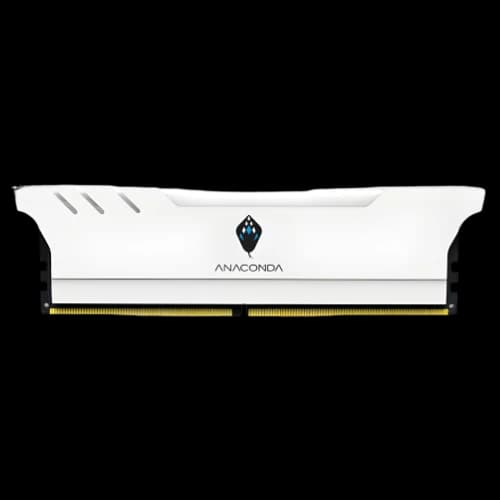
RAM (Random Access Memory) is a computer’s short-term, high-speed working memory. It stores active data and instructions so the CPU/GPU can access them quickly. Because RAM is volatile, all data is lost when power is turned off.
Unlike SSDs or HDDs, which store files permanently, RAM is used only while programs are running. When RAM is full, the system uses storage as virtual memory (swap/pagefile), which significantly reduces performance.
RAM prices in Bangladesh depend on memory type (DDR4/DDR5), bus speed, capacity, and whether the RAM is for desktop or laptop use.
Different Types of Desktop RAM
RAM comes in different formats and generations. Choosing the right type depends on your device (desktop/laptop), motherboard support, and performance needs.
DDR (DDR3 / DDR4 / DDR5)
DDR (Double Data Rate) is the main consumer RAM standard. Each generation improves speed, efficiency, and supported capacity, but they are not interchangeable. A DDR4 motherboard cannot use DDR5 RAM, and vice versa. Today, DDR4 is still common for budget builds, while DDR5 is the standard for new mid-range and high-end systems.
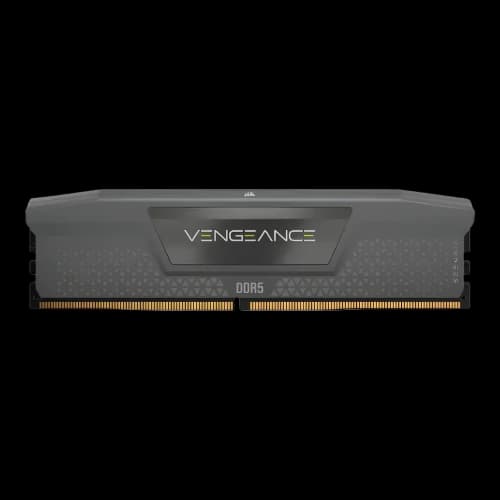
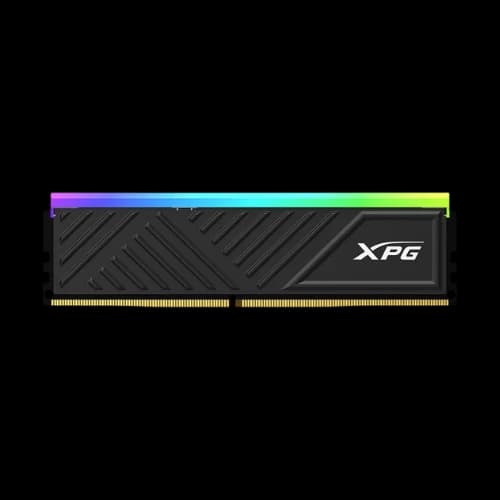
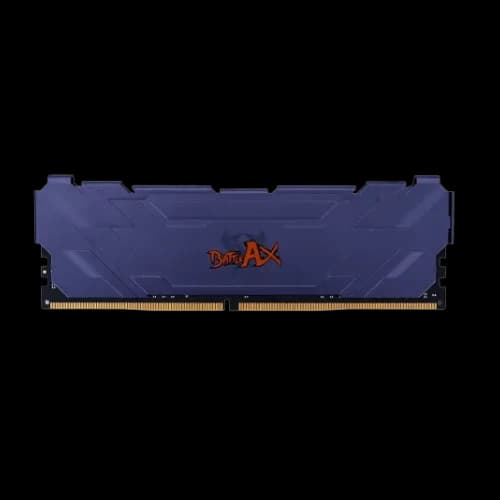
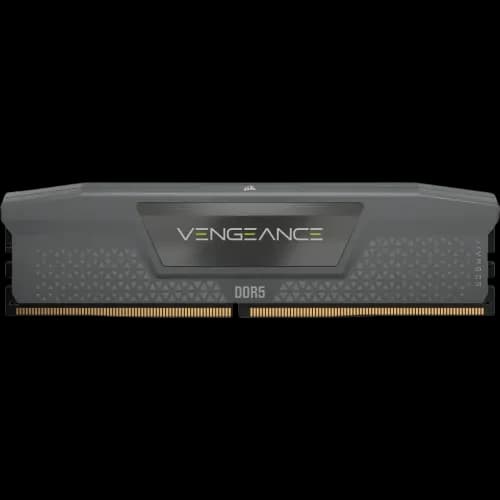
Desktop RAM (UDIMM)
UDIMM is the standard RAM used in desktop PCs. It is larger than laptop RAM and designed for desktop motherboards. Most users buy desktop RAM in pairs (kits) to enable dual-channel performance.
Laptop RAM (SO-DIMM)
SO-DIMM is the smaller RAM format used in laptops. It is not compatible with desktop motherboards. Many laptops support upgrades, but some modern thin laptops have RAM soldered to the motherboard, meaning it cannot be replaced.
ECC vs Non-ECC
ECC (Error-Correcting Code) RAM can detect and correct small memory errors, improving stability. It is mainly used in servers and professional workstations and requires motherboard and CPU support. Most consumer PCs use non-ECC RAM.
Registered (RDIMM) vs Unbuffered
RDIMM is used in servers and supports larger memory capacities with higher stability, but it won’t work in most consumer systems. Regular desktops use UDIMM (unbuffered). If you’re building a normal PC, UDIMM is the correct choice.
Desktop RAM (UDIMM) Buying Guide
DDR4 Desktop RAM
8GB DDR4 3200MHz: The minimum recommended for budget PCs, office work, students, and light browsing. Prices range from 1950 to 200000 depending on the brand.
16GB DDR4 3200MHz: The ideal choice for multitasking and 1080p gaming, usually bought as a 2×8GB kit. Prices range from 1950 to 200000 based on brand and RGB features.
DDR5 Desktop RAM
DDR5 is the current standard for modern Intel and AMD platforms, starting at 4800MHz and going beyond 8000MHz.
16GB DDR5 5600–6000MHz: The new baseline for gaming PCs.
24GB DDR5 5600MHz: A non-binary capacity option.
32GB DDR5 6000–8000MHz: Ideal for high-end gaming, streaming, and content creation.
48GB DDR5 6000–7200MHz: Designed for workstations and heavy multitasking.
64GB DDR5 6000MHz: Best for professional workloads like 3D rendering and data science.
Best Laptop RAM (SO-DIMM) Guide
Laptop RAM is smaller than desktop RAM and not interchangeable. Upgrading RAM is one of the most effective ways to improve laptop performance.
DDR4 Laptop RAM
8GB DDR4 3200MHz: Common upgrade for older laptops.
16GB DDR4 3200MHz: Best overall upgrade for DDR4 laptops.
DDR5 Laptop RAM
DDR5 SO-DIMM is used in modern gaming laptops and high-performance ultrabooks.
16GB DDR5 4800–5600MHz: Standard capacity for new laptops.
24GB DDR5 5600MHz: Single-module high-capacity option.
32GB DDR5 4800–5600MHz: Ideal for mobile workstations and creators.
48GB DDR5 5600MHz: Designed for extreme workloads.
64GB DDR5 (2×32GB): Maximum capacity for most laptops, mainly available in high-end workstation models.
Top RAM Brands Available in Bangladesh
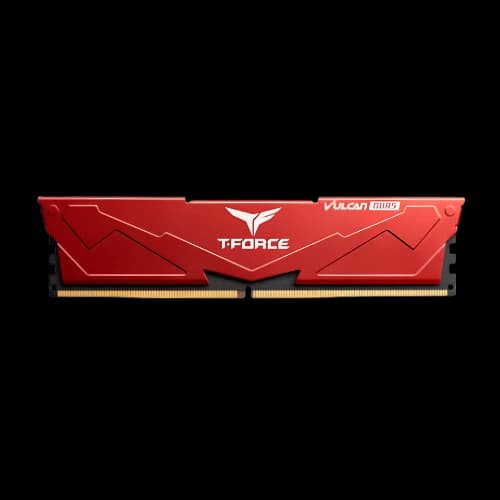
Bangladesh’s RAM market includes a wide mix of premium, mid-range, and budget brands for both desktop and laptop upgrades. Popular international names like ADATA, Corsair, G.Skill, Kingston, Crucial, and Gigabyte are widely chosen for compatibility, performance, and strong DDR4/DDR5 options.
Value-focused and everyday upgrade choices commonly include TeamGroup, Patriot Memory, PNY, GeIL, Apacer, Transcend, Lexar, Netac, Neo Forza, and Addlink, which offer competitive pricing across different speeds and capacities.
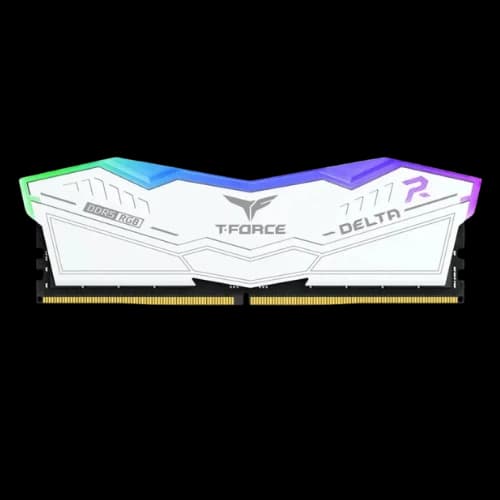
Gaming and enthusiast builds often look at brands such as Thermaltake, Redragon, Colorful, OCPC, XOC, and Revenger, mainly for higher-speed kits and RGB-focused setups.
For budget desktops, office PCs, and entry-level upgrades, brands like TwinMOS, HP, Walton, Smart, PC Power, Oscoo, Oreton, and Anacomda are also found in the local market.
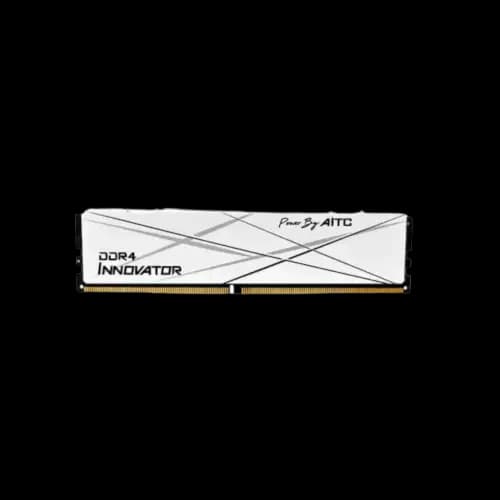
There are also newer or specialised names available in Bangladesh, including Hikvision, HIKSEMI, Dahua, Kimtigo, KingSpec, AGI, AITC, and MICROFROM, which expand the available options for different budgets and system requirements.
Understanding Desktop RAM Specifications
DDR5 Advantages
DDR5 offers higher speeds, starting at 4800MHz, significantly more bandwidth than DDR4, and better efficiency. It uses dual 32-bit channels per module, supports much higher capacities, and operates at a lower voltage. On-die ECC improves stability at high speeds.
Bus Speed and XMP
RAM speed (MHz or MT/s) indicates how fast data is transferred. By default, RAM runs at JEDEC speeds. To achieve advertised speeds, users must enable XMP (Intel) or EXPO (AMD) in the BIOS. XMP 3.0 is designed specifically for DDR5.
Speed vs Latency
Higher MHz improves bandwidth, while lower CAS latency (CL) improves responsiveness. Balanced speed and latency deliver the best real-world performance.
Capacity vs Speed
Capacity is always more important than speed. Insufficient RAM causes stuttering and slowdowns regardless of RAM speed. Think of capacity as workspace size and speed as how fast you work.
Dual-Channel Memory
Using two identical RAM sticks enables dual-channel mode, doubling memory bandwidth and improving gaming and CPU-intensive performance by up to 20% or more.
Mixing RAM
Mixing RAM brands or speeds is technically possible but discouraged. The system will run at the slowest module’s speed and may become unstable.
How to Choose the Best RAM for Different Users
For Gaming:
16GB is the minimum; 32GB is recommended for high-end gaming. DDR5 6000MHz in dual-channel provides the best balance of performance and cost.
Video Editing & Content Creation:
Capacity is the priority. 32GB is the minimum for 4K work, while 64GB is ideal for professionals handling heavy effects, 3D rendering, or 8K footage.
Office Use:
16GB is now the standard for smooth multitasking. DDR4 3200MHz offers excellent value and performance for productivity tasks.
RAM Buying Guide: How to Choose the Right Memory for Your PC
Choosing the right RAM depends on your system, usage, and budget. Start by checking compatibility—your motherboard or laptop must support the RAM generation (DDR4 or DDR5), speed, and maximum capacity. DDR4 remains a cost-effective choice for older and budget systems, while DDR5 is the standard for new Intel and AMD platforms.
Next, focus on capacity. For office work and daily tasks, 16GB is now the practical minimum. Gamers should aim for at least 16GB, with 32GB recommended for newer AAA titles and future-proofing. Content creators and professionals working with 4K/8K video, 3D rendering, or virtual machines should consider 32GB to 64GB or more.
Speed and latency matter after capacity. For DDR4, 3200MHz offers the best balance of price and performance. For DDR5, 5600–6000MHz is the sweet spot on most modern systems. Remember to enable XMP (Intel) or EXPO (AMD) in the BIOS to get the advertised speed.
Always prefer dual-channel kits (such as 2×8GB or 2×16GB) instead of a single stick, as dual-channel memory can significantly improve performance in gaming and CPU-intensive tasks. Avoid mixing different RAM brands, speeds, or capacities, as this can reduce performance and cause instability.
Why Choose Your RAM from PCB Store?
Choosing RAM from PCB Store ensures access to a wide selection of original products from leading global and local brands, covering DDR4 and DDR5 options for desktops and laptops. All RAM modules are sourced through official channels, helping users avoid compatibility issues and counterfeit products.
PCB Store offers competitive pricing in Bangladesh, regular stock updates, and clear product specifications, making it easier to compare speeds, capacities, and generations before buying. Customers also benefit from warranty-backed products, expert guidance for upgrades or new PC builds, and dependable after-sales support—whether upgrading a laptop or building a high-performance gaming or workstation PC.