Thermaltake Cpu Cooler Price in Bangladesh
Thermaltake Cpu Cooler
8
/8
Filter
Filter
Description
Thermaltake CPU Cooler Price in Bangladesh – Find the Best Deals
Are you struggling to find the perfect Thermaltake CPU cooler in Bangladesh? At PCB Store, we bring you the latest Thermaltake CPU cooler prices, models, and specs to make building or upgrading your PC easier. Whether you are a gamer, content creator, or performance enthusiast, our guide helps you pick the right CPU cooler fast.
Thermaltake Cooler Series
Thermaltake coolers cater to various CPU sockets. For Intel, they support LGA1700, LGA1200, and LGA1851, while AMD builds use AM5, AM4, and TR4. Choosing the right cooler depends on socket compatibility, radiator size, and fan performance.
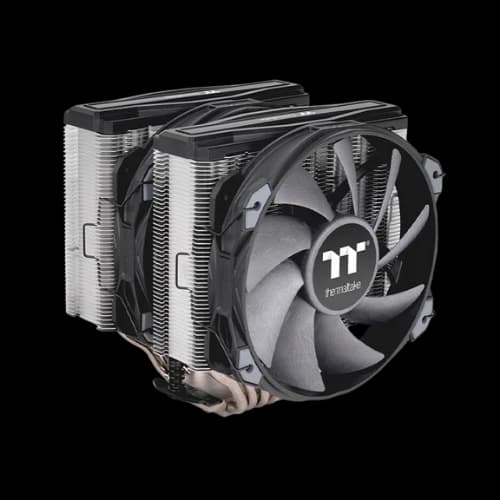
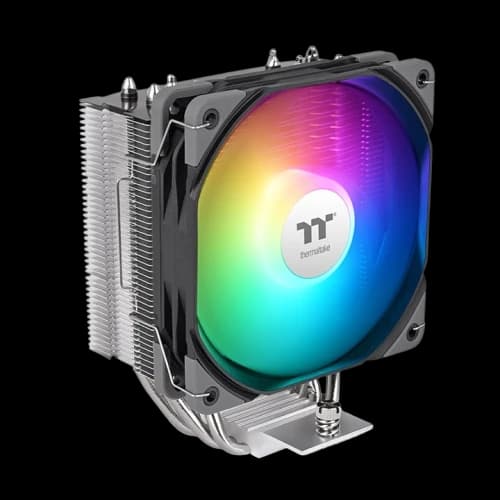
Popular Air Coolers:
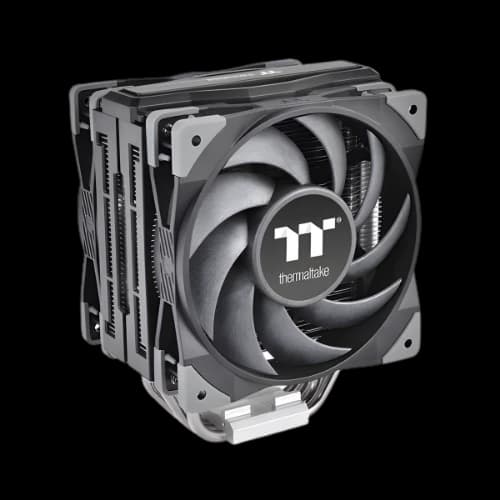
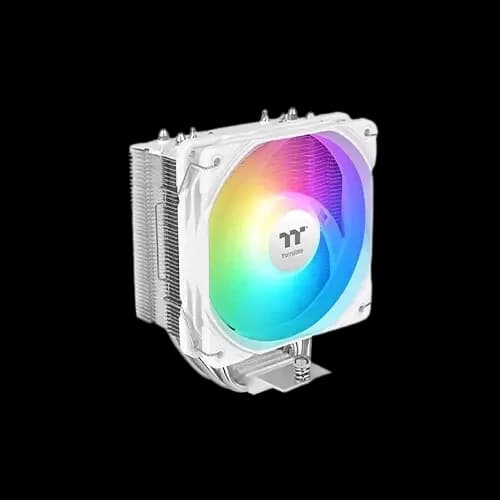
- Thermaltake UX400: Reliable for mid-tier gaming PCs, supports LGA1700/AM5, compact design.
- Toughair 510 / 710: Affordable, effective cooling with 92mm/120mm fans, ideal for small to mid builds.
Popular AIO Coolers:
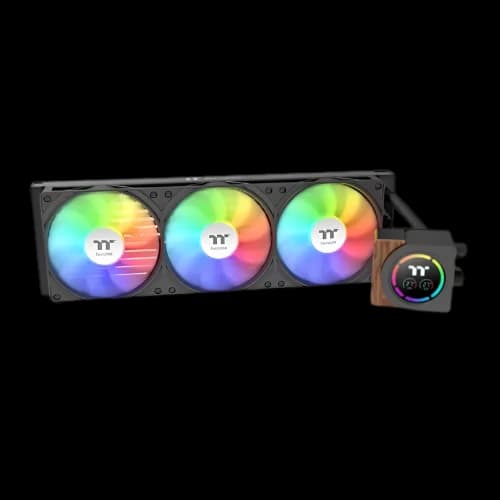
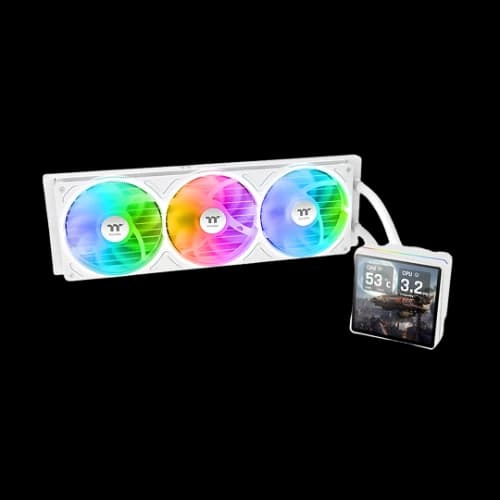
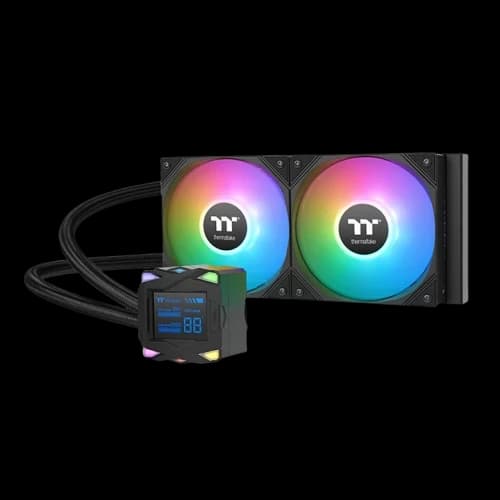
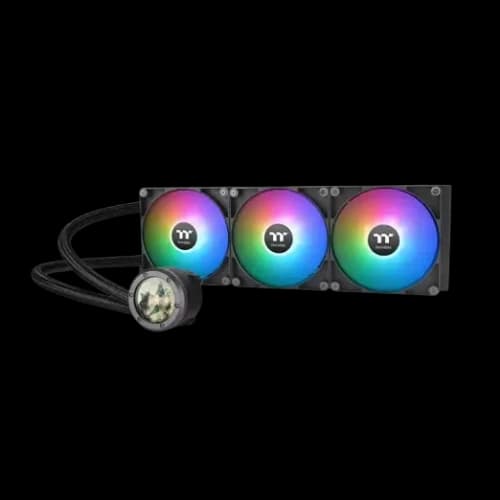
- TH240 / TH360 / TH420: Liquid cooling with RGB/ARGB, optimized for high-end Intel and AMD CPUs.
- Floe DX / Water 3.0: Premium series for performance builds, featuring software-controlled ARGB, high CFM fans, and reduced noise levels.
Every cooler in our inventory includes technical specs, like fan RPM, static pressure, thermal dissipation, TDP support, and dBA rating, so you know exactly how it performs before buying.
Popular Thermaltake Models in Bangladesh
At PCB Store, we stock the most demanded Thermaltake coolers.
Thermaltake UX400 (Air Cooler)
- Compact design with ARGB sync.
- Supports Intel and AMD sockets.
- Best for budget builds.
Thermaltake TH240/TH360/TH420 (AIO Liquid Coolers)
- Radiator sizes for different cases.
- Dual or triple fan setups.
- Ideal for gaming and content creation.
Thermaltake ToughLiquid Series
- Premium cooling with advanced pump design.
- ARGB lighting and software control.
- Best for enthusiasts and overclockers.
Thermaltake Floe & Water 3.0 Series
- High-performance liquid cooling.
- Designed for extreme builds.
- Supports large radiators and high RPM fans.
Compare Thermaltake CPU Coolers – Air vs Liquid Performance
When choosing a Thermaltake CPU cooler, understanding thermal performance is critical. Gamers, content creators, and high-performance users in Bangladesh need a cooler that maintains low CPU temperatures while staying quiet.
Air Coolers – Reliable and Efficient
Thermaltake air coolers, like the UX400 and Toughair 510, are perfect for mid-tier PCs and budget builds.
- Heatpipes and Copper Base: Efficiently transfer heat away from the CPU.
- Fan RPM and CFM: Fans spin between 800–1800 RPM, providing balanced airflow (CFM) for cooling.
- Noise Levels (dBA): Low-noise operation, typically 25–30 dBA under load.
- Socket Compatibility: Supports Intel LGA1200, LGA1700, and AMD AM4, AM5, ensuring flexibility.
Air coolers are simple to install and require no liquid maintenance, making them ideal for PC builders who prefer low-maintenance setups.
AIO Liquid Coolers – Maximum Thermal Performance
For high-end builds or overclocked CPUs, Thermaltake AIO liquid coolers like the TH240, TH360, and Floe DX are unmatched.
- Radiator Sizes: Available in 240mm, 360mm, and 420mm, allowing maximum heat dissipation.
- ARGB / RGB Integration: Full ARGB sync with motherboards using software like TT RGB PLUS, creating aesthetic lighting effects.
- High CFM Fans: Optimized to push air efficiently through dense radiators while keeping noise levels low.
- Copper Base & Pump Design: Enhances thermal conductivity and long-term reliability.
- Socket Compatibility: Works with Intel LGA1200, LGA1700, LGA1851, and AMD AM4, AM5, TR4.
These coolers are ideal for gaming PCs, content creation rigs, or workstation builds, delivering lower temperatures for heavy workloads.
Choosing the Right Radiator Size
Radiator size is one of the most important decisions when buying a Thermaltake liquid cooler.
- 240mm Radiator: Good balance between performance and case compatibility. Ideal for mid-sized gaming builds.
- 360mm Radiator: High-performance cooling for overclocked CPUs. Best for full-tower or large mid-tower cases.
- 420mm Radiator: Extreme cooling for workstation and enthusiast builds. Requires large cases.
At PCB Store, we list price BD, stock availability, and case compatibility for each radiator size, helping you avoid installation issues.
ARGB Sync and Aesthetic Integration
Thermaltake coolers are not just about cooling—they also enhance PC aesthetics.
- ARGB Headers: Compatible with ASUS Aura Sync, MSI Mystic Light, Gigabyte RGB Fusion, and other motherboard ecosystems.
- Customizable Lighting: Control via Thermaltake software to create synchronized effects across your build.
- Fan and Pump Lighting: Many models have ARGB fans and illuminated pump tops, adding a premium look to your setup.
For PCB Store customers, this ensures you can match your cooler lighting to your gaming or content creation setup without extra purchases.
Performance Metrics Every Buyer Should Know
Understanding cooler specifications ensures optimal purchase decisions. Here are the key metrics for Thermaltake CPU coolers:
- RPM (Rotations per Minute): Determines airflow and fan noise. Higher RPM equals better cooling but louder noise.
- CFM (Cubic Feet per Minute): Measures airflow. A higher CFM improves heat dissipation.
- Static Pressure: Important for pushing air through dense AIO radiators.
- TDP Support: Indicates the maximum CPU heat the cooler can handle efficiently.
- Noise Levels (dBA): Critical for quiet builds and long gaming sessions.
At PCB Store, each product page shows detailed specs, making it easy for users in Bangladesh to compare Thermaltake cooler price vs performance.
Installation Tips for Bangladeshi PC Builders
Thermaltake CPU coolers are designed for easy installation, but proper steps maximize thermal efficiency:
- Check Socket Compatibility: Confirm your CPU socket is supported before buying.
- Apply Thermal Paste: Most Thermaltake AIO coolers include pre-applied paste. Ensure even coverage.
- Mount Fans Correctly: For air coolers, airflow direction affects performance.
- Connect ARGB/Power Cables: Ensure ARGB headers match motherboard ports.
- Test Performance: Monitor CPU temperature under load to confirm optimal cooling.
Following these steps ensures your Thermaltake cooler operates at peak efficiency while minimizing noise and maximizing lifespan.
Compatibility Checklist for Intel and AMD
When buying a cooler, socket compatibility is key.
Intel CPUs
- LGA1700/LGA1851: Supported by most new Thermaltake AIOs.
- LGA1200: Compatible with UX400 and TH-series.
AMD CPUs
- AM5/AM4: Supported by UX400, TH240, TH360, ToughLiquid.
- TR4: Supported by selected high-end AIO models.
Always check radiator size and case clearance before purchase.
Why Thermaltake Coolers Are Ideal for Bangladeshi PC Builders
Bangladesh’s climate can challenge cooling systems. Thermaltake coolers are built for high thermal efficiency, ensuring CPUs stay within safe temperatures during long gaming or rendering sessions.
- Durable Build: Copper bases and quality heatpipes increase heat dissipation.
- ARGB Integration: Full support for ARGB sync across motherboards.
- Low Noise Levels: PWM fans automatically adjust RPM to balance cooling and silence.
- Form Factor Options: From 120mm to 420mm radiators, you can select what fits your case perfectly.
For PCB Store customers, we ensure in-stock availability, warranty coverage in Bangladesh, and fast delivery. We also provide seasonal discounts to make your purchase even more value-driven.
How to Choose the Right Thermaltake CPU Cooler
Selecting the right cooler isn’t just about price. Consider:
- CPU Socket & TDP: Always match the cooler to your processor’s socket type and thermal requirements.
- Air vs Liquid: Air is quieter and easier to install; liquid AIO offers better cooling for high-end CPUs.
- Radiator Size: Larger radiators (360mm+) offer superior heat dissipation but need spacious cases.
- ARGB / RGB: Match the lighting ecosystem with your motherboard for synchronized aesthetics.
- Noise Levels: PWM fans allow dynamic speed control to minimize dBA during idle or gaming.
By checking these factors, you can ensure your Thermaltake cooler provides both performance and longevity. At PCB Store, we provide price comparisons and detailed specs, making it easy to pick the best model.
Why PCB Store Is Your Trusted Thermaltake Cooler Supplier
At PCB Store, we combine expert technical knowledge with transactional support to provide Bangladeshi PC enthusiasts with:
- Transparent price listings and frequent updates
- A wide range of Thermaltake air and AIO coolers, as well as other essential PC components like motherboards, GPUs, RAM, and storage
- Warranty-backed products and after-sales support
- Fast delivery across Bangladesh
- Expert advice on socket compatibility, TDP, ARGB integration, and overall PC component selection
We ensure that every purchase is safe, reliable, and tailored to local PC building needs. Whether you’re a gamer, creator, or enthusiast, PCB Store helps you build a high-performance PC without compromise.