Lian Li Casing Fan Price in Bangladesh
Lian Li Casing Fan
12
/13
Filter
Filter

Description
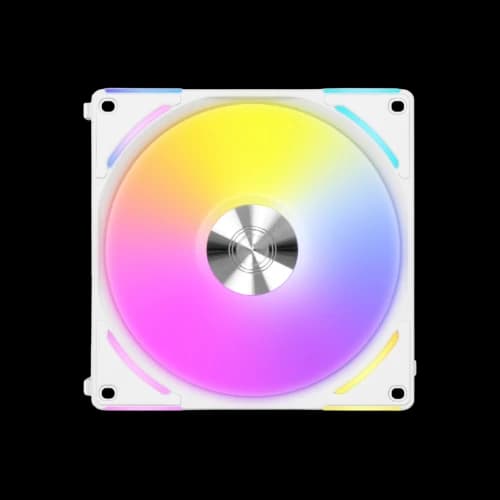
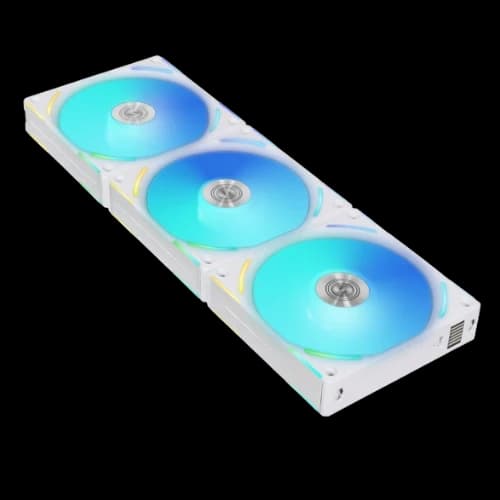
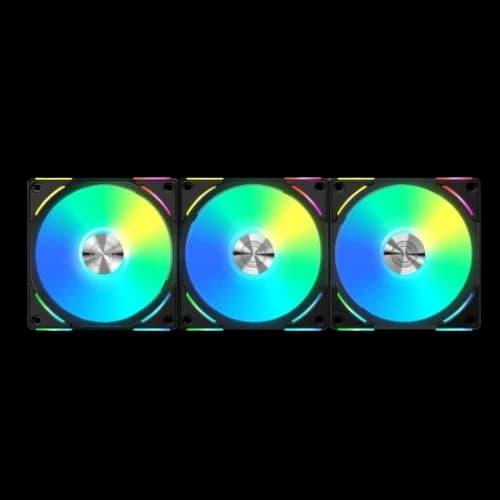
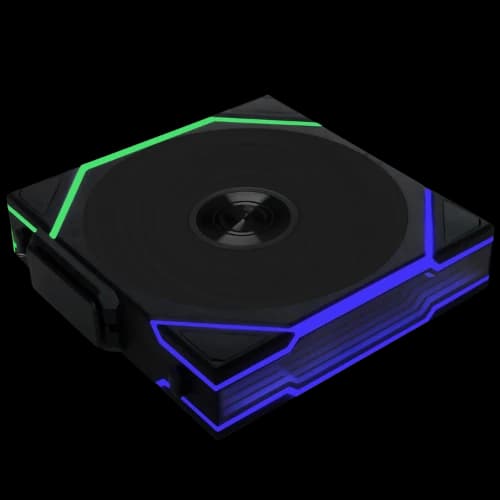
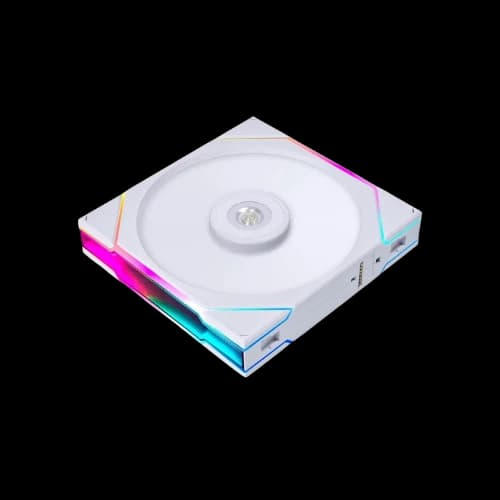
Are you searching for the best Lian Li casing fan price in Bangladesh? You are in the right place. At PCB Store, we stock every major Lian Li fan model — from budget-friendly single packs to premium triple-pack ARGB systems. Whether you are building a gaming rig, a content creation workstation, or choosing Computer Components for a Special Build, Lian Li fans deliver exceptional cooling, clean cable management, and stunning lighting. This guide covers all models, specs, prices, and buying tips — everything you need before you buy.
Why Lian Li Casing Fan is Popular in Bangladesh
Lian Li is not just another fan brand. It solves real problems Bangladesh PC builders face daily. Cable clutter, noise, and poor RGB sync are common complaints. Lian Li designs every high airflow case fan to solve them.
The Daisy Chain System — No More Cable Mess
Traditional fans need one cable per fan. A three-fan setup means three separate cables running to your motherboard or hub. That creates a messy interior.
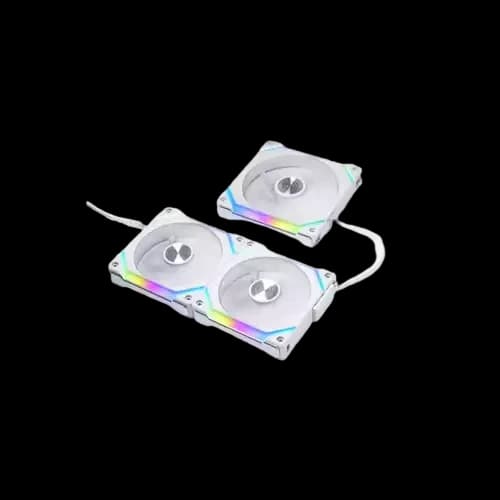
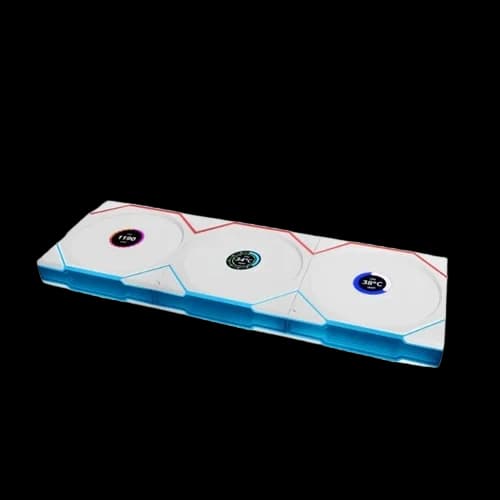
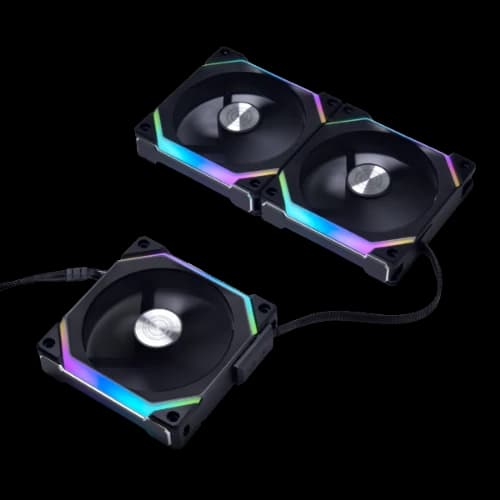
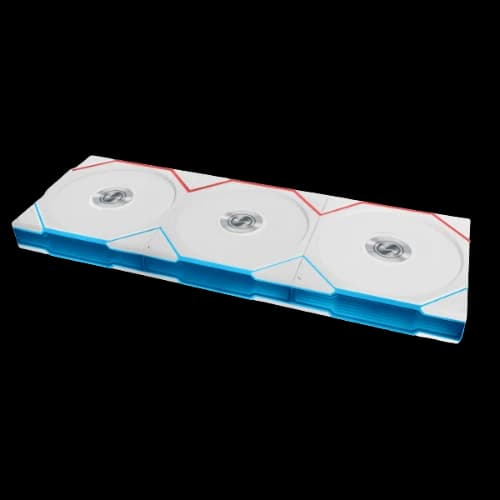
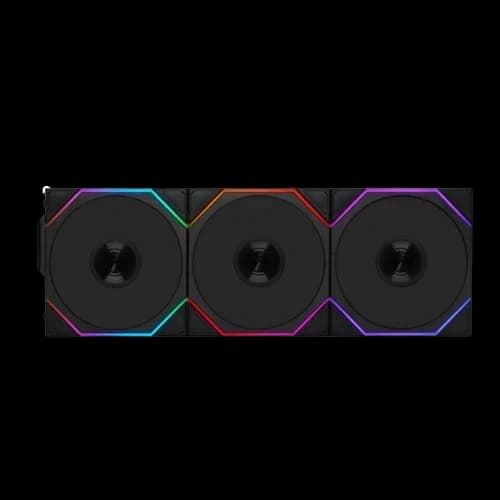
Lian Li's daisy chain design changes this completely. Fans interlock side by side using a slide-in pin mechanism. Power and RGB signals pass through the physical connection between fans. Only one cable goes to the controller or motherboard.
Benefits of the daisy chain system:
- Clean the computer casing interior
- Faster installation time
- Easier maintenance and upgrades
- Better airflow path — no cables blocking intake
For any Special Build focused on clean aesthetics, this system is a game-changer. It is especially useful in glass-panel cases where the interior is always visible.
L-Connect 3 Software — Total Fan Control
L-Connect 3 is Lian Li's free PC software. It controls both fan speed and ARGB lighting from one interface. You do not need separate RGB software from your motherboard brand.
What L-Connect 3 lets you do:
- Set custom fan speed curves based on CPU or GPU temperature
- Create personalized ARGB lighting effects per fan
- Sync all Lian Li devices with one click
- Pass speed control to your motherboard BIOS in PWM mode
- Use start/stop mode — fans fully stop when temps are low
This level of control is normally found only in much more expensive PC components. L-Connect 3 brings it to mid-range builds at no extra cost.
Fluid Dynamic Bearing — Long Life, Low Noise
Every Lian Li UNI FAN series uses Fluid Dynamic Bearing (FDB) technology. FDB uses a thin layer of oil film between the shaft and sleeve. This reduces friction significantly.
Why FDB matters for Bangladesh users:
- Longer fan lifespan — typically 40,000+ hours rated
- Lower operational noise at all RPM ranges
- More stable performance in hot ambient temperatures
- Less vibration is transferred to the computer casing
Bangladesh has hot and humid weather year-round. Standard sleeve-bearing fans degrade faster in this climate. FDB fans hold up much better over time. This makes Lian Li a smarter long-term investment for any build.
Lian Li Casing Fan — Who Should Buy Which Model
Not every fan suits every builder. Here is a straightforward breakdown by use case. Choose the model that matches how you actually use your PC.
For PC Gamers
Gamers need high RPM, strong static pressure, and bold lighting. The UNI FAN AL120 V2 or UNI FAN SL V2 triple pack is the best choice.
Why it works for gaming:
- High RPM keeps the GPU and CPU cool during long sessions
- ARGB lighting syncs with gaming setups and RGB peripherals
- Daisy chain keeps the case interior clean and well-ventilated
- PWM control adjusts speed automatically based on game load
Pair three front intake fans with one rear exhaust fan. This creates strong positive pressure inside the case. It prevents dust buildup and keeps temperatures stable.
A proper fan configuration is as important as the fans themselves. Many Bangladesh gamers overlook this. Do not just install fans randomly — plan your airflow direction first.
For Content Creators
Video editors and 3D artists run heavy CPU and GPU workloads for hours. Heat builds up fast. Noise also becomes a problem during long sessions.
The UNI FAN AL Series is ideal here. Its wide RPM range (800 – 2,600 RPM) gives precise speed control. At low loads, it runs very quietly at 17 dBA. At full load, it ramps up without excessive noise.
Key advantages for content creators:
- Low noise floor for recording and voiceover work
- High airflow ceiling for render-intensive tasks
- FDB bearing handles continuous long-hour operation
- PWM mode auto-adjusts without manual intervention
This makes it a strong pick for any professional workstation or content production machine in Bangladesh.
For Budget PC Builders
Not every build needs flagship fans. A smart budget pc build still deserves quality cooling. The Bora Digital 120mm is the practical choice here.
It delivers:
- Reliable 57.97 CFM airflow for standard use
- ARGB lighting with direct motherboard header connection
- No extra hub or controller needed
- Solid build quality from a trusted brand
For a first-time builder or a student PC in Bangladesh, the Bora Digital hits the right balance. You get a genuine Lian Li product without overspending on features you may not use.
For Custom & Enthusiast Builders
For builders doing a PCB Special Build — full cable management, tempered glass panel, and premium aesthetics — the UNI FAN SL-INFINITY is the obvious choice.
The infinity mirror effect is unlike anything else available in Bangladesh right now. Combined with L-Connect 3 lighting profiles, it creates a truly unique visual inside any build.
Pair it with a Lian Li O11 Dynamic or similar dual-chamber case for maximum visual impact. The wide 140mm option fits perfectly in full-tower front panels for maximum airflow and display.
Lian Li Fan Compatibility — What to Check Before Buying
Buying the wrong fan is a frustrating and avoidable mistake. Always check these three things before placing your order at PCB Store.
Motherboard Header Support
Lian Li UNI FAN series needs two headers:
- 4-pin PWM — for fan speed control
- 3-pin 5V ARGB — for addressable RGB lighting
Most modern motherboards from ASUS, MSI, Gigabyte, and ASRock have both headers. Older boards may only have a 4-pin RGB (12V) header — this is NOT compatible with ARGB fans.
If your board lacks an ARGB header, use the UNI HUB controller included in triple packs. L-Connect 3 manages everything independently.
Case Fan Mount Slots
Check your casing specifications carefully. Count how many 120mm and 140mm slots are available. Know which slots are for intake and which are for exhaust.
Standard ATX mid-towers typically support:
- 2–3 x 120mm front intake
- 1 x 120mm rear exhaust
- 2 x 120mm or 140mm top exhaust
Larger cases may support 360mm radiator mounting at the front — meaning three 120mm fans in a row. Lian Li's daisy chain is perfect for this configuration.
Budget and Pack Size
Single packs are best for targeted upgrades — replacing one exhaust fan or adding a single intake. Triple packs offer better value per fan and include the UNI HUB controller.
For a full high airflow case fan setup in a new build, always go with a triple pack. The controller alone is worth the price difference.
Lian Li Casing Fan Buing Guide
Many buyers in Bangladesh are first-time builders or upgrading for the first time. Installation is simple. But doing it correctly makes a real difference in performance.
Plan Your Airflow Direction
Before mounting any fan, decide on your airflow setup. The standard positive pressure setup works best for most Bangladesh builds.
Recommended configuration for a standard ATX mid-tower:
- Front panel: 2–3 x 120mm intake fans (pulling air in)
- Rear panel: 1 x 120mm exhaust fan (pushing air out)
- Top panel: 1–2 x 120mm or 140mm exhaust fans (hot air rises)
This keeps cool air flowing over your CPU, GPU, and PC parts consistently.
Interlock the Fans Using a Daisy Chain
For the UNI FAN series, interlock fans before mounting. Slide the fans together using the side pin mechanism. They click firmly into place.
Tips for interlocking:
- Always align the arrow markings on each fan frame
- Do not force the connection — it should slide smoothly
- Check that the pin contacts are fully engaged before powering on
- For radiator mounting, interlock the fans first, then attach them to the radiator
Connect to UNI HUB or Motherboard
Triple packs include the UNI HUB controller. Mount it inside your case using the included adhesive or screw bracket.
Connection steps:
- Plug the fan cluster cable into the UNI HUB fan port
- Connect UNI HUB to the motherboard via 4-pin PWM and USB 2.0 headers
- Connect a 3-pin 5V ARGB cable if using motherboard RGB sync
- Power UNI HUB with a SATA power connector from your PSU
Single packs connect directly to the motherboard headers without a hub.
Set Up L-Connect 3
Download L-Connect 3 from the official Lian Li website. Install and launch after connecting all fans.
Basic setup steps:
- Select your fan group in the interface
- Choose a fan speed profile — Silent, Performance, or Custom curve
- Set your preferred ARGB lighting effect
- Save the profile — it loads automatically on every PC startup
For budget build users who prefer simplicity, set the fans to PWM mode in BIOS. The motherboard will handle speed control automatically.
Why Buy Lian Li Fan from PCB Store?
Buying from PCB Store is straightforward. We stock all major Lian Li fan models. Our inventory updates regularly. You can shop online or visit us directly in Bangladesh.
Our Advantages
- Authenticity: Every Lian Li casing fan is genuine.
- Warranty: Official warranty included with purchase.
- Expertise: We guide PC gamers, builders, and creators.
- Delivery: Fast shipping across Bangladesh.
Value for Tech-Savvy Buyers
- PC Gamers: Get cooling solutions for long sessions.
- Custom Builders: Find fans that fit unique casing designs.
- Performance Users: Balance airflow and noise.
- Content Creators: Quiet fans for recording environments.