CPU Cooler Price in Bangladesh
CPU Cooler
12
/267
Filter
Filter
Description
Does your PC get too hot during long gaming sessions in Dhaka? We offer the best CPU Cooler Price in Bangladesh to fix that. Use our online PC builder tools to find the right thermal solution. Our selection keeps your processor cool even in high humidity. You get better performance and a longer life for your hardware.
Why Your PC Needs a Better Cooler in Bangladesh
The weather in our country stays very hot for many months. Dust and high humidity make it hard for computers to breathe. Stock fans often fail to keep temperatures low under heavy load. High heat causes your CPU to slow down. We call this thermal throttling. It ruins your gaming and work experience. A quality aftermarket cooler solves this problem. It draws heat away from the chip very quickly. This protects your expensive motherboard and powerful processor. We provide options that handle the local heat easily. You can work or play for hours without any lag. Good cooling also means a much quieter room. Small stock fans make a lot of noise. Our larger fans spin slower but move more air. This gives you a peaceful environment for focus.
Understanding Air Coolers for Every Budget
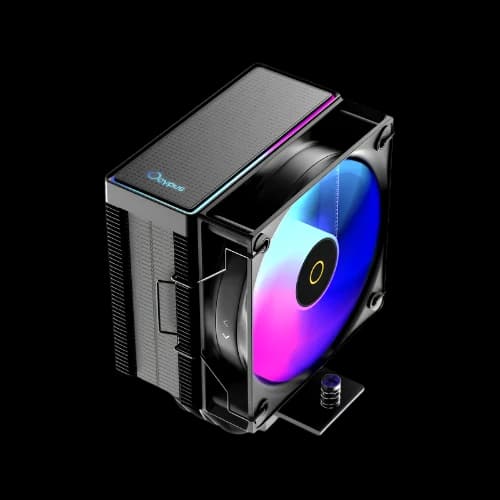
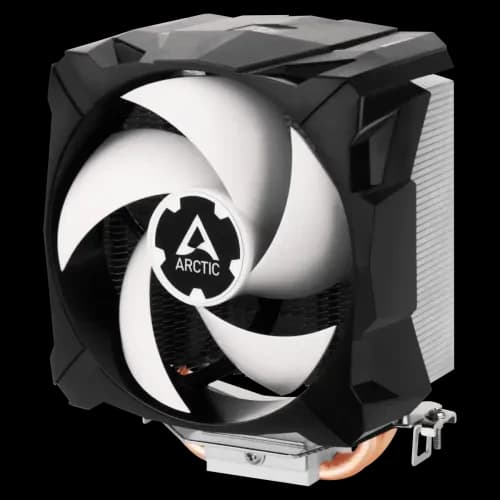
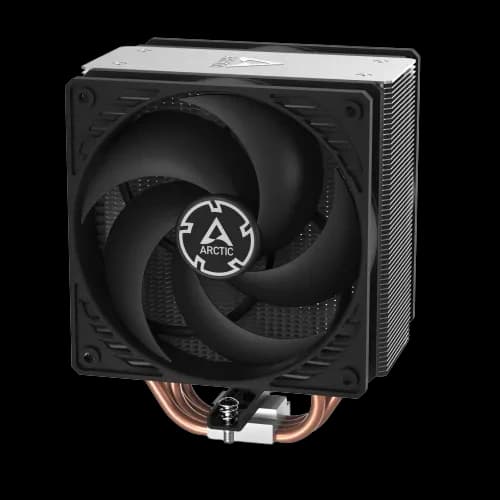
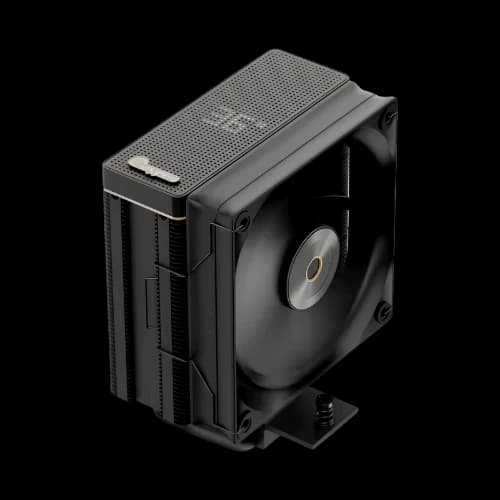
Air cooling is the most popular choice for many users here. These units use metal heat pipes and a large fin stack. Heat moves from the CPU to the fins. A fan then blows that heat away. We stock many air coolers for entry-level and mid-range PCs. They are very easy to install. You do not have to worry about leaks. These coolers last for many years with little care. You only need to clean the dust sometimes. We recommend these for office work and casual gaming. Most models fit into standard casings without any issues.
Single Tower vs Dual Tower Air Coolers
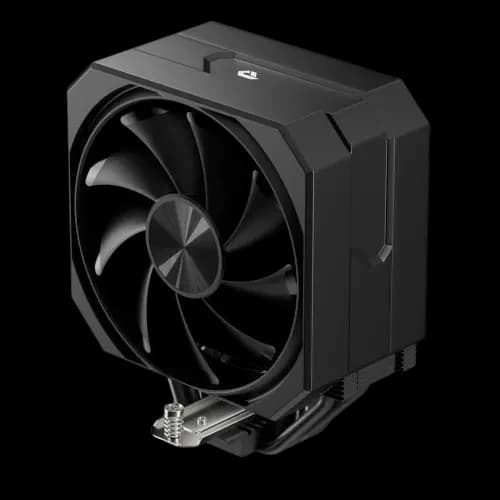
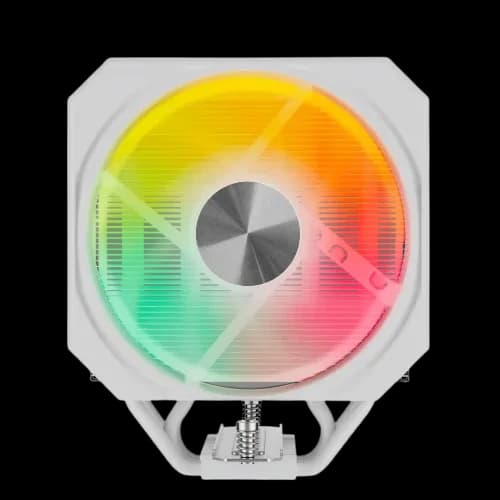
A single tower cooler is slim and saves space. It works great for Ryzen 5 or Core i5 chips. We find these perfect for tight budgets. Dual tower coolers are much bigger and heavier. They have two sets of fins and two fans. These provide much more surface area to cool. Use these for high-end Core i7 or Ryzen 9 processors. They perform almost as well as expensive liquid setups. We suggest checking your casing width before buying a large tower. Some might be too tall for small cases.
Liquid Cooling AIO for Pro Users
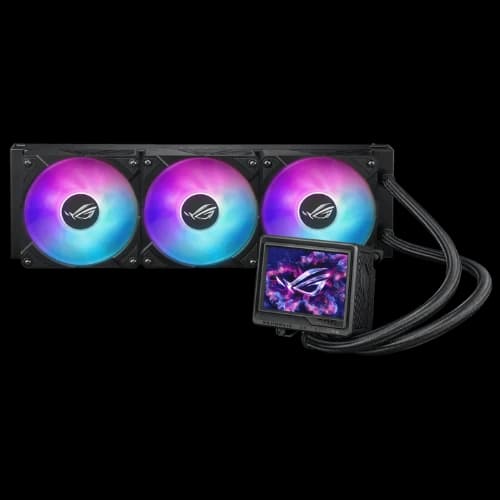
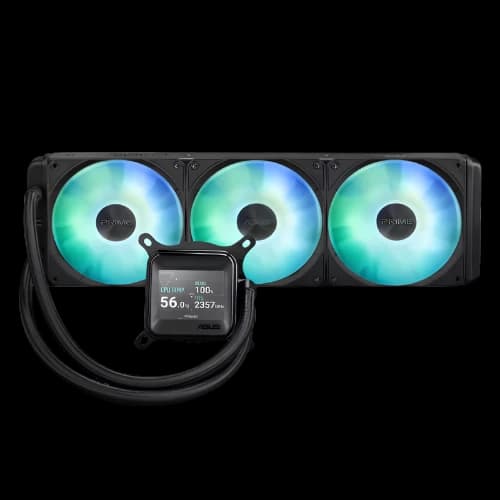
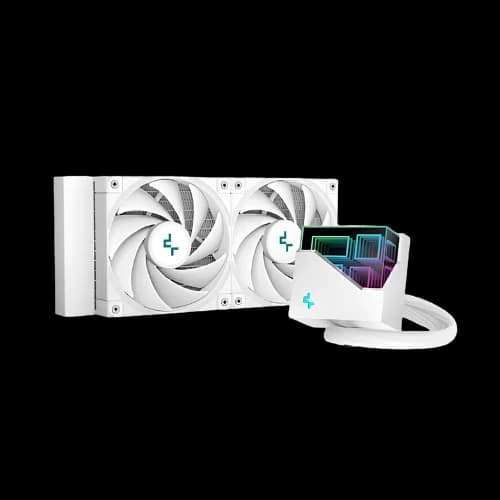
Liquid cooling uses a pump and a radiator. We call these All-in-One or AIO coolers. Water carries heat better than air does. The pump moves liquid over the CPU block. Heat travels to the radiator near the case vents. Fans on the radiator push the hot air out. These systems look very clean inside your build. They also provide more space near your RAM slots. We see many content creators choosing AIOs for 4K editing. They keep the PC cool during long rendering tasks.
Radiator Sizes for Better Heat Control
- 120mm AIO: Good for small cases and basic cooling needs.
- 240mm AIO: The standard for gaming and moderate overclocking.
- 280mm AIO: Offers a great balance of noise and cooling.
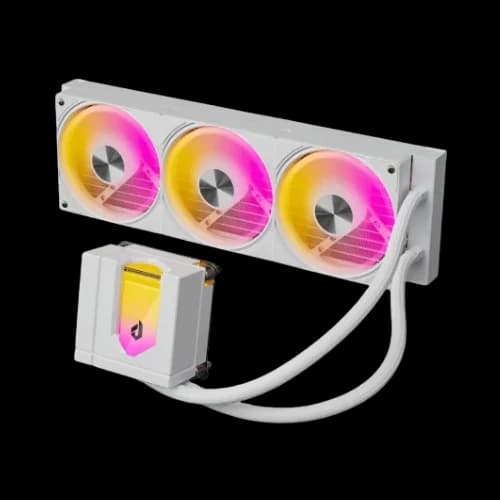
- 360mm AIO: Best for high-wattage CPUs and heavy workloads.
Choose the size based on your case support. We can help you check compatibility for your specific model. Larger radiators mean more fans and lower noise levels.
Matching Your CPU Socket for a Perfect Fit
You must pick a cooler that fits your motherboard. Sockets change as new processors come out. We stay updated with the latest mounting hardware. Intel and AMD have different bracket designs. Most modern coolers include kits for both brands. We make sure our stock supports the newest platforms.
Intel LGA 1700 and LGA 1851 Support
Intel chips like the 12th to 14th gen use LGA 1700. The new 15th gen chips use the LGA 1851 socket. We offer coolers that fit these new mounting points perfectly. Pressure must be even across the chip for good results. Our expert team can install these for you at our shop.
AMD AM4 and AM5 Compatibility
AMD moved to the AM5 socket for Ryzen 7000 and 9000 series. Most AM4 coolers still work on AM5 motherboards. We check this for you to save your money. Good contact with the heat spreader is very important. We provide high-quality thermal paste with every purchase. This helps the cooler do its job better.
Thermal Design Power and Your Build
TDP stands for Thermal Design Power. It tells you how much heat a CPU makes. Your cooler must have a higher TDP rating than your chip. We advise getting a cooler with extra cooling headroom. This helps during the hot summer months in Bangladesh. A 65W CPU should have a 100W or higher cooler. This prevents the fan from spinning at max speed all time. We help you calculate the best match for your specific hardware. Using a weak cooler leads to crashes and blue screens. We want your system to stay stable and fast.
Popular Brands for Every PC Builder
DeepCool is a top choice for many buyers here. Their AK series air coolers are very famous. They look clean and work well with modern CPUs. We recommend them for gaming and office work. Thermalright has become very popular recently. They make dual-tower coolers that beat expensive models. Their prices are very friendly for budget builders. We see many users picking them for Ryzen chips. Montech and Antec also provide great cooling at fair prices. Cooler Master and Thermaltake offer many choices for all users. Gamdias and Redragon add style to your gaming setup. 1st Player and Xigmatek work well for entry-level builds.
For high performance, Corsair and NZXT lead the way. Lian Li and MSI offer premium liquid cooling solutions. Asus and Gigabyte designs match their high-end motherboards. Sapphire and EKWB focus on extreme thermal power. TRYX and Yeston bring unique looks to your case. Phanteks and JONSBO make sleek and modern units. We also stock Cougar and Ocypus for heavy workloads. These brands handle high heat very easily. They keep your system stable during long tasks.
Noctua is the premium choice for silent builds. They use high-quality fans that last a long time. Arctic and Tecware also offer very quiet operation. PCcooler and Aigo provide good airflow for budget cases. We have Value Top and Power Train for basic needs. Jungle and Huntkey models are easy on the wallet. Xtreme coolers work well for simple office PCs. Intel and Acer provide standard cooling for many systems. Aitc and Team offer reliable parts for your build. UpHere fans help move more air through your case. We make sure every brand meets our quality tests. You get the best parts for your PC.
RGB Lighting and Your Build Style
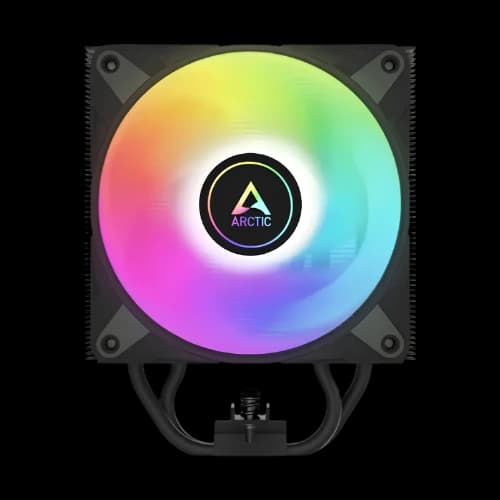
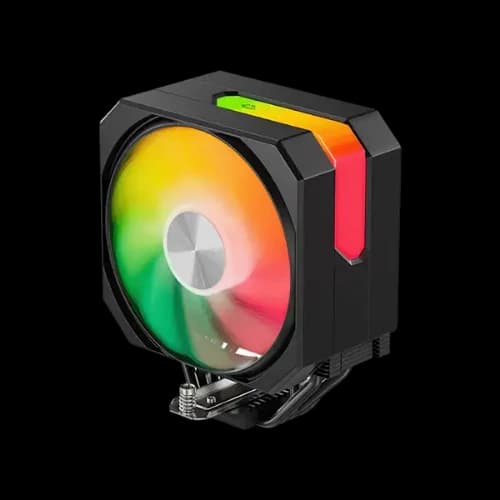
Many gamers want their PC to look cool. RGB fans add a lot of style to your case. We offer coolers with static and addressable RGB. Addressable RGB is also called ARGB. You can control every light with your motherboard software. This lets you change colors to match your mood.
Difference Between RGB and ARGB
Standard RGB shows only one color at a time. It uses a 4-pin 12V header. ARGB uses a 3-pin 5V header. It allows for rainbow effects and custom patterns. We check your motherboard to see which one fits. Using the wrong header can damage your lights. We want your build to look great and stay safe.
Performance vs Aesthetics
Some cheap coolers have bright lights but poor fans. We avoid those models for our customers. A good cooler must prioritize thermal performance first. We select brands that offer both looks and power. You do not have to sacrifice cooling for style. Our picks keep your CPU icy and your case bright.
Dealing with Dust and Humidity in Dhaka
Dust is a big enemy for PC parts in Bangladesh. It clogs the metal fins of your cooler quickly. This makes your fans spin faster and louder. Heat builds up because air cannot pass through. We suggest cleaning your cooler every few months. Use a can of compressed air for this task.
Humidity can also cause issues over several years. It can make some cheap metals corrode or rust. We choose coolers with nickel-plated heat pipes. This coating protects the copper from the air. It keeps the cooler looking new for a long time. Our team picks products that survive the local environment.
Low Profile Coolers for Small Cases
Small Form Factor or SFF builds are getting popular. These PCs use tiny cases to save desk space. Standard tower coolers will not fit in these. We provide low-profile coolers for these specific needs. They are very short but still cool well.
- Top-down flow: These fans blow air towards the motherboard.
- RAM clearance: They stay high enough to clear your memory.
- Silent fans: Smaller fans can be loud if poorly made.
- High fin density: This helps small coolers perform like big ones.
We check the height limits of your case carefully. We want to avoid any fitment issues during assembly. These coolers are great for HTPCs and small workstations.
Fan Quality and Noise Levels
The fan is the only moving part on a cooler. Cheap fans start making noise after a few months. They might rattle or hum loudly. We look for fans with high-quality bearings. Fluid Dynamic Bearings or FDB are the best for longevity. They stay quiet and last for many years.
PWM Control for Smart Cooling
PWM stands for Pulse Width Modulation. It allows your motherboard to control the fan speed. The fan spins fast only when the CPU is hot. It slows down when you are just browsing. This saves power and reduces noise. We ensure our coolers use 4-pin PWM fans. This gives you the best experience automatically.
Static Pressure vs Airflow
Radiators and thick fin stacks need static pressure fans. These fans push air through tight spaces with force. Case fans usually focus on moving lots of air freely. We use the right fan for the right job. This makes your cooling system much more efficient.
High Performance Thermal Paste Choice
Thermal paste fills the tiny gaps between the CPU and cooler. Without it, heat cannot move easily. We use high-grade paste for every build we do. This can drop your temperatures by several degrees. We do not use the cheap white paste.
- Carbon-based: These are safe and do not conduct electricity.
- Metal-based: These cool better but can be risky if spilled.
- Pre-applied: Many coolers come with paste already on them.
- Longevity: Good paste stays wet for several years.
We offer extra tubes of paste for your maintenance. Keeping fresh paste helps your cooler work at its best. It is a small cost for a big benefit.
We want you to have the best buying experience. Picking the right cooler is not easy. We make the process simple for you. Start by checking your processor model. High-end chips need bigger cooling units. Budget chips stay cool with basic fans. We help you balance your budget and needs. Our team knows every technical detail. We guide you toward the best value.
Your Buying Checklist for a New Cooler
Check your PC case clearance first. We see many buyers forget this step. Measure from the CPU to the side panel. Most air coolers need 160mm of space. We list the height of every model we sell. This prevents your case from not closing.
Memory clearance is also very important. Large coolers can block your RAM slots. We suggest low-profile RAM for big air coolers. Some fans can be moved up slightly. This creates more room for tall RGB RAM sticks. We test these combinations in our shop daily.
Check the power pins on your motherboard. Most fans use a 4-pin header. Make sure you have enough headers for your fans. We sell splitters if you need more connections. This keeps your cable management very neat.
Professional Installation Tips for Beginners
Installing a cooler can feel scary for some. We provide easy guides to help you. Always remove the plastic film on the base. We see this mistake very often. The film stops heat from moving. Your CPU will overheat instantly if you leave it.
Apply the right amount of thermal paste. A small pea-sized drop is enough. Too much paste makes a big mess. Too little paste leaves dry spots. We recommend spreading it evenly for best results. This creates a solid thermal bridge.
Tighten the screws in a cross pattern. This gives even pressure across the chip. Do not over-tighten the mounting screws. You might damage the motherboard or the socket. We can do the installation for you. Visit our service center for expert help.
Future Proofing Your Cooling Setup
We think about your future upgrades. Buying a better cooler now saves money later. A good unit can last through two builds. We suggest picking one with extra TDP capacity. This allows you to upgrade your CPU later. You will not need to buy a new cooler.
Keep your mounting brackets in a safe place. Manufacturers often release new kits for new sockets. We help you find these kits when needed. This extends the life of your cooling unit. We value long-term use for all our customers.
Why PCB Store is Best for Your PC Parts
We are the leading tech shop in Bangladesh. Our team loves PC hardware just like you. We only sell authentic products with official warranty. You get peace of mind with every purchase. We offer fast delivery to all 64 districts.
Our prices stay competitive for the local market. we provide the best CPU cooler price in Bangladesh. You get expert advice before you spend money. We want you to be happy with your build. Our support team is always ready to help.