SSD Price in Bangladesh
SSD
12
/202
Filter
Filter
Description
Upgrading storage is one of the simplest ways to boost overall system performance, whether you’re using a desktop PC or a laptop. Many users compare SSDs with traditional HDDs when planning an upgrade, while others explore different PC components to improve speed, capacity, or reliability. Laptop users often look for compatible internal storage during routine upgrades, and portable storage is also popular for backups and file transfers.
With so many SSD brands available in Bangladesh today, understanding the options in the local market makes it easier to choose the right drive based on performance needs, compatibility, and budget.
Different Types of SSD Storage Explained
An SSD (Solid-State Drive) is a storage device that uses NAND flash memory (non-volatile memory that keeps data without power). Unlike an HDD, it has no moving parts, so it offers lower latency, faster responsiveness, and better shock resistance. SSDs are commonly grouped by interface (how they connect), protocol (how they communicate), and form factor (physical shape). Form factor doesn’t always indicate speed—for example, an M.2 SSD can be SATA (slower) or NVMe (faster).
SATA SSD (2.5-inch SATA)
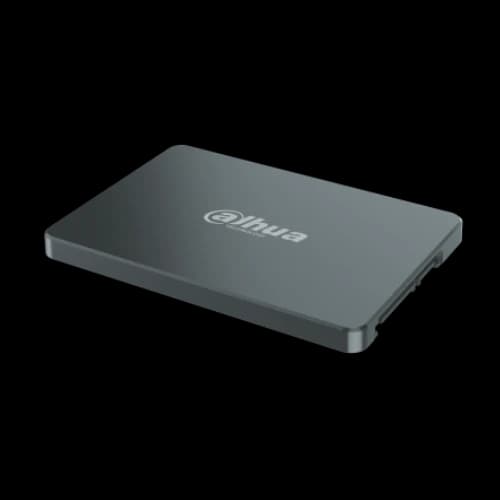
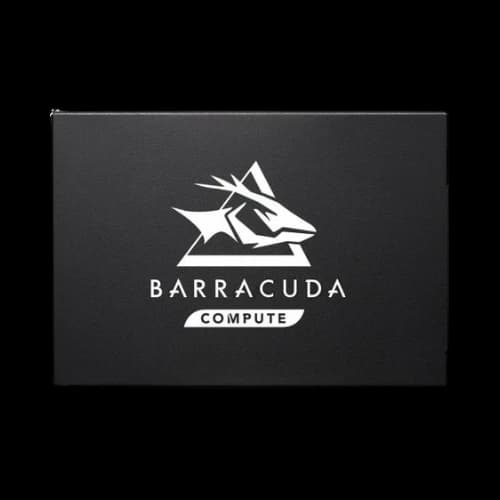
A SATA SSD usually comes in a 2.5-inch form factor and connects through the SATA interface (Serial ATA). SATA was designed for HDDs and has a practical limit around 6 Gb/s (SATA III), so most decent SATA SSDs hit a similar performance ceiling.
Key terms (short):
- Interface (SATA): The connection standard used to move data.
- Protocol (AHCI): Older command system built for HDD-era storage.
- Sequential vs random: Sequential = big continuous transfers; random = many small reads/writes (booting, app launching).
- DRAM cache (some models): Helps consistency and responsiveness; DRAM-less models may slow down more under heavy load.
Where it fits: Best upgrade for older PCs/laptops, budget builds, and general use. Great value per GB, but limited by SATA/AHCI and won’t reach NVMe-level throughput.
M.2 SATA SSD
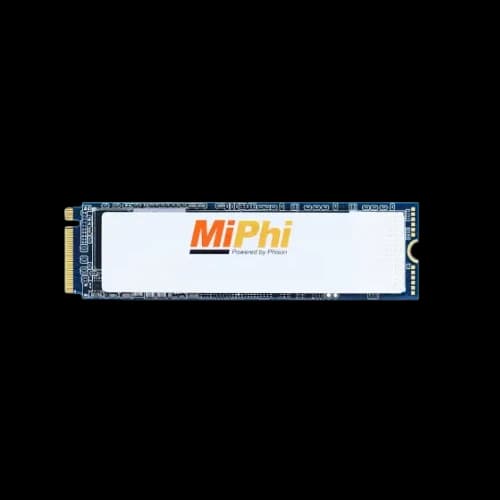
An M.2 SATA SSD uses the compact M.2 “stick” form factor but still runs on the SATA interface, so performance is similar to a 2.5-inch SATA SSD. The main reason to buy it is clean, cable-free installation, not speed.
Key terms (short):
- Form factor (M.2): Physical size/connector (often 2280).
- Keying (B / M): Connector notches that indicate what the drive supports.
- Lane sharing: Some boards disable a SATA port when an M.2 SATA drive is installed.
Where it fits: Small-form-factor builds and neat setups when your motherboard supports M.2 SATA.
NVMe SSD (Gen 3 / Gen 4)
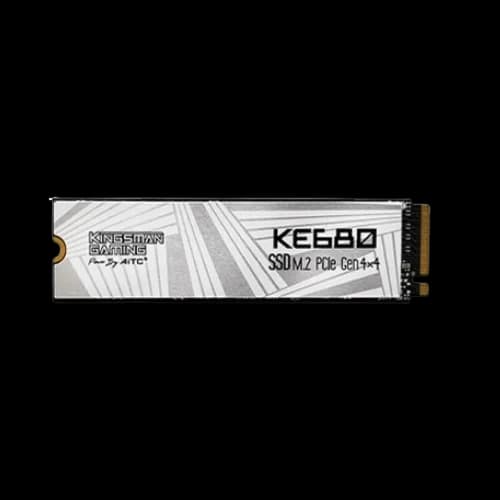
NVMe SSDs use the PCIe interface and NVMe protocol, designed specifically for SSDs to reduce latency and handle many requests efficiently. That’s why NVMe drives are much faster than SATA in heavy workloads.
Gen 3 vs Gen 4 (simple):
- Gen 3 (PCIe 3.0 x4): Excellent for gaming and everyday use.
- Gen 4 (PCIe 4.0 x4): Higher bandwidth, more useful for heavy transfers and sustained workloads—often needs better cooling.
Key terms (short): PCIe lanes, IOPS, queue depth, controller, SLC cache, thermal throttling.
Where it fits: Gen 3 is a strong “best value fast” choice for most users. Gen 4 is better for creators, large projects, frequent heavy transfers, and stronger sustained performance (especially with good cooling).
PCIe Add-In Card (AIC) SSD
A PCIe (AIC) SSD plugs into a motherboard PCIe slot like a GPU. Many are NVMe-based and can offer better cooling space than M.2. They’re helpful when M.2 slots are limited.
Key terms (short): AIC, PCIe bifurcation, chipset vs CPU lanes.
Where it fits: Desktops/workstations needing multiple fast drives. Trade-off: uses a PCIe slot and may need motherboard lane support.
External SSD
An external SSD connects via USB or Thunderbolt. Real speed depends on the port standard and the enclosure/controller, so even a fast NVMe inside a basic enclosure can be limited by USB bandwidth.
Key terms (short): USB 3.2 naming, UASP, enclosure controller, sustained speed (heat).
Where it fits: Fast portable backups, moving large files, travel storage, and an external game/media library. Sustained heavy writes may slow if the enclosure heats up.
SSD Technology Explained
SSD performance and lifespan depend on more than “NVMe vs SATA.” The big factors are NAND type, endurance (TBW), and DRAM vs DRAM-less design.
NAND types (MLC / TLC / QLC)
- MLC (2 bits/cell): Strong endurance and consistent performance, but rare and expensive in consumer drives.
- TLC (3 bits/cell): Best mainstream balance of speed, endurance, and price.
- QLC (4 bits/cell): Higher capacity for lower cost, but lower endurance and more noticeable slowdowns after cache fills.
SLC cache (why speeds drop)
Most TLC/QLC drives use SLC-style caching for short write bursts. When the cache fills, sustained write speed can drop. This matters for long transfers, exports, and heavy downloads.
TBW & endurance
TBW (Terabytes Written) estimates how much data can be written over the drive’s warranty/life before wear becomes a concern. Wear happens because NAND has limited program/erase cycles.
Common endurance-related concepts: wear levelling, over-provisioning, SMART health data.
DRAM vs DRAM-less
SSDs use a mapping system (FTL) to translate logical addresses into physical NAND locations. DRAM SSDs store more mapping data in fast memory, improving random performance and consistency under stress. DRAM-less SSDs reduce cost and may rely on NAND (slower) or HMB (borrowing a small amount of system RAM on NVMe). DRAM-less can feel great in light use, but DRAM models usually stay smoother during heavy multitasking, big installs, and sustained work.
Key Advantages of Using an SSD for Faster and More Reliable Storage
SSDs improve overall computer responsiveness because they deliver lower latency and higher IOPS than HDDs.
Faster boot and app loading
Booting and launching apps involve many small reads. SSDs handle these quickly because there’s no mechanical movement.
Better gaming and editing experience
SSDs reduce loading times, improve install/update speed, and help with asset streaming in modern games. For editing, they speed up importing, caching, previews, and exports—especially with large files.
Lower power and heat
SSDs generally use less power than HDDs, which helps laptops with battery life and reduces heat/noise.
Better durability
No moving parts make SSDs more resistant to shock than HDDs, which is useful for laptops and portable use.
Smoother multitasking
Background updates, indexing, browser cache writes, and multiple apps are handled more smoothly due to low latency and high random performance.
Choosing the Best SSD for Different Needs
Choosing by workload is easier than choosing by marketing speed.
Everyday laptop/consumer: Mid-range TLC NVMe (Gen 3 is often enough). A SATA SSD is still a huge upgrade if the laptop is SATA-only.
Gaming: TLC NVMe (Gen 3 is usually enough). SATA is still fine for most games if the budget is tight.
Low-power/compact systems: Cool-running Gen 3 TLC (or efficient Gen 4). Avoid hot drives that throttle.
Video editing/heavy workloads: Strong sustained-write NVMe (often Gen 4 TLC), good cooling/heatsink, higher TBW, preferably DRAM.
High-capacity storage: QLC is fine for mostly read-heavy libraries; TLC is safer for frequent writing.
Popular SSD Brands Available in Bangladesh
Whether you want a 2.5-inch SATA SSD for a desktop upgrade or an M.2 NVMe SSD for a laptop in Bangladesh, there are many brands available in the local market, including MiPhi, AGI, OSCOO, Smart, King Super, Pc Power, Suneast, Hiksemi, ADATA, Western Digital, Transcend, Samsung, HP, PNY, Corsair, GIGABYTE, Colorful, Twinmos, Team, Walton, Ramsta, Hikvision, Lexar, Netac, Apacer, Patriot, Seagate, MSI, Dahua, Aitc, Kingston, Addlink, Acer, KingSpec, Biwin, Revenger, Oreton, OCPC, Crucial, SanDisk, Kimtigo, Redragon, XOC, Orico, NEO FORZA, and Lenovo. These brands offer a wide range of SSDs—from affordable SATA models for everyday use to faster NVMe options for gaming and professional workloads—so you can choose based on your budget, capacity needs, and performance requirements.
How to Choose the Right SSD for your Build
Capacity
Capacity affects both convenience and performance. SSDs generally stay healthier and faster when they have free space available, because the controller needs room for wear levelling (spreading writes across NAND) and garbage collection (internal cleanup of used blocks).
256GB: Suitable only for very light use or older systems. Fills up quickly after Windows and its basic apps.
500GB: A practical entry point for a budget OS and essential apps, but gaming libraries can fill it fast.
1TB: The most balanced choice for most users today. Good space for OS, apps, and several big games or projects.
2TB and above: Ideal for large game libraries, media collections, or professional workflows with big files.
Form Factors
Form factor is the physical format. It does not automatically tell you speed. The most common options are:
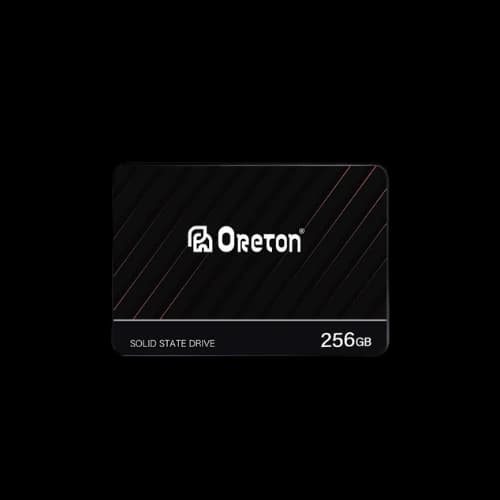
- 2.5-inch SATA SSD: Uses SATA data and power cables in desktops. Common in older laptops too. Great compatibility, moderate speed.
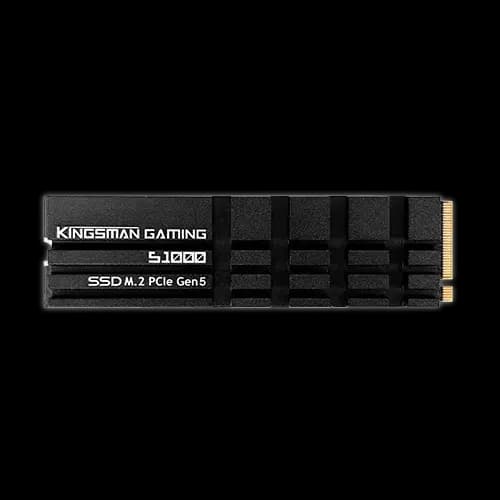
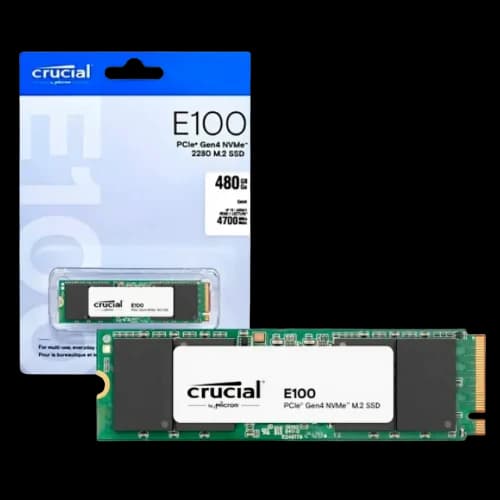
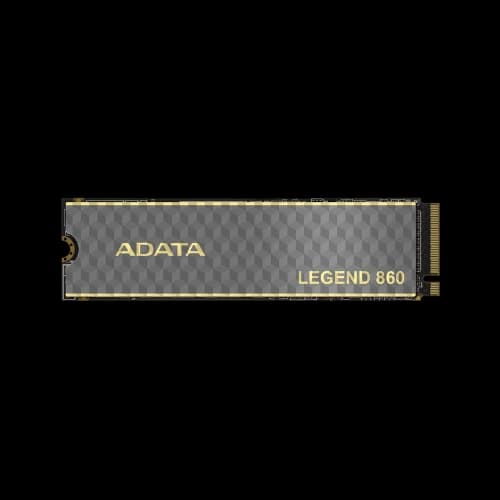
- M.2 SSD (stick-shaped): Installs directly on the motherboard, cable-free. But M.2 can be SATA or NVMe, so you must confirm what your slot supports.
- M.2 SATA: SATA-speed, same performance class as 2.5-inch SATA.
- M.2 NVMe: Uses PCIe lanes and is much faster (modern standard).
- PCIe Add-in Card SSD (AIC): Plugs into a PCIe slot like a GPU; usually NVMe-based, used mainly in desktops/workstations.
- External SSD: USB/Thunderbolt portable storage; speed depends heavily on the interface standard.
Read/Write Speed
SSD speed is usually shown as sequential read/write (large file transfers), but everyday responsiveness depends more on random performance and latency.
- Sequential speed: Helps when copying large files (videos, archives, big game folders).
- Random speed (IOPS): Helps in booting Windows, opening apps, and multitasking with lots of small reads/writes.
- Latency: The delay before data access starts; SSDs are strong here compared to HDD.
SATA vs NVMe in real life
SATA SSD: A big upgrade from HDD; great for most general users.
NVMe SSD: Better for heavy multitasking, large transfers, creative work, and modern systems, especially as a primary drive.
Gen 3 vs Gen 4 NVMe
Gen 3 NVMe: Usually enough for gaming and general use.
Gen 4 NVMe: Higher throughput; more useful for creators and frequent large file transfers, but may run hotter.
Compatibility Tips
Compatibility is where most buyers get stuck. Check these before buying:
Does your device support SATA or NVMe?
Some M.2 slots support NVMe only; some support SATA only; some support both.
PCIe generation support
A Gen 4 NVMe SSD will usually work in a Gen 3 slot, but it will run at Gen 3 speeds.
Heatsink and clearance
Some NVMe SSDs include a heatsink that may not fit in laptops or under tight GPU slots.
Lane sharing/port disabling
Some motherboards disable certain SATA ports when an M.2 drive is installed. Check your motherboard manual.
External SSD interface
To benefit from high speeds, confirm your device has the matching port standard (USB 3.2 Gen 2, Gen 2x2, Thunderbolt, etc.).
Why Choose PCB Store for Your SSD?
PCB Store may be your ultimate choice for buying or building your dream PC or PC parts.
Why PCB Store would be the best and ultimate destination for your PC build:
Official Warranty and Authenticity
PCB Store provides an official warranty on every product, operating under the established guidelines of the Bangladesh Computer Samity (BCS).
After-Sales Service
PCB Store offers extensive after-sales service to its consumers throughout the product life span and under warranty.
Knowledgeable Staff
PCB Store has expert staff who can give you proper advice on component compatibility and help you choose the best parts for your budget, not just sell you the most expensive ones.
Service Centre Accessibility
PCB Store has an expert service centre which is allocated to the brand's service centre.
Product Range and Availability
PCB Store has a wide selection of products from various brands, allowing you to compare and build a complete system efficiently.
Competitive Price Range
PCB Store offers a competitive price range for each product.
In-Store Checks
PCB Store always does ‘in-store’ checks for every purchase for every component.
The Return Policy
PCB Store has a customer-friendly return policy for each component and purchase.