Lexar Ssd Price in Bangladesh
Lexar Ssd
7
/7
Filter
Filter
Description
Lexar SSD Price in Bangladesh – Latest Models and Buying Guide
Have you been searching for the Lexar SSD price in Bangladesh but still feel unsure which model suits your PC build? At PCB Store, we know tech-savvy buyers want more than just numbers. You want speed, reliability, and a clear guide that helps you choose the best SSD for gaming, laptops, or creative workloads. This page is designed to give you everything—prices, performance insights, and buying advice—so you can make a confident purchase.
Why Choose Lexar SSD in Bangladesh?
Lexar has built a strong reputation in the storage market. Their SSDs are known for high-speed storage solutions and consistent performance. As a key PC component alongside the motherboard and processor, Lexar SSDs ensure smooth system performance and faster data handling. For Bangladeshi buyers, Lexar offers a balance of affordability and advanced features.
Speed & Performance Benefits
- Lexar NVMe SSDs like NM620, NM790, NM800PRO deliver blazing read/write speeds.
- PCIe Gen3 and Gen4 interfaces give faster boot times and smoother multitasking.
- Ideal for gamers who demand quick load times and content creators handling large files.
Reliability & Warranty
- Lexar SSDs come with Lexar SSD warranty BD, giving peace of mind.
- Built with advanced NAND technology for durability.
- Consistent performance even under heavy workloads.
Value for Money Compared to Other Brands
- Lexar offers affordable SSD in Bangladesh without compromising speed.
- Models like NS100 and NM100 are budget-friendly options for laptops.
- Higher-end models like NM800PRO compete with premium brands at lower cost.
Latest Lexar SSD Models Available
At PCB Store, we stock the full range of Lexar SSDs. Each model serves a different purpose, from entry-level upgrades to high-performance builds.
Lexar SATA SSDs
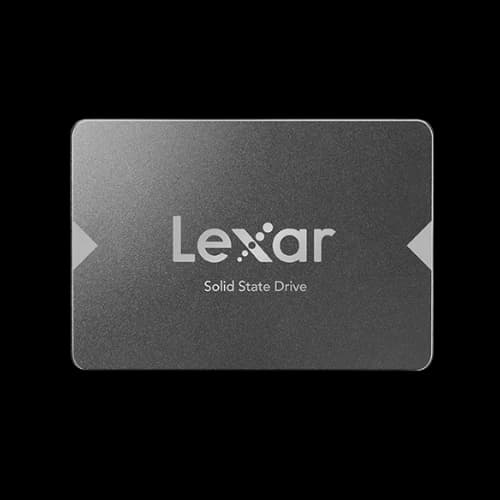
- Lexar NS100: Entry-level, 2.5-inch SATA III, perfect for basic upgrades.
- Lexar NM100: Affordable option for laptops, reliable everyday performance.
Lexar NVMe SSDs
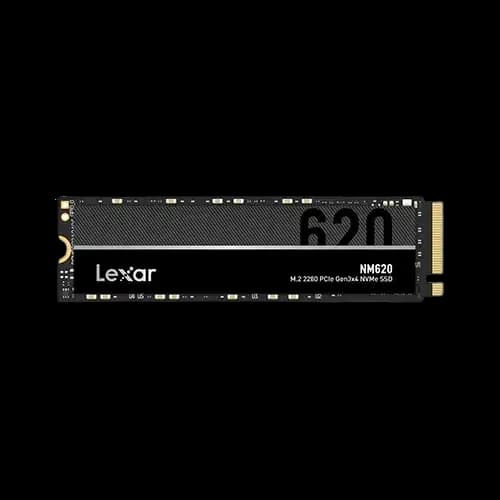
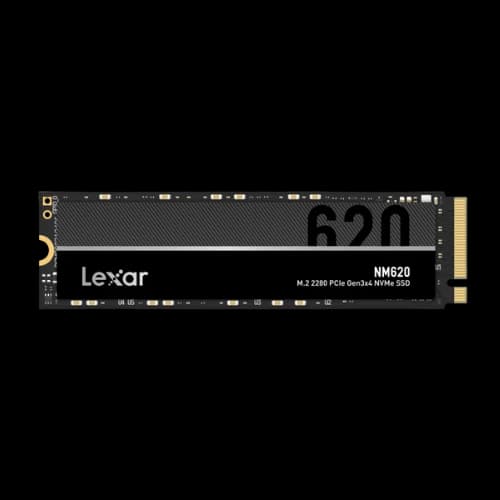
- Lexar NM620: PCIe Gen3, strong mid-range option for gamers and professionals.
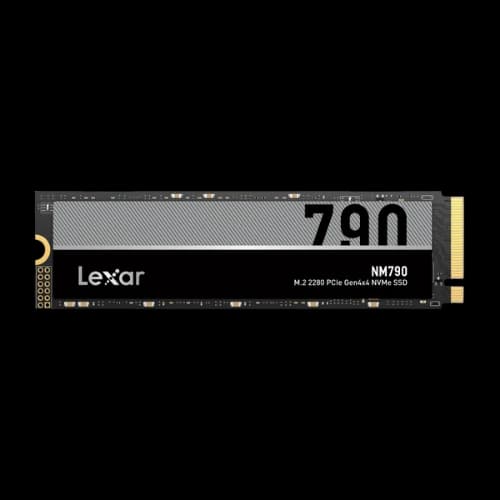
- Lexar NM790: PCIe Gen4, faster speeds, ideal for modern gaming rigs.
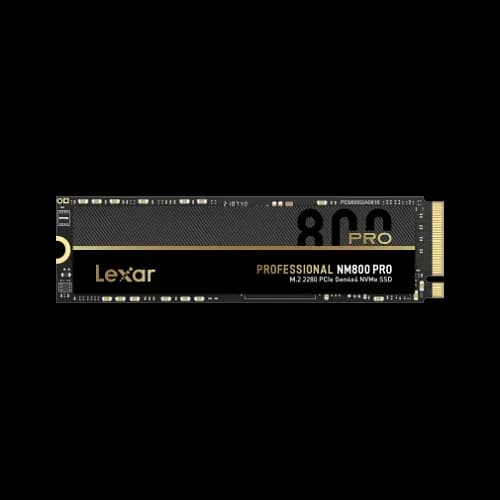
- Lexar NM800PRO: High-end PCIe Gen4, designed for creators and heavy workloads.
Capacities Available
- 240GB and 256GB: Best for OS and light storage.
- 512GB: Balanced option for gaming and productivity.
- 1TB: High-capacity storage for professionals and creators.
Lexar SSD Performance and Comparisons
Choosing the right SSD is not only about capacity. Performance benchmarks matter for gamers, creators, and professionals. At PCB Store, we guide buyers with clear comparisons so you can match your needs with the right Lexar SSD or HDD, ensuring every user finds the storage solution that fits their system best.
Lexar NVMe vs SATA SSD
- Lexar NVMe SSDs (NM620, NM790, NM800PRO) use PCIe Gen3 and Gen4 interfaces. They deliver faster speeds, ideal for gaming and heavy workloads.
- Lexar SATA SSDs (NS100, NM100) use SATA III. They are slower than NVMe but more affordable, perfect for laptops and basic upgrades.
Lexar NM620 vs NM790 vs NM800PRO
- NM620: PCIe Gen3, mid-range speeds, reliable for most users.
- NM790: PCIe Gen4, faster read/write, great for modern gaming rigs.
- NM800PRO: PCIe Gen4, premium performance, designed for content creators and professionals.
Lexar NS100 vs NM100
- NS100: Entry-level SATA SSD, simple upgrade for desktops.
- NM100: Affordable laptop SSD, reliable everyday performance.
Lexar SSD for Different User Needs
For Gamers
- NVMe models like NM620 and NM790 reduce game load times.
- PCIe Gen4 speeds give smoother gameplay and faster updates.
- Recommended for custom PC builders in Bangladesh.
For Laptop Users
- NS100 and NM100 are lightweight and budget-friendly.
- Faster boot times and improved battery efficiency.
- Easy installation with a 2.5-inch SATA form factor.
For Content Creators
- NM800PRO is the best choice for video editing and 3D rendering.
- Handles large project files with ease.
- High-capacity options (512GB, 1TB) suit professional workloads.
Lexar SSD Installation Guide
Installing an SSD is simple, but many buyers ask us how to do it. Here’s a quick guide:
- Back up your data before starting.
- Turn off your PC or laptop and disconnect the power.
- For SATA SSDs, connect to the SATA port and mount in the drive bay.
- For NVMe SSDs, insert into the M.2 slot and secure with a screw.
- Boot your system and format the SSD.
- Install your operating system or use it as secondary storage.
This process takes less than 15 minutes for most users.
Lexar SSD Buying Guide for Bangladesh
Choosing the right SSD depends on your usage. Here’s how we guide our customers:
Best SSD for Laptops
- Lexar NS100 and NM100 are lightweight, reliable, and affordable.
- Perfect for students and office users needing faster boot times.
Best SSD for Gaming PCs
- Lexar NM620 and NM790 deliver quick load times.
- PCIe Gen3 and Gen4 interfaces handle modern AAA titles smoothly.
- Recommended for custom PC builders in Bangladesh.
Best SSD for Content Creators
- Lexar NM800PRO offers superior speed for video editing and 3D rendering.
- Large capacity options (1TB) handle big project files.
- A true high-speed storage solution for professionals.
Why Buy Lexar SSD from PCB Store?
We at PCB Store focus on tech-savvy buyers in Bangladesh. Our goal is to provide:
- Genuine Lexar SSDs with official warranty.
- Clear product descriptions with specs and performance insights.
- Easy purchase process with fast delivery across Bangladesh.
Buying from us means you get more than just a product—you get expert advice tailored to your needs.
Closing Thoughts
At PCB Store, we bring you the latest Lexar SSD price in Bangladesh with clear buying guides, performance insights, and warranty support. As a reliable PC component, Lexar SSDs deliver speed, reliability, and value for gamers, students, and professionals alike.
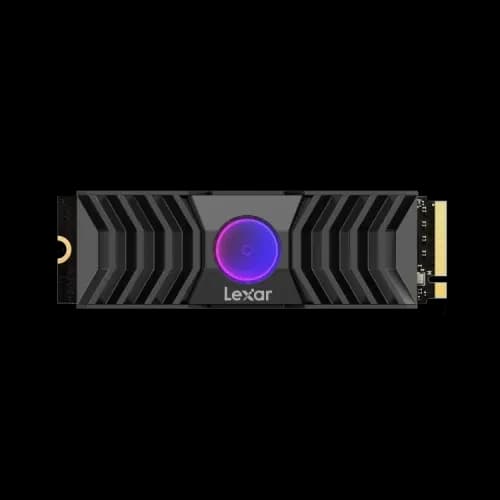
By combining commercial intent content with transactional clarity, this category page helps buyers make confident decisions. With models like NM620, NM790, NM800PRO, NS100, and NM100, Lexar SSDs cover every need—from laptops to gaming rigs to creative workstations. For high-performance builds, pairing your drive with an SSD cooler ensures stable temperatures and long-term reliability.
Your next upgrade starts here. Choose Lexar SSD from PCB Store and experience the difference of a trusted PC component, enhanced with SSD cooler options for demanding users.