Toshiba Hdd Price in Bangladesh
Toshiba Hdd
9
/9
Filter
Filter

Description
Are you searching for the right Toshiba HDD deal and pc components price in Bangladesh without wasting hours comparing tabs? We have every model, every capacity, and every use case covered right here at PCB Store. From budget desktop builds to hardcore gaming rigs and CCTV surveillance systems, Toshiba hard drives deliver proven reliability at prices that make sense locally.
Why Toshiba HDD Is a Top Choice in Bangladesh
Toshiba is not a newcomer. The brand has earned real trust among PC builders, content creators, and tech enthusiasts across Bangladesh. Their hard disk drives offer a rare balance — strong performance, long lifespan, and fair pricing.
Here is why buyers in Bangladesh keep choosing Toshiba:
- Available in capacities from 500GB all the way to 16TB
- Purpose-built series for desktop, laptop, gaming, CCTV, and NAS
- Compatible with SATA 6Gb/s — works with almost every motherboard
- Official warranty support available in Bangladesh
- Competitive pricing across all pc components in Bangladesh
Whether you need an internal hard drive for a custom PC build or a portable HDD for backup and travel, Toshiba has a model for you.
Toshiba HDD Series Available in Bangladesh
Not all Toshiba drives are the same. Each series targets a different workload. Buying the wrong series means wasted money. Here is a clear breakdown.
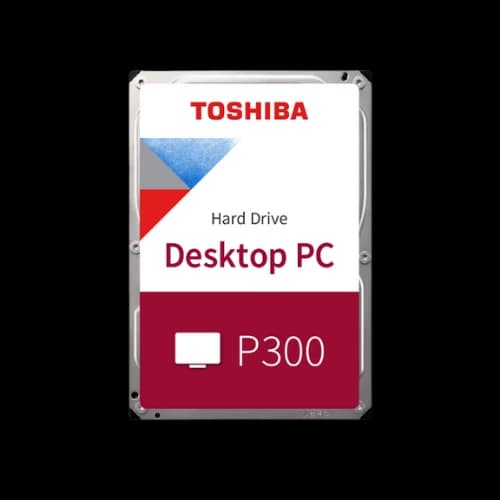
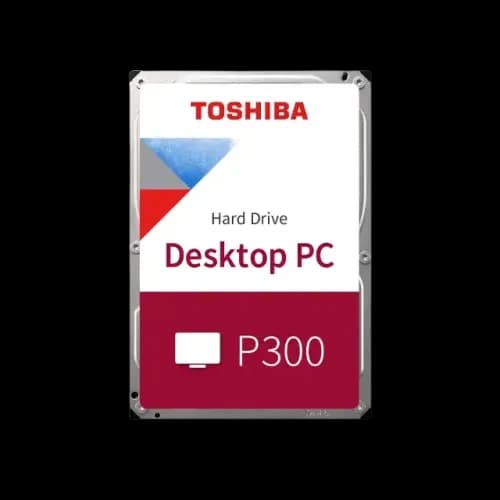
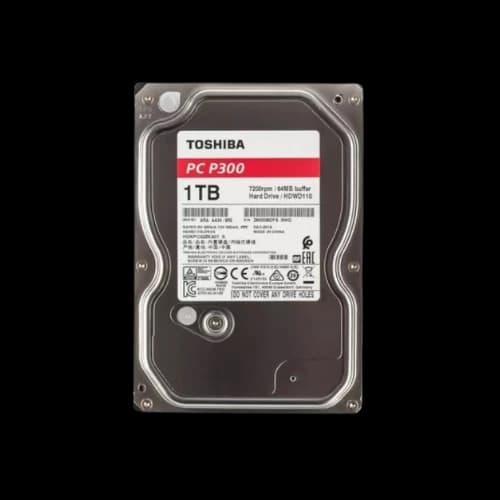
Toshiba P300
The P300 is Toshiba's go-to internal hard drive for desktop PCs. It is built for students, office users, and everyday PC builders.
Key specs:
- Form factor: 3.5-inch
- RPM: 5400 or 7200
- Capacity: 1TB, 2TB, 4TB, 6TB
- Interface: SATA 6Gb/s
- Cache: 64MB to 128MB
The P300 uses ramp loading technology. This protects the read/write heads during power-off. It also includes built-in shock sensors for added data protection.
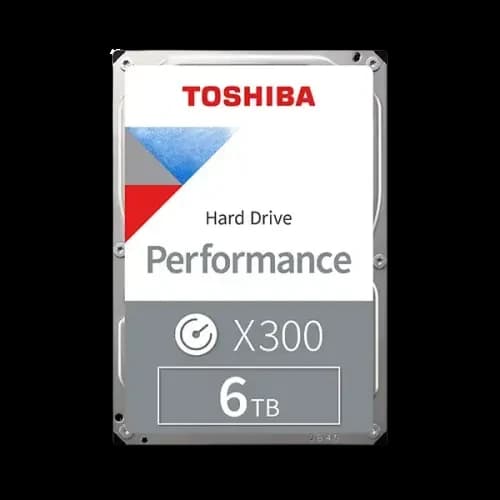
Toshiba X300
The X300 is Toshiba's high-performance desktop drive. PC gamers and content creators in Bangladesh choose this model for large storage demands.
Key specs:
- Form factor: 3.5-inch
- RPM: 7200 (consistent)
- Capacity: 4TB, 6TB, 8TB, 10TB, 12TB
- Cache: up to 256MB
At 7200 RPM with a large cache buffer, the X300 loads game files and large media projects faster than standard drives. This is the series for performance users who need bulk storage without switching to a full SSD setup.
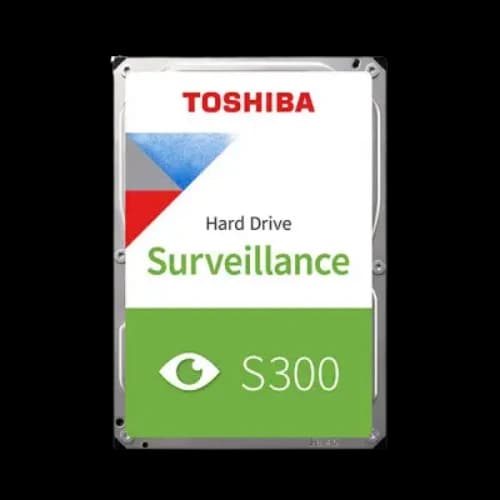
Toshiba S300
The S300 is purpose-built for 24/7 continuous recording. It works with DVR and NVR systems without performance drops.
Key specs:
- Form factor: 3.5-inch
- RPM: 5400 to 7200
- Capacity: 1TB to 10TB
- Supports up to 64 HD cameras simultaneously
CCTV system builders across Bangladesh trust the S300. It handles non-stop write cycles far better than a standard desktop HDD. Using a regular drive in a surveillance system wears it out fast. The S300 is rated for this exact workload.
Toshiba L200
The L200 is a 2.5-inch internal hard drive made for laptops. It is thin, quiet, and power-efficient.
Key specs:
- Form factor: 2.5-inch (7mm height)
- RPM: 5400
- Capacity: 500GB, 1TB, 2TB
- Low power draw — extends battery life
If you want to upgrade your laptop's storage affordably, the L200 is the right pick. It fits most standard laptops and installs without any tools.
Toshiba N300
The N300 is built for NAS enclosures and RAID setups. It handles multiple simultaneous read/write operations without slowing down.
Key specs:
- Form factor: 3.5-inch
- RPM: 7200
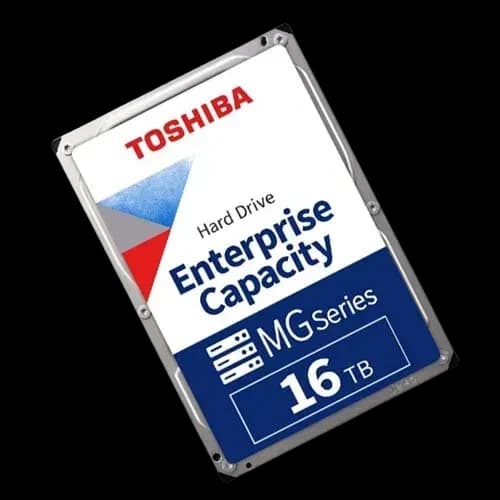
- Capacity: 4TB to 16TB
- Rotational Vibration (RV) sensor for multi-drive stability
Home server users and small business owners in Bangladesh use the N300 for network-attached storage. It is one of the most reliable options for always-on data access.
Toshiba HDD Specifications Overview
Buying a hard drive without understanding specs is a common mistake. Many buyers in Bangladesh focus only on capacity and price. But RPM, cache, and interface matter just as much. Let us break it down simply.
RPM — How Fast Your Drive Spins
RPM means rotations per minute. Higher RPM means faster data access.
- 5400 RPM — slower, quieter, uses less power. Good for laptops and backup drives.
- 7200 RPM — faster, slightly louder, uses more power. Better for desktops and gaming.
A 7200 RPM drive delivers roughly 33% faster data transfer than a 5400 RPM drive. For gaming or video editing, this difference is noticeable.
Cache Size — The Buffer That Speeds Things Up
Cache is temporary memory built into the drive. It stores frequently accessed data for quick retrieval.
- 64MB cache — standard for everyday use
- 128MB cache — better for desktop workloads
- 256MB cache — high-performance tasks, gaming, content creation
A larger cache means smoother performance during heavy read/write operations. The Toshiba X300 series comes with up to 256MB cache — one of the highest in its class.
Interface — SATA 6Gb/s Explained
All Toshiba HDDs use the SATA 6Gb/s interface. This is the universal standard for internal hard drives. It connects directly to your motherboard's SATA port.
SATA 6Gb/s is backward compatible. It works on older SATA 2 and SATA 3 ports without issues. No special cables or adapters needed.
Form Factor — 3.5-inch vs 2.5-inch
- 3.5-inch — fits desktop PC cases and external HDD enclosures
- 2.5-inch — fits laptops, slim desktops, and portable enclosures
Always check your case or laptop slot before ordering. Most desktop builds use 3.5-inch bays. Most laptops use 2.5-inch slots.
Toshiba HDD vs External SSD — Which One Should You Buy?
This is a question we hear often at PCB Store. The answer depends on what you need storage for.
When to Choose a Toshiba HDD
- You need bulk storage at a low cost per GB
- You are building a desktop PC for gaming or multimedia
- You are setting up a CCTV system with a DVR or NVR
- You want a external HDD for large file transfers
- Your budget is tight, but capacity requirements are high
When to Choose an External SSD
- You need fast file transfer speeds above everything else
- You carry your drive daily and need shock resistance
- You work with video editing on the go
- You value compact size over storage capacity
An external SSD is faster and more durable physically. But the cost per GB is significantly higher than that of a portable HDD. For most buyers in Bangladesh who need 1TB or 2TB of affordable backup storage,
Both have their place. Many smart buyers use both — an HDD for bulk storage and an SSD for speed-sensitive tasks.
How to Choose the Right Toshiba HDD
At PCB Store, we don’t just list products—we help buyers make smart choices. Choosing the right Toshiba HDD means understanding capacity, speed, and workload requirements.
Capacity Matters
- 500GB–1TB: Best for students and office users.
- 2TB–4TB: Ideal for gamers and content creators.
- 6TB and above: Perfect for surveillance and enterprise setups.
Speed and RPM
Toshiba HDDs come in 5400 RPM and 7200 RPM versions.
- 5400 RPM: Quiet, energy-efficient, good for laptops.
- 7200 RPM: Faster, better for gaming and heavy workloads.
Cache Size
Cache improves performance. Toshiba drives often feature 64MB to 256MB cache.
- Larger cache = smoother multitasking.
- Important for gamers and video editors.
Long-Term Storage Strategies
Backup and Redundancy
Always keep backups. Toshiba HDDs are reliable, but no drive lasts forever.
- Use an external HDD for backups.
- Pair with a Portable SSD for speed.
Warranty and Lifespan
Toshiba HDDs typically last 3–5 years under normal use.
- Surveillance drives last longer due to design.
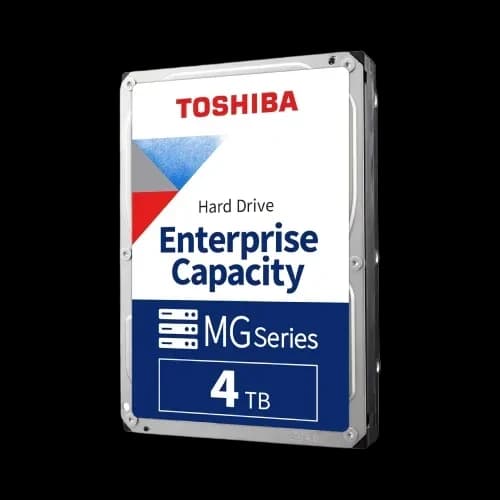
- Enterprise drives are built for heavy workloads.
Upgrade Paths
As SSDs become more affordable, many users combine HDD + SSD.
- HDD for bulk storage.
- SSD for operating system and apps.
- Balanced performance at lower cost.
Why Buy Your Toshiba HDD from PCB Store
We are a trusted PC components destination in Bangladesh. Our customers include PC gamers, custom builders, content creators, IT professionals, and home users from across the country.
Here is what makes PCB Store the right place to buy your product. We provide:
- Genuine products with a valid manufacturer's warranty
- Competitive pricing updated regularly
- Wide selection — from 500GB entry drives to 16TB enterprise models
- Fast nationwide delivery with order tracking
We understand the Bangladeshi market. We know that value, reliability, and trust matter more than anything else to our customers. That is exactly what we deliver — every order, every time.