Casing Price in Bangladesh
Casing
12
/354
Filter
Filter
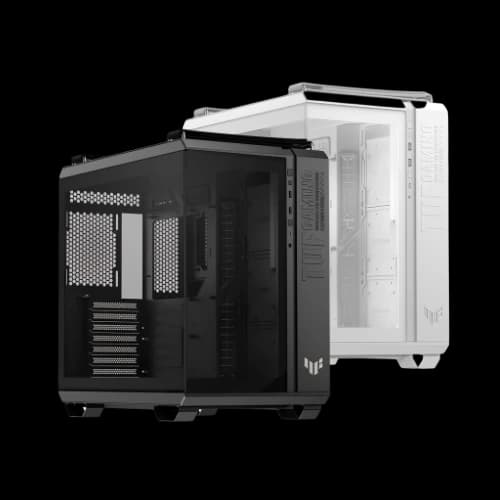
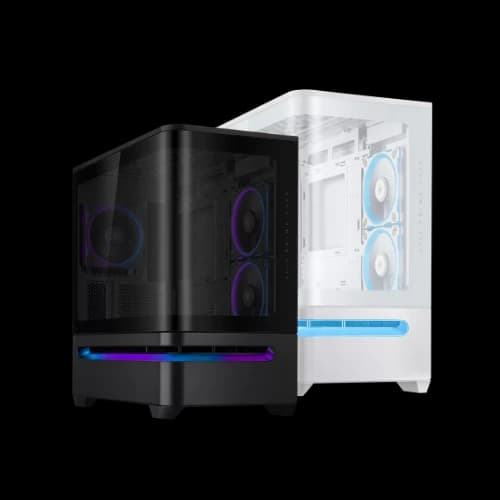
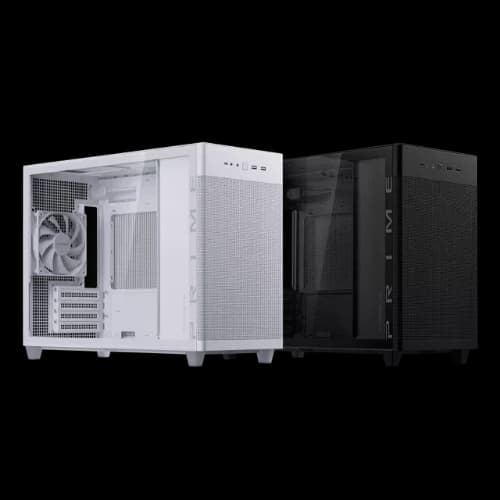
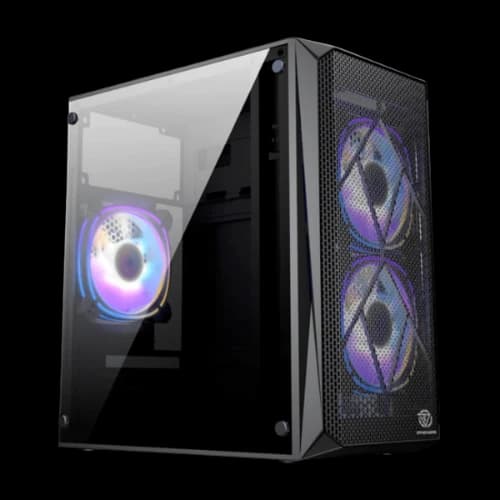
Description
Choosing the right desktop computer casing is a critical yet often overlooked step when building or upgrading a PC.
A computer casing is not just about external design; it directly affects airflow, cooling efficiency, and overall system stability, while also determining compatibility with essential components such as the processor (CPU), motherboard form factor, graphics card (GPU), power supply unit (PSU), storage drives, and cooling solutions.
Whether you are assembling a high-performance gaming PC, a compact office computer, or a professional workstation, the right casing ensures proper component fitment, efficient heat dissipation, easier cable management, and future upgrade flexibility.
With a wide range of PC casing types, sizes, and brands available in the market, understanding how a casing supports your hardware configuration is essential for making a reliable and informed choice.
Different Types of Desktop Computer Casings
A desktop computer casing, also known as a computer case or chassis, is the physical enclosure that houses and protects the internal hardware components of a computer system.
Beyond protection, the casing plays an important role in airflow management, thermal performance, expandability, and overall system aesthetics.
Desktop casings are available in various sizes and layouts, each designed to meet specific performance, space, and usage requirements. The major types of desktop casings are discussed below.
Full Tower Casing
A full tower casing is the largest standard form factor used for desktop computers. It is designed to support extended ATX (E-ATX), ATX, micro-ATX, and Mini-ITX motherboards.
Due to its large internal volume, a full tower case offers excellent airflow, extensive cable management options, and support for multiple storage drives, high-end graphics cards, and advanced cooling systems such as custom liquid cooling loops.
Full tower casings are commonly used in professional workstations, gaming rigs, and servers where expandability and thermal efficiency are critical.
However, their size makes them less suitable for compact workspaces, and they are generally more expensive than smaller cases.
Mid-Tower Casing
The mid-tower casing is the most popular and widely used desktop case type. It typically supports ATX, micro-ATX, and Mini-ITX motherboards.
Mid-tower cases offer a balanced combination of size, performance, and expandability, making them suitable for general users, gamers, and office environments.
While smaller than full towers, mid-tower casings can still fit modern graphics cards, multiple storage drives, and efficient air or liquid cooling solutions.
Their moderate size allows easier placement on or under desks without sacrificing too much internal flexibility.
Mini Tower Casing
Mini tower casings are designed primarily for micro-ATX and mini-ITX motherboards. These cases are more compact and lightweight compared to mid- and full-tower designs.
Due to space limits, mini tower casings generally support fewer expansion slots, storage devices, and cooling components.
They are commonly used for basic home computers, office systems, and budget builds where high performance and extensive upgrades are not a priority. Proper airflow planning is important in mini tower cases, as limited space can lead to higher internal temperatures.
Mini-ITX / Small Form Factor (SFF) Casing
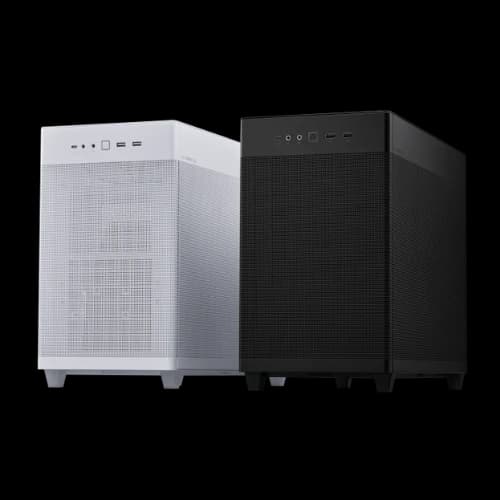
Mini-ITX or Small Form Factor (SFF) casings are designed for extremely compact systems using Mini-ITX motherboards.
These cases prioritize minimal size and portability while still supporting essential components such as a CPU, GPU, storage, and power supply.
SFF cases are popular for home theatre PCs (HTPCs), compact gaming systems, and minimalist setups. Due to limited internal layouts, building in an SFF casing requires careful component selection and cable management.
Cooling and airflow can be challenging, and hardware compatibility is more restricted compared to larger cases.
Horizontal / Desktop Casing
Horizontal or desktop casings are designed to remain horizontal on a desk rather than standing vertically. Historically, these cases were common in early personal computers and office systems, often serving as a base for monitors.
Modern horizontal casings are still used in office environments, media centres, and specialized industrial systems.
They usually prioritise stability, quiet operation, and ease of access over expandability. Internal space is often limited, so they typically support low-profile components and simpler cooling solutions.
Open-Air Casing
Open-air casings are non-traditional enclosures that expose most or all internal components instead of enclosing them fully.
These cases are mainly used for testing environments. An enthusiast builds and showcases systems. Open-air designs provide excellent airflow and easy hardware access, making them suitable for benchmarking and frequent component changes.
However, open-air casings offer minimal protection against dust, physical damage, and environmental factors.
They are not ideal for everyday use in standard home or office settings but are favoured by hardware enthusiasts and professionals for experimental or display purposes.
Different Brands of Casing for Every Build
Choosing the right computer casing is essential for building a reliable and high-performance desktop PC, as different brands focus on airflow, durability, aesthetics, and hardware compatibility.
Well-known manufacturers such as Antec, Asus, Cooler Master, Corsair, MSI, NZXT, Thermaltake, and Gigabyte offer premium and mid-range PC cases designed for gaming, professional workloads, and enthusiast builds. Brands like Lian Li, SilverStone, Jonsbo, Montech, HAVN, and Thermalright are especially popular among users who prioritize superior build quality, advanced cooling support, and clean internal layouts for high-end components.
For budget-friendly and entry-level systems, brands including Maxgreen, Value Top, PC Power, Golden Field, Monarch, Wintech, Safeway, Power Train, Space, ARS, Virtu, Acer, and Xtreme provide affordable PC casings suitable for home, office, and educational use.
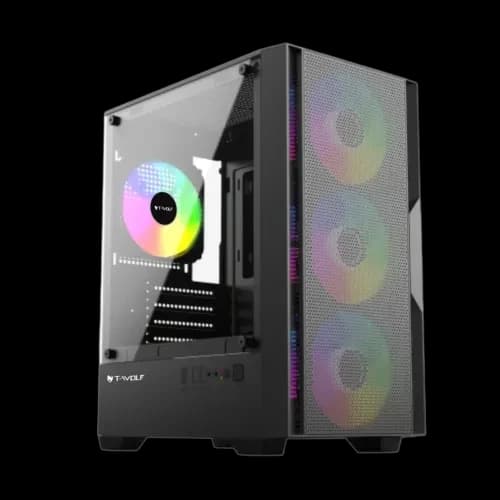
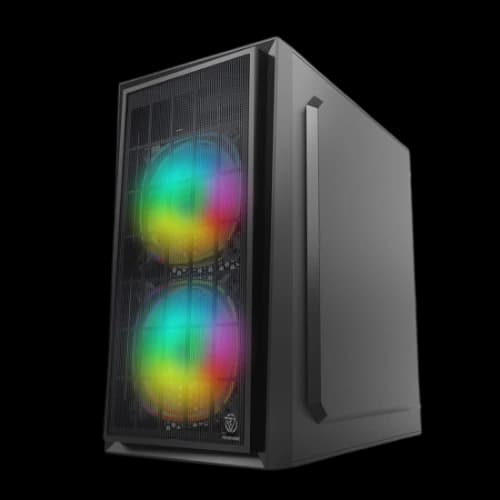
Gamers looking for stylish yet cost-effective options often choose cases from Gamdias, Gamemax, Carbono, Cougar, T-Wolf, 1STPLAYER and Revenger, which commonly feature RGB lighting, tempered glass panels, and modern gaming aesthetics at competitive prices.
Users with specific build requirements can also explore specialized casing categories such as Portable Casing, Mini-ITX Casing, and Open Frame Casing, ideal for compact setups, LAN builds, or custom showcase systems.
Cooling-focused designs from Deepcool, Arctic, MaxCool, and Xigmatek emphasize mesh panels and efficient airflow, ensuring stable thermal performance.
With such a diverse selection of PC casing brands and form factors available, users can easily find the perfect enclosure that balances performance, design, and budget while supporting future upgrades
How to Choose the Best PC Casing for your Builds
A computer casing is not just an outer shell; it directly affects system cooling, expandability, noise levels, and overall usability.
Different users have different requirements depending on how the computer will be used. Gaming systems, office PCs, and professional workstations all benefit from casings designed around their specific needs.
Gaming Casing
A gaming casing is designed to support high-performance hardware such as powerful graphics cards (GPUs), multi-core processors, and advanced cooling solutions.
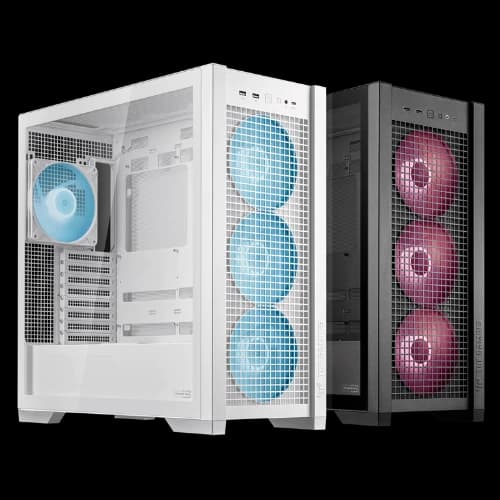
These casings usually prioritize airflow, thermal efficiency, and expandability. Most gaming cases include multiple fan mounts, mesh front panels, and support for liquid cooling radiators.
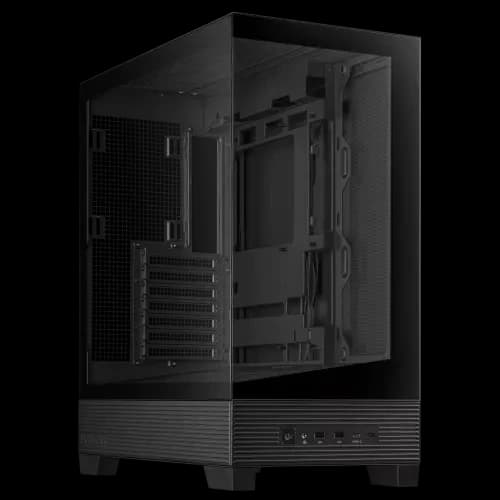
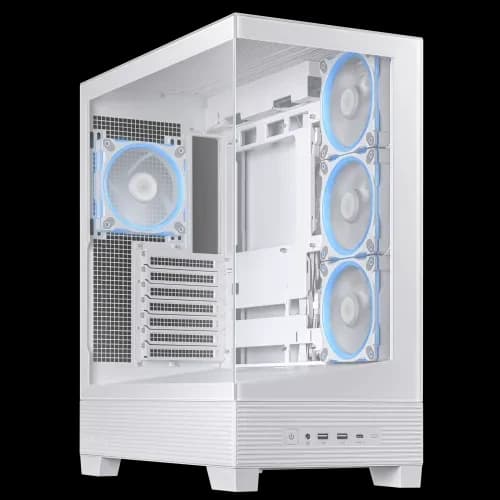
Gaming casings often feature tempered glass side panels to showcase internal components, as well as reinforced frames to support heavier GPUs.
The main drawback is that gaming cases can be larger and more expensive, and they may consume more power due to additional cooling components.
ATX Casing
An ATX casing is built to support ATX form factor motherboards, which are standard-sized boards offering multiple expansion slots and connectivity options.
ATX cases are popular for mid-range to high-end builds because they provide sufficient internal space for graphics cards, storage drives, and cooling systems.
These casings strike a balance between size and functionality.
They are easier to build in compared to smaller cases and allow future upgrades. However, ATX casings require more desk or floor space than compact designs and may not be ideal for users with limited space.
RGB Casing
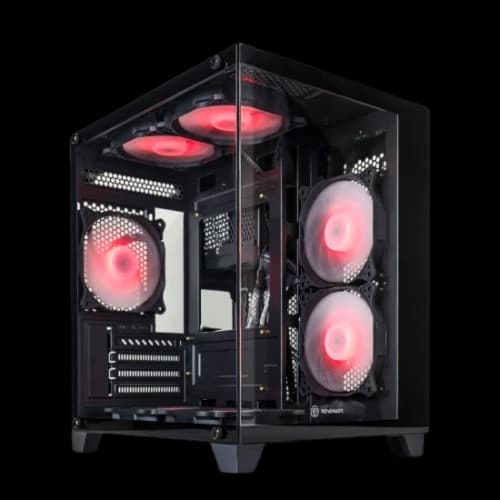
An RGB casing focuses on visual customization using RGB (Red, Green, Blue) lighting. RGB lighting allows users to change colours, lighting patterns, and effects through software or controllers.
These casings are popular among gamers and enthusiasts who want visually appealing builds.
RGB casings usually include pre-installed RGB fans, LED strips, and transparent panels. While they enhance aesthetics, RGB components can increase cost and power consumption. From a functional standpoint, RGB lighting does not improve performance and should be considered an aesthetic feature.
Casings for Office and Students
Casings designed for office workers and students prioritise simplicity, reliability, and compactness.
These cases typically support basic hardware such as integrated graphics, standard processors, and limited storage devices. Noise reduction and energy efficiency are more important than advanced cooling.
Such casings are usually smaller, lighter, and more affordable. They often have minimalistic designs and limited expansion options.
While suitable for everyday tasks like document editing, browsing, and online learning, they are not intended for gaming or heavy workloads.
Casings for Content Creators and Designers
Content creators and designers require casings that support powerful CPUs, high-performance GPUs, and large amounts of memory (RAM).
These systems are used for tasks such as video editing, 3D rendering, animation, and graphic design, which generate significant heat.
Casings for this category emphasize airflow, storage expandability, and quiet operation. Support for multiple hard drives and solid-state drives (SSDs) is essential, as creative workloads often involve large files. These cases may not be visually aggressive but focus on efficiency and stability.
Casings for Professionals and Developers
Professionals and developers, including software engineers, data analysts, and system administrators, require casings that support reliability, long-term operation, and clean internal layouts. These systems may run for extended periods and often benefit from efficient cooling and dust filtration.
Casings in this category typically have understated designs, good cable management, and support for multiple monitors and expansion cards. Noise control and airflow balance are key considerations.
While not focused on aesthetics, these casings provide a professional appearance and practical functionality.
How to Choose the Best Computer Casing for Your Needs
Selecting the right computer casing is a fundamental step in building or upgrading a desktop system. A casing determines not only how components are housed but also how efficiently heat is managed, how easily upgrades can be performed, and how comfortable the system is to use over time.
A well-chosen casing improves performance stability, system lifespan, and overall user experience. The key factors to consider are discussed in detail below.
Supported Motherboard Type
The motherboard form factor determines whether it will physically fit inside a casing. Common motherboard types include ATX, Micro-ATX (mATX), and Mini-ITX. An ATX motherboard is larger and offers more expansion slots, while Micro-ATX and Mini-ITX boards are progressively smaller and more compact.
A casing must explicitly support the motherboard size you plan to use. Larger cases often support multiple motherboard types, while compact cases are more restrictive.
Choosing a casing that matches your motherboard ensures proper mounting, airflow alignment, and access to ports and connectors.
Airflow in PC Cases
Airflow refers to how air moves through the casing to cool internal components such as the CPU, GPU, and storage drives.
Good airflow is achieved through a combination of intake fans (bringing cool air in) and exhaust fans (pushing hot air out). Mesh front panels, unobstructed fan paths, and adequate internal spacing all contribute to effective airflow.
Poor airflow can lead to higher temperatures, reduced performance, and shortened hardware lifespan. Users running high-performance components should prioritize casings with multiple fan mounts and support for liquid cooling radiators.
Side Panel
The side panel affects both usability and aesthetics. Common materials include steel, tempered glass, and acrylic. Tempered glass panels allow visibility of internal components and are popular in gaming and showcase builds.
Solid metal panels provide better noise isolation and a more professional appearance.
The choice depends on whether visual presentation or noise reduction is more important. It is also important that the side panel is easy to remove for maintenance and upgrades.
Aesthetic and Build Quality
A casing’s aesthetic includes its external design, colour scheme, lighting options, and overall visual style. Build quality refers to the materials used, such as steel thickness, paint finish, and structural rigidity.
High-quality casings feel solid, reduce vibrations, and last longer.
While aesthetics are subjective, build quality directly affects durability and ease of installation. A balance between visual appeal and structural strength is ideal.
Cable Management
Cable management refers to how easily power and data cables can be routed and hidden inside the casing. Features such as cable-routing holes, rubber grommets, tie-down points, and a dedicated space behind the motherboard tray greatly improve cable organization.
Good cable management improves airflow, reduces dust buildup, and makes the system easier to maintain. Poor cable routing can restrict airflow and make troubleshooting difficult.
Connectivity Ports
Connectivity ports are usually located on the front or top panel of the casing. These commonly include USB ports (USB 2.0, USB 3.0, or USB-C), audio jacks, and power buttons.
Modern users should look for casings with updated USB standards for faster data transfer and better compatibility with newer devices. Convenient front-panel connectivity improves everyday usability, especially for external drives and peripherals.
Dust Filter
Dust filters are mesh or fine screens placed over air intake areas to prevent dust from entering the casing. Dust accumulation can clog fans, increase temperatures, and reduce component lifespan.
Removable and washable dust filters are preferable, as they allow easy cleaning.
A casing with proper dust filtration reduces maintenance frequency and helps keep the system running efficiently over time.
RGB Lighting
RGB lighting uses red, green, and blue LEDs to create customizable lighting effects. Some casings include built-in RGB fans or LED strips, often controlled via software or a physical controller.
While RGB lighting does not improve performance, it enhances visual customization. Users who prefer a clean or professional look may avoid RGB, while gamers and enthusiasts often consider it a desirable feature.
Expansion Slots
Expansion slots allow additional hardware, such as graphics cards, sound cards, or network cards,s to be installed. The number of available slots depends on the casing size and the supported motherboard type.
Users planning future upgrades should ensure the casing has enough expansion slots and physical clearance for large GPUs. Limited expansion space can restrict system growth.
Power Supply Compatibility
The power supply unit (PSU) provides electricity to all system components. Casings specify the supported PSU size, usually standard ATX, SFX, or other compact formats.
Some casings include PSU shrouds that hide the power supply and cables, improving airflow and appearance. Proper PSU compatibility ensures safe installation, adequate ventilation, and easier cable management.
Why Choose PCB Store for Your Casing?
PCB Store may be your ideal selection for getting a casing. Why PCB Store would be the best and optimum destination for your buying casing:
- Official Warranty and Authenticity: PCB Store provides an official warranty on every product, operating under the established guidelines of the Bangladesh Computer Samity (BCS).
- Authorized Seller Status: PCB Store is an authorized seller of many rewound bands, like Asus, MSI, Gigabyte, and many more. That ensures the guarantee that the product is genuine, brand new, and not counterfeit, refurbished, or used.
- After-Sales Service: PCB Store offers extensive after-sales service to its consumers throughout the product life span and under warranty.
- Knowledgeable Staff: PCB Store has expert staff who can give you proper advice on component compatibility and help you choose the best parts for your budget, not just sell you the most expensive ones.
- Service Centre Accessibility: PCB Store has an expert service centre, which is allocated to the brand's service centre.
- Product Range and Availability: PCB Store has a wide selection of products from various brands, allowing you to compare and build a complete system efficiently.
- Competitive Price Range: PCB Store offers a competitive price range for each product.
- In-Store Checks: PCB Store always does ‘in-store’ checks for every purchase for every component.
- The Return Policy: PCB Store has a customer-friendly return policy for each component and purchase.