Nzxt Casing Price in Bangladesh
Nzxt Casing
9
/9
Filter
Filter
Description
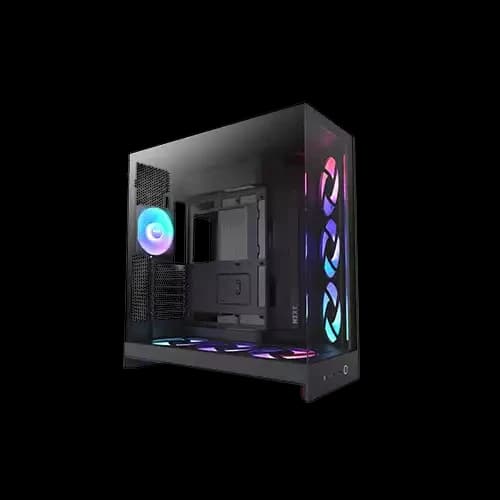
Looking for the perfect NZXT casing price in Bangladesh without the guesswork? You are in the right place. At PCB Store, we carry the full NZXT lineup and premium Computer Components — from compact budget PC casing options to premium dual-chamber builds. Whether you are a gamer, a content creator, or someone ready to build your PC, NZXT delivers the design, airflow, and build quality your setup deserves. This guide gives you everything — prices, models, features, and honest recommendations.
Why NZXT Casing Is the Top Choice for PC Builders
NZXT has earned serious trust in the PC building community. Not just globally — but right here in Bangladesh too.
Bangladeshi PC builders care about three things most:
- Clean aesthetics that look great on a desk
- Strong airflow that keeps Pc components cool
- Good value across every budget range
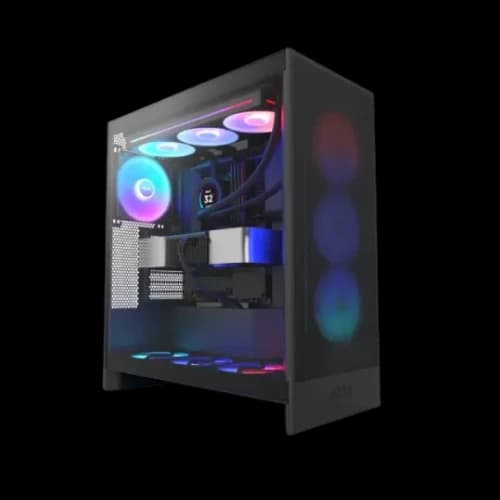
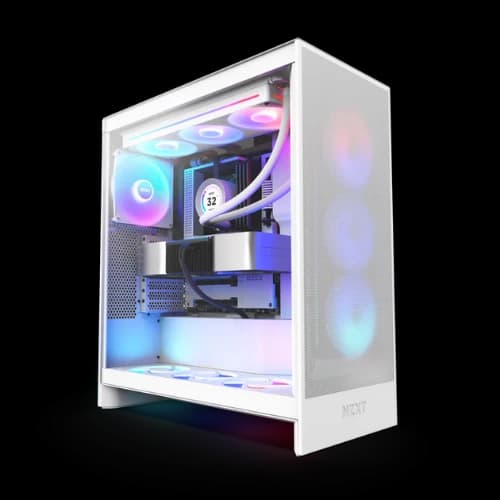
NZXT delivers on all three. Their H-series cases are famous for minimalist design. You get tempered glass, mesh front panels, and tool-less builds in one package.
We see this demand every day at PCB Store. Gamers, students, and professionals all reach for NZXT first. It is not just hype. The build quality backs it up.
NZXT H-Series casing available in Bangladesh
NZXT builds around one legendary product line — the H-series. Each model targets a different builder type.
NZXT H3 Flow
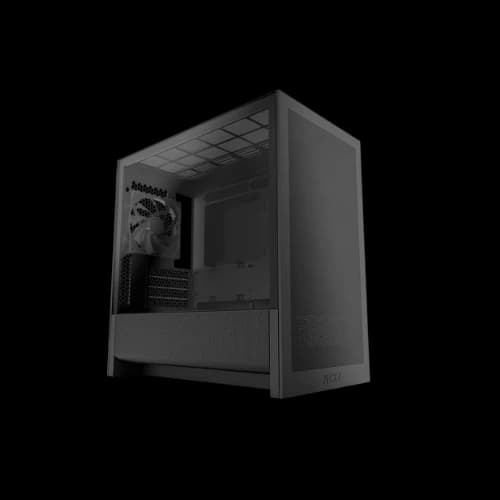
This is the entry point. It fits Micro-ATX and Mini-ITX motherboards. It has a mesh front panel for solid airflow at a low price. Perfect for PC casing buyers who do not want to compromise on looks.
NZXT H5 Flow and H5 Flow RGB
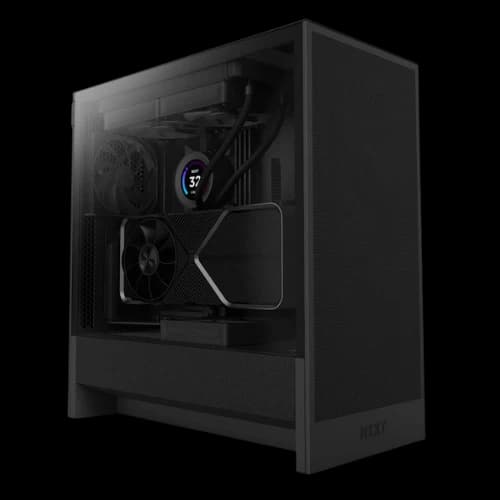
The most popular model in Bangladesh. It supports full ATX boards. The mesh front improves airflow compared to older NZXT designs. The RGB version adds Aer fans with addressable lighting. It is the sweet spot for anyone building a mid-range gaming PC.
NZXT H6 Flow and H6 Flow RGB
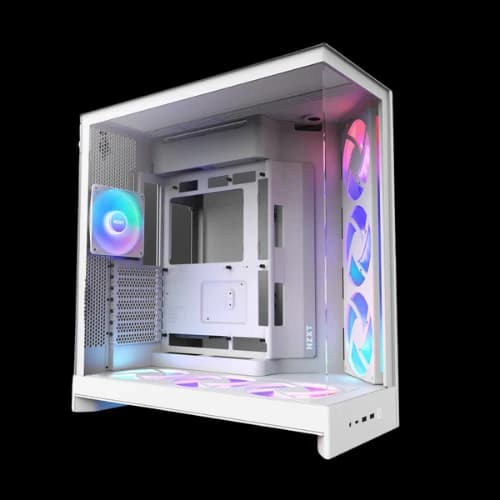
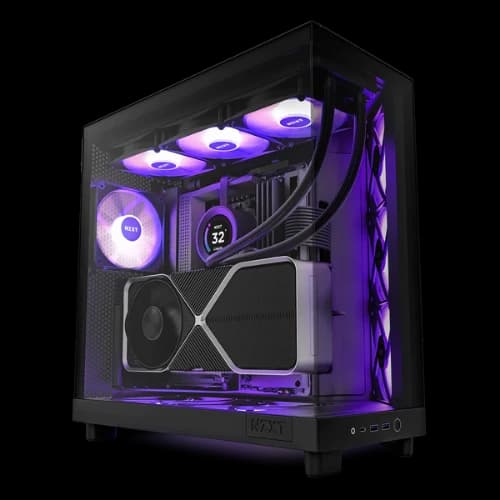
The H6 introduced the dual-chamber layout to the mid-range. The PSU and cables sit separately from the main build area. This keeps everything cleaner and improves airflow across your computer parts. A top pick for builders who care about internal presentation.
NZXT H7 Flow and H7 Elite V2
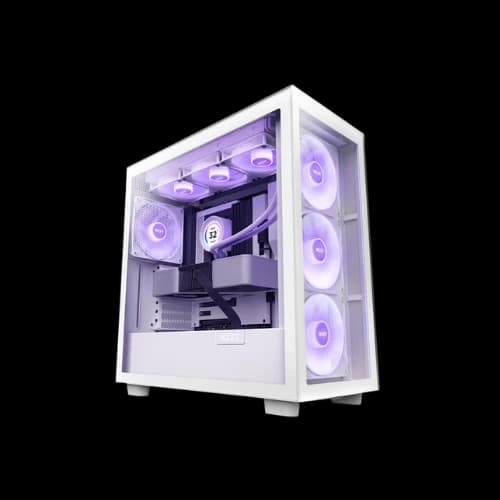
Full-size mid-tower for serious builds. Supports E-ATX motherboards. Pre-installed fans, 420mm radiator support, and premium tempered glass. The Elite version adds NZXT's Aer RGB fans out of the box. Builders who want performance without compromise choose this.
NZXT H9 Flow and H9 Elite
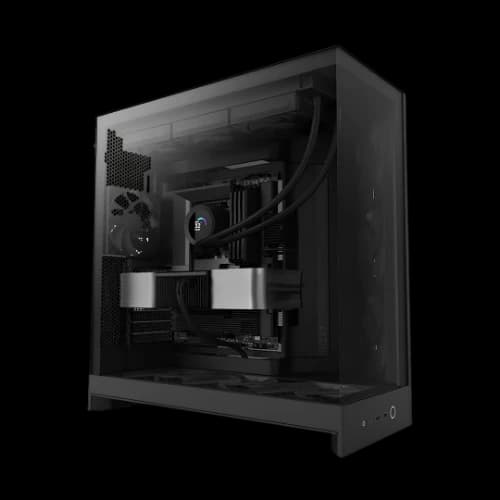
The flagship. Four-sided tempered glass. Dual-chamber design at its most refined. Supports massive cooling setups, including 420mm AIOs. This is a case you build once and keep for years. It commands attention in any setup.
Key Features of NZXT Casing
Every NZXT product carries features that make a real difference. These are not just marketing points.
Tempered Glass Panels
NZXT uses thick, high-quality tempered glass. It shows off your build clearly. The glass attaches with thumb screws for easy removal during upgrades.
Dual-Chamber Layout
Available on H6, H7, and H9 series. The PSU, cables, and drives sit in one chamber. The main components sit in the other. This separation improves airflow and looks cleaner.
Cable Management Bar
One of NZXT's signature features. A vertical bar runs along the back of the motherboard tray. It holds cables flat and organized. Your build looks clean from every angle.
ARGB and Lighting Support
Many NZXT models include ARGB fan headers and two NZXT RGB connector ports. Connect your Aer RGB fans and manage everything through NZXT CAM.
Front I/O Ports
Most models include:
- 1 x USB 3.1 Gen 2 Type-C
- 2 x USB 3.1 Gen 1 Type-A
- 1 x Combined audio/mic jack
This gives you fast front-panel connectivity for drives, headsets, and accessories.
Choose the Right NZXT Casing for Your Build Type
Not every builder has the same need. A gamer needs different things than a content creator. Choosing the wrong case wastes money. Let us break it down simply.
For PC Gamers
Gamers need airflow above everything else. High-end GPUs produce serious heat. A case with strong front mesh intake handles that load well.
Our top picks for gaming builds:
- NZXT H5 Flow RGB — best mid-range gaming case
- NZXT H6 Flow RGB — dual-chamber airflow advantage
- NZXT H7 Elite V2 — for RTX 4080 or RX 7900 level builds
These cases give your pc parts room to breathe. They also look great on a streaming desk or gaming station.
For Custom PC Builders
If you love the process of building, NZXT makes it enjoyable. Tool-less drive mounts, a cable management bar, and wide side panel openings simplify every step.
Builders who want to build their own gaming pc from scratch will appreciate:
- Wide GPU clearance (up to 400mm in H7 and H9)
- Easy radiator mounting without removing the motherboard
- Pre-routed cable channels that keep the interior clean
The H6 Flow and H9 Flow are especially popular with custom builders in Bangladesh. They give you flexibility without the frustration.
For Content Creators and Workstation Users
Content creators run heavy CPU loads for long hours. Rendering, video editing, and 3D work generate sustained heat.
The best choices here are:
- NZXT H7 Elite V2 — full ATX with premium cooling headroom
- NZXT H9 Flow — maximum radiator support for AIO cooling
Both support large computer gaming motherboard sizes, including E-ATX. You get more PCIe slots, more RAM capacity, and better VRM cooling. Everything a workstation demands.
For Office and Budget Builds
Not every PC needs to be powerful. Office builds need quiet operation and compact size.
- NZXT H3 Flow handles Micro-ATX boards quietly
- Minimal fan noise suits office and study room environments
- Budget PC case that does not look or feel cheap
PCB Store carries all these models. You always find the right match for your use case.
NZXT Casing vs Competitor Casings
Bangladesh PC builders often compare brands before buying. NZXT competes directly with Corsair, Lian Li, Cooler Master, and DeepCool. Each brand has strengths. Here is an honest comparison.
NZXT vs Corsair
Corsair cases are popular in Bangladesh. They offer strong RGB integration and good build quality.
But NZXT wins on:
- Cleaner, more minimal exterior design
- Better stock cable management system
- NZXT CAM software for unified control
- Quieter operation out of the box
Corsair suits buyers who want heavy RGB from the start. NZXT suits builders who prefer clean aesthetics with optional lighting.
NZXT vs Lian Li
Lian Li casing builds premium aluminum cases with excellent finishing. Quality is very high. But prices run significantly higher for comparable specs.
NZXT gives you:
- Similar build quality at a lower price point
- Better software ecosystem through CAM
- More beginner-friendly internal layout
For Bangladesh builders watching budget, NZXT delivers better value at nearly every tier.
NZXT vs Cooler Master
Cooler Master cases offer more variety across price points. Their budget options undercut NZXT on price.
However, NZXT leads on:
- Superior interior cable management design
- More refined tempered glass panel quality
- Stronger brand reputation in the gaming community
NZXT vs DeepCool
DeepCool casing has made strong gains with airflow-focused cases recently. Good case fan support at low prices.
NZXT still holds the edge on:
- Overall build material quality
- Software integration and smart device control
- Design consistency across the entire product lineup
For serious PC builders in Bangladesh, NZXT remains the most balanced choice. You get quality, design, and software in one package.
How to Build Your Gaming PC With an NZXT Case
Building your own gaming PC feels complex at first. With the right case, it becomes straightforward. NZXT cases are designed for first-timers and experienced builders equally.
Follow these basic steps for a clean NZXT build:
Plan your parts list first
Choose your motherboard, CPU, GPU, RAM, storage, and PSU. Match sizes to your chosen NZXT case before buying anything.
Install the PSU first
NZXT's dual-chamber design puts the PSU in the lower chamber. Install it before anything else. Run cables through the pre-cut routing holes at the back.
Mount the motherboard
Standoffs are pre-installed in most NZXT cases. Align your computer motherboard carefully. Secure it with the included screws.
Install the CPU cooler and RAM
Do this before mounting drives or a GPU. You get more clearance and better reach this way.
Mount storage and GPU
NZXT cases use tool-less or single-screw drive mounts. GPU slides into the PCIe slot and locks in cleanly.
Cable management
Use the cable management bar at the back. Route power cables through the designated channels. Velcro straps keep everything tight and tidy.
Install PC case fans and test
Plug all PC case fan headers into the Smart Device or motherboard headers. Power on and check NZXT CAM for temperature readings.
A well-built NZXT case looks like a professional setup. Even first-time builders get that result when the case is designed this way.
Why Buy NZXT Casing From PCB Store in Bangladesh
PCB Store is your trusted source for genuine NZXT products in Bangladesh. We carry the full lineup from PC casing options to flagship models.
Here is what you get when you shop with us:
- 100% genuine NZXT products
- Updated prices reflecting current market rates
- Fast delivery across Bangladesh
- Knowledgeable support team
We understand the Bangladesh PC building market deeply. We know what builders here need and what fits different budgets. Our product pages include full specs, compatibility info, and honest descriptions.