Hard Disk Drive Price in Bangladesh
Hard Disk Drive
12
/22
Filter
Filter
Description
Hard disk drives, commonly known as HDDs, have long been a cornerstone of data storage technology, providing reliable and cost-effective solutions for saving vast amounts of information. These mechanical devices use spinning platters coated with magnetic material to read and write data through a moving actuator arm equipped with read/write heads.
Unlike solid-state drives that rely on flash memory, HDDs offer larger capacities at lower prices per gigabyte, making them ideal for archiving photos, videos, documents, and software applications. As digital content creation explodes in fields like video editing, gaming, and cloud backups, understanding the various types of hard disk drives becomes essential for choosing the right storage option.
Different Types of Hard Disk Drives (HDD)
Internal Hard Disk Drives (HDD)
Internal hard disk drives represent the traditional backbone of computer storage systems, embedded directly within desktops, laptops, servers, and other computing devices. These drives connect to the motherboard via interfaces such as Serial ATA (SATA), which has become the standard for modern systems due to its high data transfer speeds and compatibility. For enterprise environments, the SAS (Serial Attached SCSI) interface is often used due to its higher performance and reliability for 24/7 operation. Older models might use Parallel ATA (PATA) or Integrated Drive Electronics (IDE), but these have largely been phased out in favor of more efficient protocols.
Form Factors:
- Internal HDDs come in standard form factors, including 3.5-inch drives for desktop computers and servers for their larger size and higher capacity potential, and 2.5-inch variants optimized for laptops, where space and power efficiency are prioritized mostly.
Performance
- Internal HDDs store data on spinning magnetic platters, where higher RPM speeds improve access times and reduce latency. Cache memory boosts responsiveness by storing frequently accessed data, while NAS and server-grade drives offer better error correction and vibration resistance for dependable 24/7 use. In terms of capacity, internal HDDs range from a few hundred gigabytes to over 100TB per drive, making them ideal for bulk storage, media libraries, database systems, NAS setups, and cloud or data center environments.
Stability
- Since HDDs are housed within a protected enclosure and often connected via high-speed, direct interfaces, internal HDDs offer stable performance for demanding, always-on applications.
Use Case
- HDD is not as fast as SSD, but in terms of cost-effectiveness and long-term storage, HDD still holds its position over the decades.
- For NAS Server, Large Database Management, Cloud, Edge, and Data Center, and storing commercial data, HDD is still the top choice among enthusiasts and IT professionals.
External Hard Disk Drives
External hard disk drives extend the capabilities of internal models by enclosing the HDD mechanism in a protective casing with external connectivity, allowing users to expand storage without modifying their device's internals. These drives primarily interface through Universal Serial Bus (USB) ports, with versions like USB 3.0, USB 3.1, or USB-C offering transfer speeds up to 10 Gbps or more, facilitating quick backups and file transfers. Some advanced models support Thunderbolt or eSATA for even faster performance, catering to creative professionals handling 4K video editing or large-scale data migration. Unlike internal drives, external HDDs draw power either from the connected device or an included AC adapter, depending on the model, which influences their portability and usability.
Form Factors and Software Benefits
- Desktop external drives are larger, high-capacity storage devices built for fixed setups. They usually use 3.5-inch drives, often need an external power adapter, and are ideal for fast, reliable backups, secure data storage, and shared access in home or office environments.
Durability and Practical Applications of External HDD
- External HDDs offer portable, high-capacity storage with added physical protection, making them ideal for backups, file transfers, system cloning, and emergency recovery. They connect easily via USB and can even be used in RAID setups for better performance and data protection, though their moving parts make them less durable than SSDs.
Portable Hard Disk Drive
Portable hard disk drives, particularly the slim and USB-powered variants, embody the evolution toward compact, user-friendly storage that prioritizes mobility without sacrificing functionality. These drives are essentially a subset of external HDDs but distinguished by their lightweight, slender profiles
Form Factor
- Portable HDDs are built around 2.5-inch drives housed in slim, lightweight enclosures that are easy to carry in a bag or even a pocket. They’re typically powered entirely through a single USB cable, so there’s no need for a separate power brick. Casings are usually made from plastic or aluminum and often include basic shock protection to handle everyday bumps and movement, making them suitable for travel and mobile work.
Performance
- Performance on portable HDDs is tuned for efficiency and convenience rather than raw speed. Most use 5,400 RPM mechanisms to keep noise, heat, and power consumption low. Combined with USB 3.0 or newer (like USB 3.1 or USB-C), they can still deliver transfers in the ~100 MB/s+ range for large sequential files, which is plenty for backing up documents, photos, and videos. However, because they’re mechanical, they’re slower than SSD-based portables for random access and heavy multitasking.
Capacity
- Portable HDDs typically range from 500GB up to about 5TB per drive. HDD brands often offer a perfect balance between size and storage. They offer much more space than most internal laptop drives at a fraction of the cost per gigabyte compared to portable SSDs. That makes them ideal for users who need to carry large media collections, project folders, or backups without paying SSD prices.
Use Cases
Portable HDD is a bullseye, where mobility and bulk storage are both important:
- Backing up laptops while traveling or working remotely
- Expanding storage for game consoles (PlayStation, Xbox)
- Carrying large media libraries between home, office, or studio
- Offloading camera footage or project files in the field
- Keeping a portable backup or system image for emergency recovery
Hard Disk Drive Types by Device Compatibility
Hard disk drives (HDDs) remain a fundamental component in computing ecosystems, offering expansive storage capacities at affordable prices compared to faster solid-state(SSD) alternatives. When selecting an HDD, device compatibility plays a crucial role, as factors like form factor, interface type, power requirements, and performance specifications must align with the intended hardware. Laptops, desktops, and servers each demand tailored HDD designs to optimize space, reliability, and efficiency. For instance, laptops prioritize compact, low-power drives to support mobility, while desktops favor larger units for maximum capacity, and servers require robust models built for continuous operation
Laptop Hard Disk
From Factor:
Hard Disk is engineered for portability and energy efficiency, making them distinct from bulkier counterparts used in stationary systems. Typically featuring a 2.5-inch form factor, these drives fit snugly into the slim chassis of notebooks and ultrabooks, where space is at a premium. The standard interface for laptop HDDs is Serial ATA (SATA), with versions like SATA III providing data transfer speeds up to 6 Gbps, ensuring compatibility with most modern laptops manufactured after 2010. Older models might use SATA II or even the outdated Parallel ATA (PATA), but upgrading requires checking the motherboard's supported protocols to avoid bottlenecks in read/write operations.
Power Consumption
Power consumption is a key compatibility factor. Laptop HDDs operate on 5 volts drawn directly from the system's battery or adapter, with spin speeds often limited to 5,400 RPM to minimize heat generation and extend battery life during mobile use.
Capacity
Laptop HDDs usually range from 500GB to 2TB in consumer models, balancing storage needs for operating systems, applications, and personal files without overwhelming the device's weight or thermal profile. They incorporate advanced features like shock protection sensors that park the read/write heads during movement, reducing the risk of data loss from drops or vibrations common in portable computing.
Compatibility
Users must verify the drive's thickness, usually 7mm or 9.5mm, as thinner laptops may only accommodate slimmer variants, necessitating shims or adapters for thicker drives. In hybrid setups, some laptops pair HDDs with small SSD caches for faster boot times, a configuration known as SSHD (solid-state hybrid drive), which maintains backward compatibility with standard SATA ports.
Desktop Computer Hard Disk
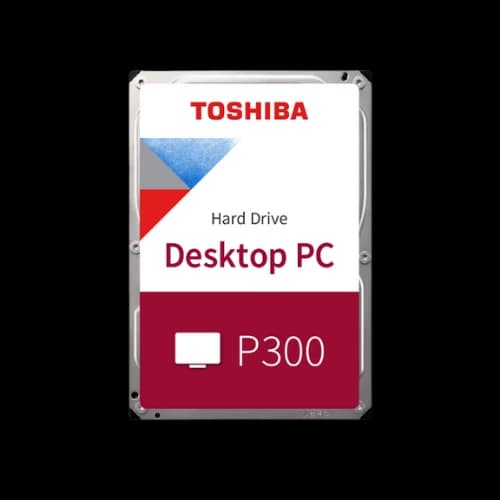
Desktop hard disk drives (HDDs) represent a vital and cost-effective solution for users needing massive storage capacities. Designed for stationary PCs where space and power are less restrictive, these drives deliver an excellent combination of high capacity and strong performance, making them the ideal backbone for home and office builds.
Form-Factor
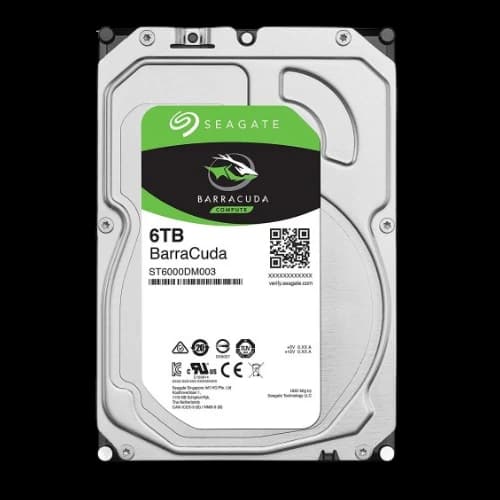
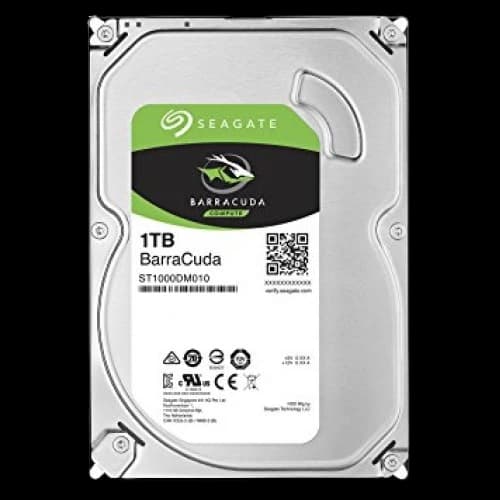
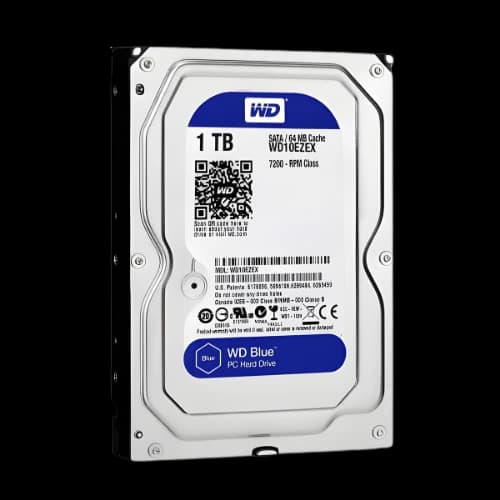
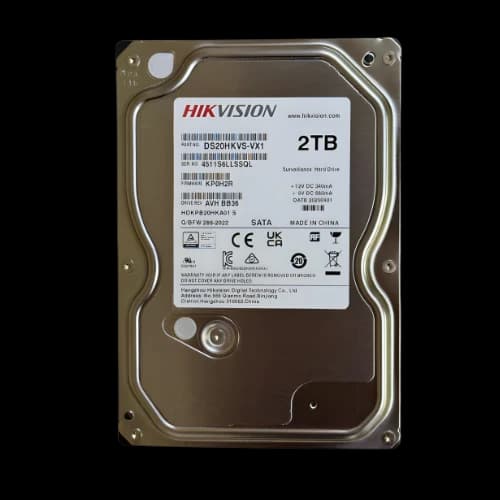
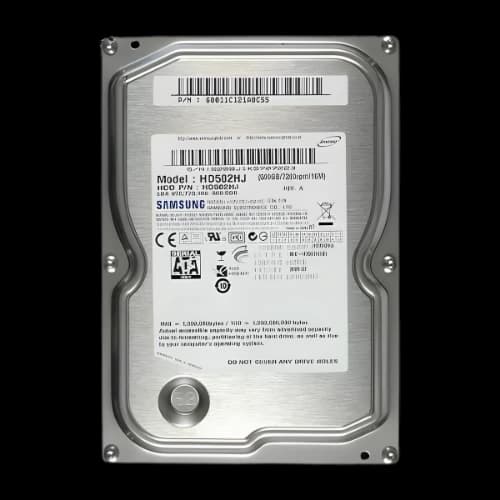
Desktop HDDs utilize the robust 3.5-inch form factor. This industry-standard size is the key to their immense capacity, allowing for multiple internal platters to securely store a user's digital content, from personal files to massive game libraries.
Capacity
The primary advantage of desktop drives is their capacity. They offer an excellent cost-per-gigabyte, allowing consumers to acquire expansive storage at an affordable price. With capacities ranging from 1TB to a colossal 20TB or more, users gain the space they need for:
- Large-scale high-resolution photo and video libraries
- An entire gaming collection
- Professional workstation backups
For peak efficiency, consumers can look for advanced helium-filled designs in high-capacity models. This innovative feature reduces noise and power consumption for whisper-quiet, reliable operation.
Performance
Modern desktop drives deliver the performance users need for a smooth and responsive computing experience, especially when accessing large files.
Responsive Speed: The 7,200 RPM standard ensures snappy file access and reduced load times, making multitasking and opening large projects more efficient.
Built to Last: These drives are engineered for reliability. Many models feature enterprise-grade specifications like ECC (Error-Correcting Code) for data integrity and impressive MTBF (Mean Time Between Failure) ratings of 1 million hours or more, allowing users to store data with confidence.
Recording Technology: For write-heavy tasks like video editing, PMR (Perpendicular) drives are an excellent choice. For maximum-capacity archiving, SMR (Shingled) drives provide incredible value.
Compatibility
Seamless integration is a key feature of desktop HDDs, which are designed for maximum compatibility and straightforward installation.
- Universal Connection: The SATA III interface is the plug-and-play standard, guaranteeing compatibility with virtually all modern motherboards for fast 6 Gbps speeds.
- Simple Setup: Installation is simple. With standard 12-volt power connectors and ample space in most PC cases, a user can have their new drive running in minutes.
- Advanced Configurations: Users can unlock their PC's full potential by combining drives. A popular tiered storage solution involves pairing a high-capacity HDD with a speedy SSD; the SSD runs the OS, while the HDD acts as a massive archive. Users can also install multiple drives in a RAID array for enhanced speed or data redundancy.
Server Hard Disk
Unlike consumer-grade drives, their design emphasizes uncompromising durability, high-speed performance, and data redundancy, as reliability is the paramount concern.
Performance and Reliability
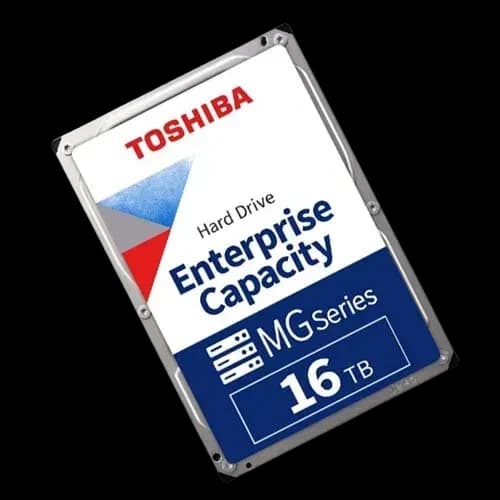
Server HDDs are built for continuous operation under heavy workloads. They are often rated for workloads up to 550TB per year and boast MTBF (Mean Time Between Failure) ratings exceeding 2 million hours, far surpassing consumer models.
- Rotational Speed: To deliver the low latency required for database queries and virtualization, these drives operate at high speeds, including 7,200 RPM, 10,000 RPM, and up to 15,000 RPM.
- Vibration Resistance: In a packed server chassis, vibration from multiple drives can cause data errors. Server drives combat this with Rotational Vibration (RV) sensors, which detect and compensate for interference, ensuring data integrity in dense, multi-drive arrays.
- Power: They require robust 12-volt power supplies capable of handling continuous, stable draws without fluctuation, which is critical for 24/7 operation.
Form-Factor and Capacity
To fit various server chassis designs, enterprise drives are available in two primary form factors. Capacities mirror the desktop market, reaching 20TB or more, but are packaged with enterprise-grade features.
3.5-inch (LFF): The Large Form Factor is ideal for achieving maximum storage capacity in traditional rack-mounted systems, perfect for file servers or big data analytics.
2.5-inch (SFF): The Small Form Factor allows for higher-density configurations, enabling more drives to be installed in blade servers and compact systems, prioritizing performance-per-watt.
Compatibility and Enterprise Integration
Enterprise compatibility is a key differentiator, focusing on high availability and seamless integration with complex systems.
- Interface: The primary interface is SAS (Serial Attached SCSI). SAS is mission-critical because it supports dual-port connectivity, providing a redundant failover path if one controller fails. While many servers also accommodate SATA drives for cost savings in less critical, high-capacity roles (like backups), SAS is the standard for performance and reliability.
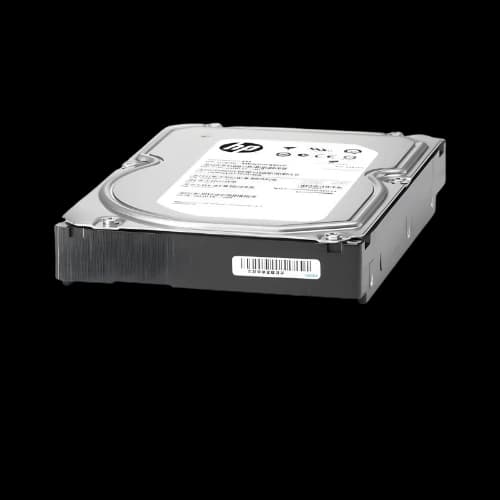
- RAID Controllers: Server HDDs are designed for hardware RAID controllers from major brands like Dell and HP. They incorporate vital features like Time-Limited Error Recovery (TLER), which prevents the controller from prematurely dropping a drive from a RAID array during a minor fault, thus protecting the array's integrity.
- Hot-Swapping: These drives use specific firmware command sets that allow for hot-swapping, a crucial feature that lets administrators replace a drive in a compatible enclosure without shutting the system down.
- Networked Storage: Drives are fully compatible with NAS (Network-Attached Storage) and SAN (Storage Area Network) systems, supporting protocols like iSCSI for networked access. In hybrid cloud setups, they integrate with SSD caching tiers to accelerate read-heavy tasks while leveraging the HDD's massive capacity for cold storage.
- Installation: Installation in servers often involves tool-less bays and requires careful cable management to maintain critical airflow, preventing thermal throttling and ensuring peak performance.
These drives are indispensable for enterprise tasks such as hosting websites, managing big data, and running virtual machines, where their reliability minimizes costly outages and ensures compliance with data retention standards.
Why Choose PCB Store for Your Hard Disks?
PCB Store can be your ultimate destination for buying a complete PC or picking up individual PC parts and hard disks. Here’s why PCB Store stands out as the best and most reliable choice for your HDD. We provide an official warranty on every product. You get genuine coverage and peace of mind with every purchase.
We are recognized by many renowned brands like ASUS, MSI, Gigabyte, and more. This guarantees that every product you buy is original, brand new, and not counterfeit, refurbished, or used.
PCB Store offers extensive after-sales service to its consumers throughout the product life span and under warranty.
We have experienced and trained staff who can guide you on component compatibility, performance needs, and budget optimization. Their goal is to help you choose the right parts, not just the most expensive ones.